
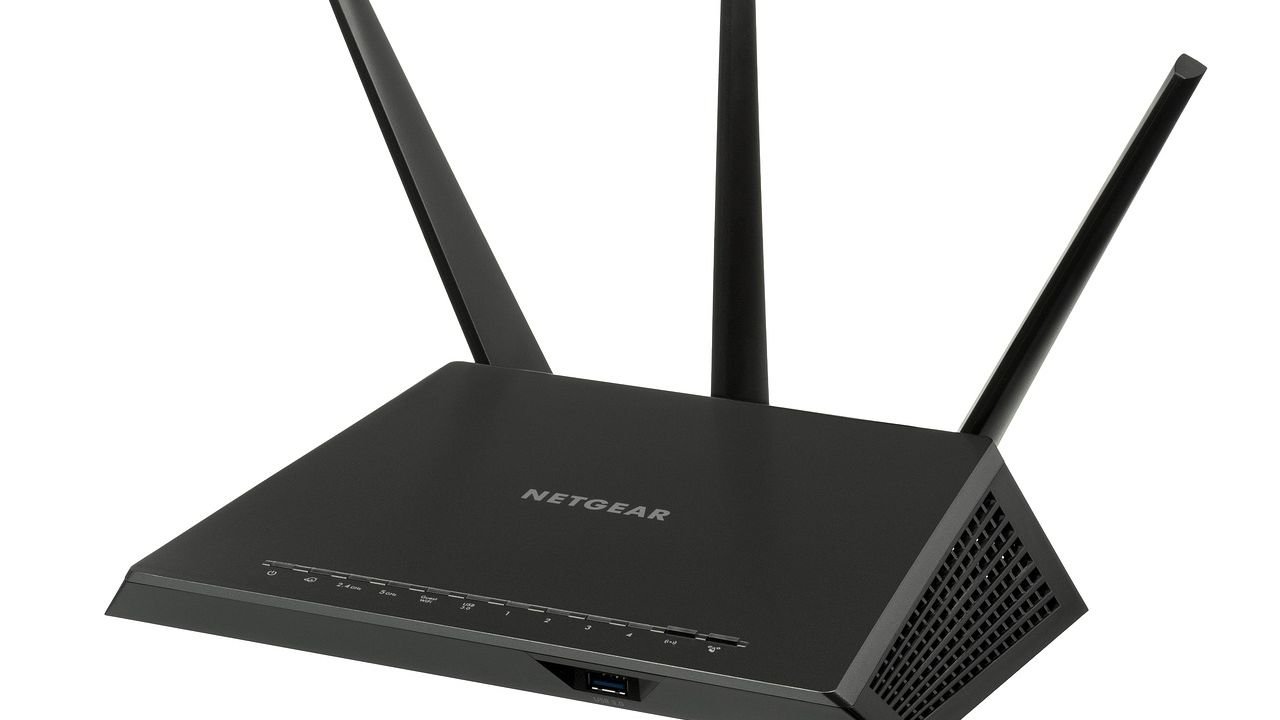

You’ve probably been there. Standing in your own home, waving your phone around like a divining rod, desperately chasing two bars of Wi-Fi that keep disappearing the moment you sit down. Dead zones are one of those deeply modern frustrations nobody warned us about. The bedroom corner that drops every video call. The kitchen where your smart devices stall out mid-recipe. The home office that turns into a digital black hole right before the most important meeting of the week.
Here’s the thing: the solution might actually be sitting in your kitchen drawer right now. Crumpled up next to the sandwich bags and the rubber bands. Researchers have been quietly poking around at how aluminum and reflective materials can reshape Wi-Fi signals inside your home, and the results are genuinely surprising. So let’s dive in.
Why Dead Zones Exist in the First Place
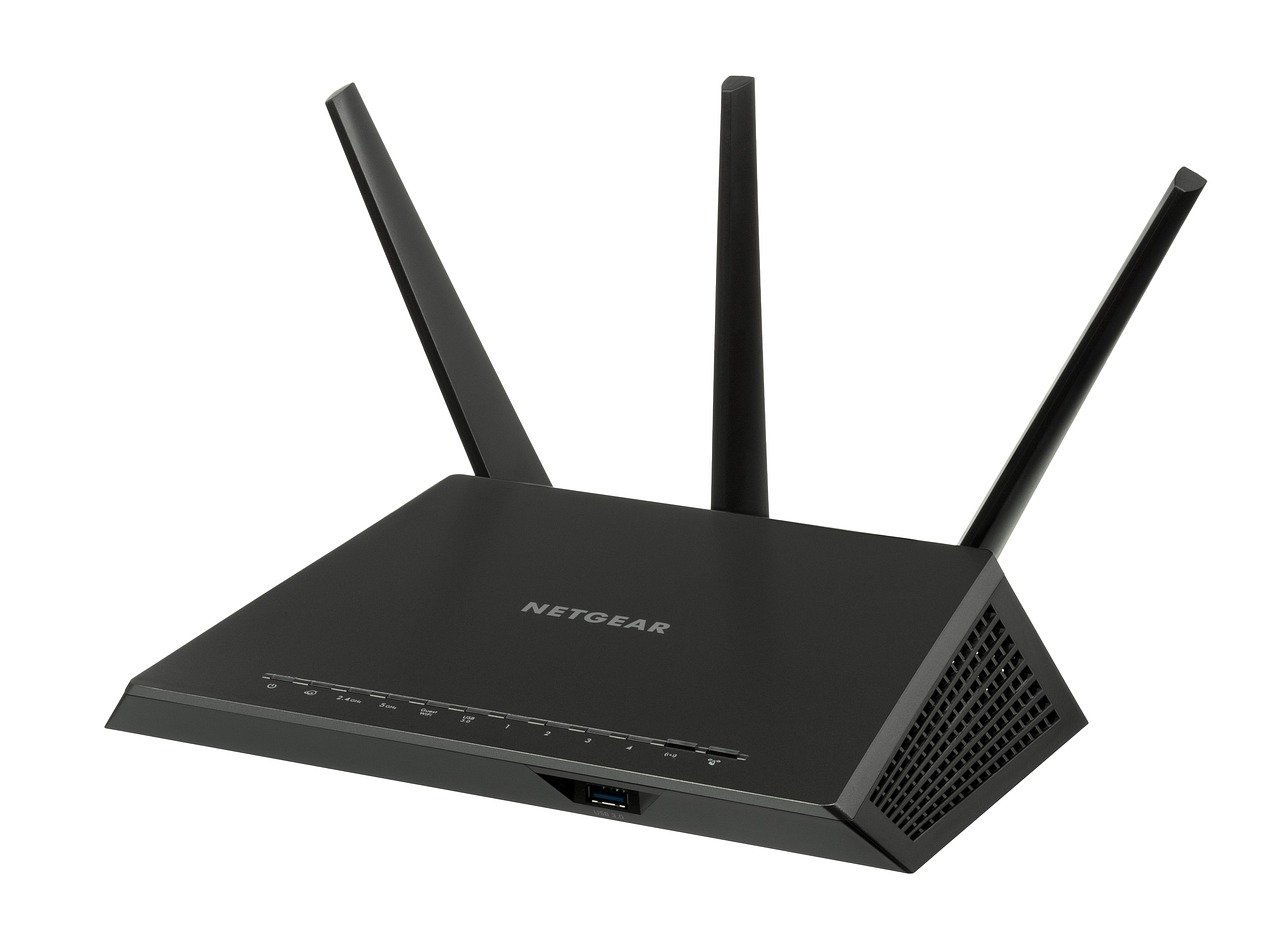
Most people assume their internet provider is to blame when their Wi-Fi cuts out. In reality, the problem usually starts at home, often literally inside the walls. In urban environments, structures made of metal or reinforced concrete tend to reflect radio waves, which can lead to weak signals indoors. The signal leaving your router is essentially bouncing, absorbing, and losing energy the moment it hits any physical obstacle.
For UK homeowners, a single brick leaf alone can cause 15 dB of signal loss at 5 GHz, and a typical Victorian terrace with double-brick external walls introduces as much as 30 dB of attenuation from a single wall. That’s a staggering drop, and it explains why moving two rooms away from your router can feel like you’ve crossed into a different dimension. Honestly, it’s kind of impressive anything gets through at all.
Routers use two frequencies of radio waves: 2.4 GHz and 5 GHz. The 5 GHz band is less prone to congestion and faster, but the 2.4 GHz band has a longer range and travels better through walls and floors. So every time you’re streaming in the bedroom on a fast 5 GHz connection, you’re choosing speed over penetration. Dead zones on the 5 GHz band are basically guaranteed in anything larger than a studio flat.
The Science Behind the Foil Trick
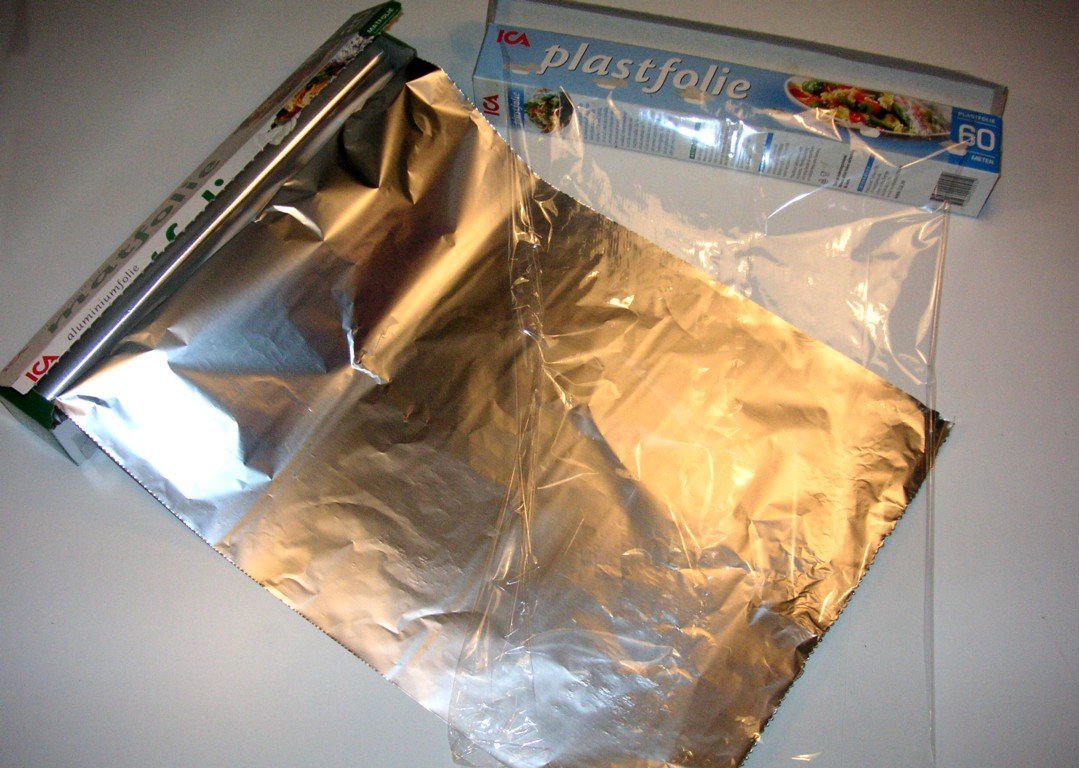
Here’s where things get interesting. Metals are excellent at reflecting radio waves due to their electrical conductivity. When radio waves hit a metal surface, they induce electrical currents within the metal, which generates a new electromagnetic wave that travels back in the opposite direction. This isn’t folklore or a kitchen hack myth. It’s basic electromagnetic physics.
Aluminum is one of the most common metals used for this purpose. It offers a lightweight yet effective material for reflecting radio waves, and an aluminum screen can effectively redirect signals, making it valuable in applications such as antennas. The idea of using foil behind your router is essentially applying the same concept that makes parabolic dish antennas work, just on a kitchen-scale budget.
Aluminum foil can combat signal loss when placed behind or beside a router. The material’s high radio wave reflectivity directs dispersed power back toward the broadcast area, restoring lost potency, while the total output strength doesn’t increase but the available signal propagation is optimized for stronger coverage. Think of it less like boosting the signal and more like aiming it, the way a flashlight reflector focuses a beam without actually making the bulb brighter.
What Dartmouth Researchers Actually Discovered
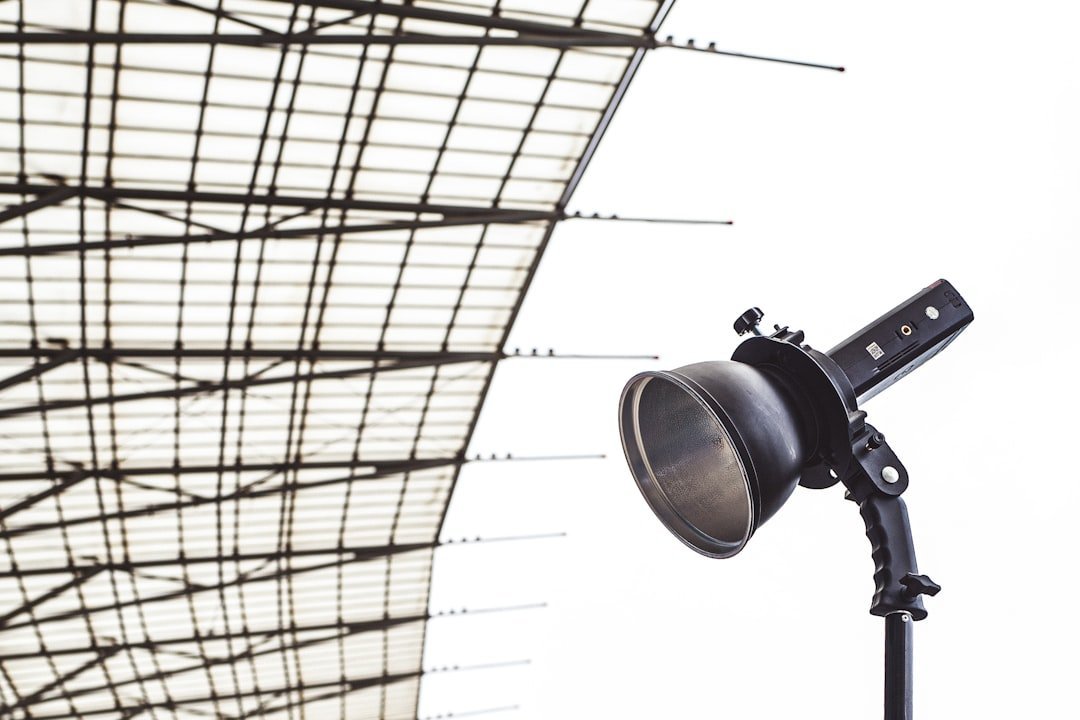
Researchers from Dartmouth College, the University of Washington, UC Irvine, and Columbia University presented a low-cost, secure, and easy-to-configure approach that uses an easily accessible, 3D-fabricated reflector to customize wireless coverage. This wasn’t just a garage experiment. It was a formally peer-reviewed study presented at a major computer science conference.
In testing, the team’s system was able to increase wireless signals by up to 55.1 percent in areas where a boost was sought, and also reduce them by up to 63.3 percent in areas where they weren’t wanted. Those are remarkable numbers for a reflector that costs almost nothing. The solution costs about $35 to fabricate. The reflector is covered with aluminum foil and placed around the antennas of a wireless router. While materials like copper and silver also work, aluminum is the cheapest and most accessible.
With information on a specific interior space and the desired target area, the system computes an optimized reflector shape in only 23 minutes. Researchers found that the reflectors can decrease strength by up to 10 dB where the signal is not wanted and increase strength by 6 dB where it is desired. That’s not a marginal improvement. That’s the kind of difference you’d actually feel scrolling through your phone in the back bedroom.
Shape Matters More Than You Think

Aluminum foil is only effective at boosting Wi-Fi strength if the reflector is shaped correctly. Some hacks use a cut-open soda can placed in a circular shape around the router, but this might cause the signal to be boosted only in one direction. As a result, other areas of your home will receive reduced signal strength. This is the critical detail that most casual “foil hack” tutorials online completely skip over.
When shaped correctly, aluminum can act as a passive parabolic reflector, bouncing signals in a preferred direction. However, effectiveness depends on several factors including router antenna orientation, since most routers have omnidirectional antennas and foil must be placed strategically to avoid blocking key emission paths. Getting this wrong doesn’t just give you no benefit. It can actually make certain parts of your home worse. Crumpled foil is basically useless here.
To improve upon the DIY idea, the Dartmouth team developed a system called WiPrint that analyses the internal layout of your home, mapping portions where you’d like to see your Wi-Fi signal boosted. With those inputs, WiPrint’s algorithm calculates the optimised shape for a signal reflector to place beside the router, which can then be 3D-printed in plastic and covered in aluminium foil. It’s genuinely clever, basically a custom antenna shell built around your specific floorplan.
The Regulatory Side Nobody Talks About
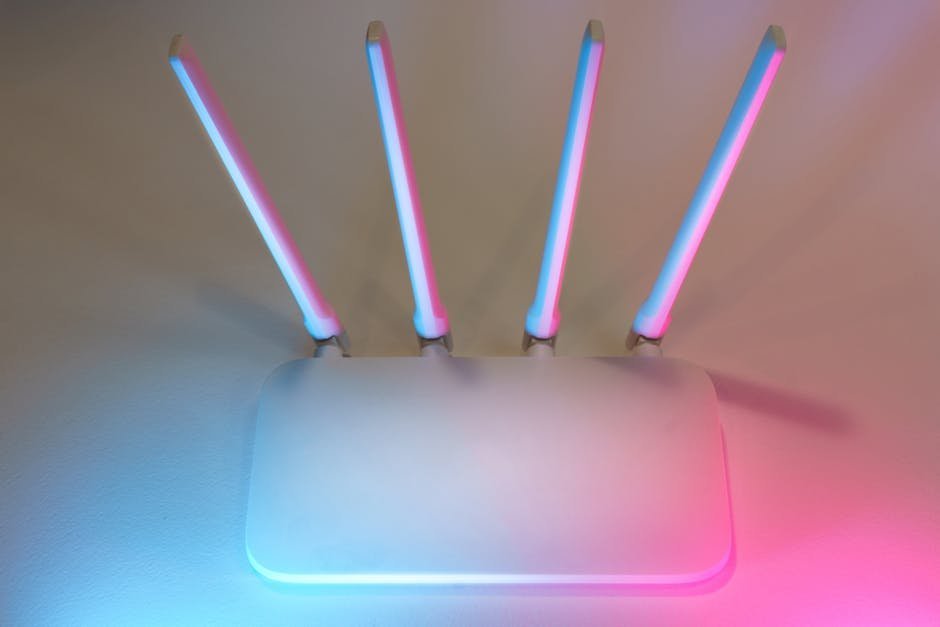
Let’s be real: most articles about this trick completely bury the legal angle. Some industry experts won’t advise people to use tinfoil or any sort of reflector, mainly for regulatory reasons. In the U.S., the FCC actually governs the output power, so there are limitations on what the maximum power level a wireless router can radiate in any particular direction. This isn’t the FCC coming after you for wrapping your router in kitchen foil. It’s more of a general warning that deliberately concentrating signal strength in one direction could theoretically push emissions beyond regulated limits.
Depending on where you live, modifying wireless signals like this could put you in breach of local regulations. Industry professionals caution that using tinfoil or any sort of reflector comes with regulatory considerations that everyday consumers may not be aware of. In most home scenarios, the practical risk is minimal, but it’s absolutely worth knowing before you go architectural with your aluminum. Most casual uses, a simple curved sheet placed behind the router, are unlikely to trigger any real concerns.
Interference: The Hidden Enemy of Your Wi-Fi
Dead zones are rarely caused by just one thing. Even in a perfectly positioned home setup, neighboring networks and household gadgets quietly wage war on your signal every day. Since Wi-Fi relies on radio frequencies to send and receive data, other electrical signals can impact coverage. Appliances like microwaves, baby monitors, wireless cameras, and some satellite TV receivers can interfere with Wi-Fi strength.
Aluminum foil can act as a barrier that prevents unwanted signals from penetrating your router and degrading performance. It reflects interfering waves away rather than allowing them to interfere with your router’s transmission. Think of it as giving your router its own little shielded corner. Not a cure-all, but a genuinely useful passive tool in the interference battle.
If you’re experiencing Wi-Fi channel congestion, changing your router’s settings to use a less congested channel can help. Changing the frequency of your router can also improve Wi-Fi signal performance. Combining a reflector with a channel change is honestly one of the cheapest, most effective double-moves you can make without buying any new hardware. It’s the kind of fix that makes you feel like a wizard for about five minutes.
Real-World Limits: When Foil Fails
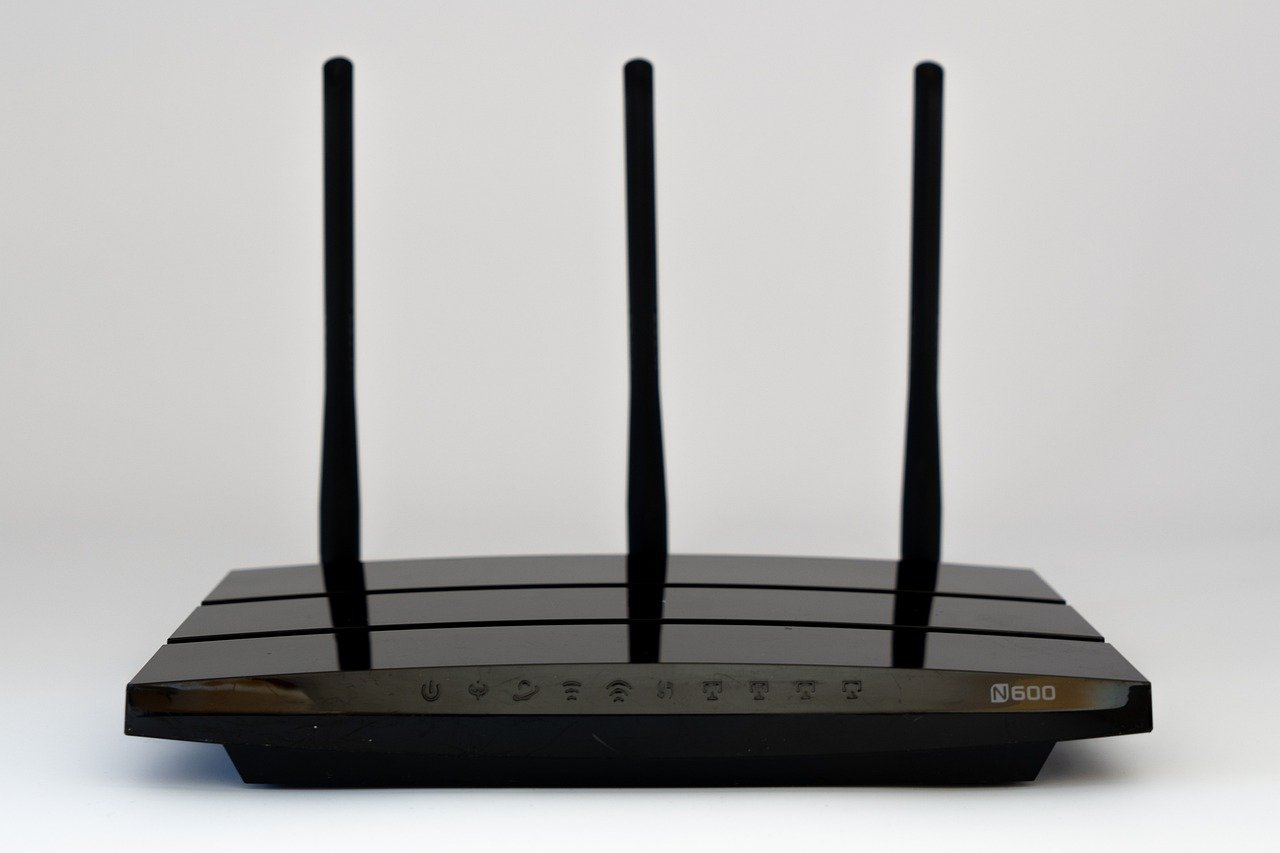
I think it’s important to be honest here. The foil trick is not magic, and it doesn’t work the same for everyone. Poor router placement alone can reduce usable coverage by up to 50%. That means if your router is tucked behind a TV stand in the corner of your living room, no amount of foil is going to compensate for that fundamental mistake. Move the router first. Always.
Ideally, your Wi-Fi router should be placed in the center of your home to distribute the signal equally. Even if you do this, other obstructions like walls, insulation, and furniture can impede signal strength. The foil hack works best as a complement to good placement, not a replacement for it. It’s a tool in the kit, not the whole toolkit.
It’s hard to say for sure how much improvement any individual person will see, because every home layout is different. A 3 to 5 dBm improvement is noticeable but not transformative in most casual tests. For some people that’s the difference between a solid video call and a pixelated mess. For others, it barely registers. The only real way to know is to test it yourself with a free Wi-Fi analyzer app before and after.
Better Alternatives If Foil Alone Isn’t Enough

If reflective surfaces get you partway there but not all the way, there are more structured solutions that actually work. Mesh Wi-Fi systems have gained popularity for their ability to provide seamless coverage throughout a large area. They consist of multiple devices called nodes that work together to create a single, unified Wi-Fi network. For a multi-story home or older property with thick walls, this is almost always the most reliable upgrade you can make.
A Wi-Fi extender retransmits the existing signal on the same radio it receives on, cutting effective throughput by approximately 50% and creating a separate network name. A mesh system, by contrast, uses a dedicated backhaul channel to communicate between nodes and presents a single unified network name, so devices roam seamlessly as you move around your home. This is a detail most people skip when buying, and it’s the reason so many Wi-Fi extenders end up collecting dust after the first week.
The most reliable solution in period properties is wired backhaul, which means running Ethernet cables between the router and remote access points, delivering full broadband speed to every node regardless of wall thickness. Not glamorous, but devastatingly effective. Sometimes the most boring solution is also the best one.
Conclusion: The Roll of Foil Worth Trying

There’s something almost poetic about the fact that a piece of kitchen foil, shaped correctly and positioned deliberately, can meaningfully redirect the invisible electromagnetic waves flowing through your home. It’s not magic. It’s physics. And the research, particularly the Dartmouth WiPrint study, confirms that reflective surfaces genuinely influence Wi-Fi coverage in measurable, reproducible ways.
Will it triple your signal overnight? In most cases, probably not literally triple it. But strategically placed foil behind your router’s antenna, combined with better router placement and channel settings, could stack up to a noticeably better connection without spending a single penny on new hardware. For a lot of households dealing with persistent dead zones, that’s worth five minutes of experimentation.
Dead zones are frustrating. The fix, it turns out, might have been sitting in your kitchen drawer the whole time. What would you have guessed it was?