
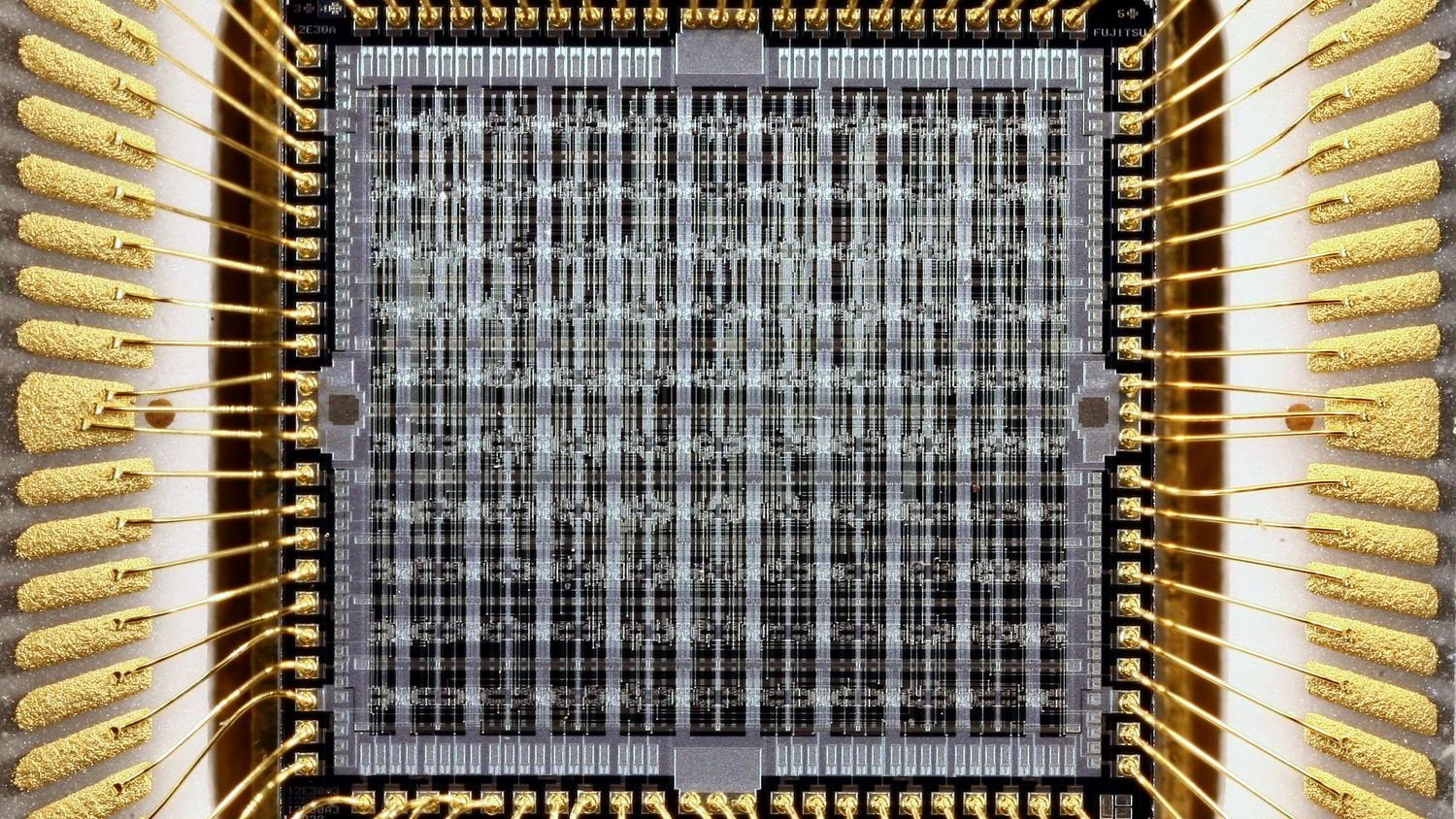

There’s a quiet reality hiding inside every laptop you’ve ever bought. Two people walk into the same store, buy the same model with the same processor, the same RAM, and the same storage – and one of them ends up with a noticeably faster machine. No defects. No missing features. Just luck.
This isn’t a conspiracy or a marketing trick. It’s a natural outcome of how semiconductor chips are manufactured, and the tech community has a name for it: the silicon lottery. Understanding it won’t necessarily change what you buy, but it will absolutely change how you think about laptop performance.
What the Silicon Lottery Actually Means
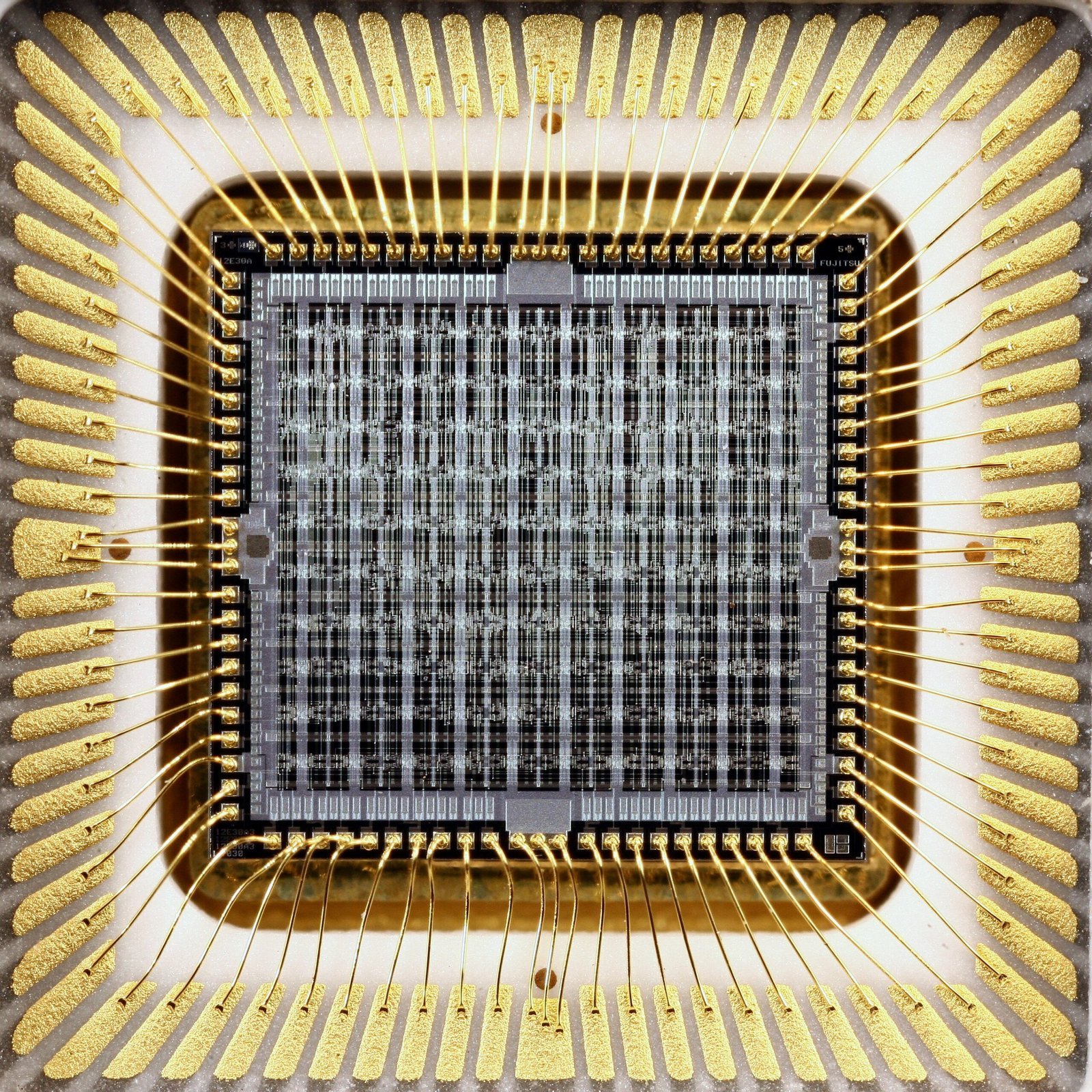
The silicon lottery refers to the statistical variation in performance, power consumption, and overclocking potential among supposedly identical semiconductor chips produced in the same fabrication run. In simple terms, two processors carrying the exact same model name can behave differently once they’re installed in a real device.
Process variations including lithography, implant doses, dopant fluctuations, and line-edge roughness cause per-die differences in transistor characteristics such as threshold voltage and drive current. These are nanoscale differences, invisible to the naked eye, but their effect on real-world performance can be surprisingly tangible. The gap between the best and worst examples of the same chip model can reach ten to fifteen percent under certain workloads – which is a meaningful difference when you’ve paid a thousand dollars for the machine.
How Chips Are Born: The Wafer and the Die
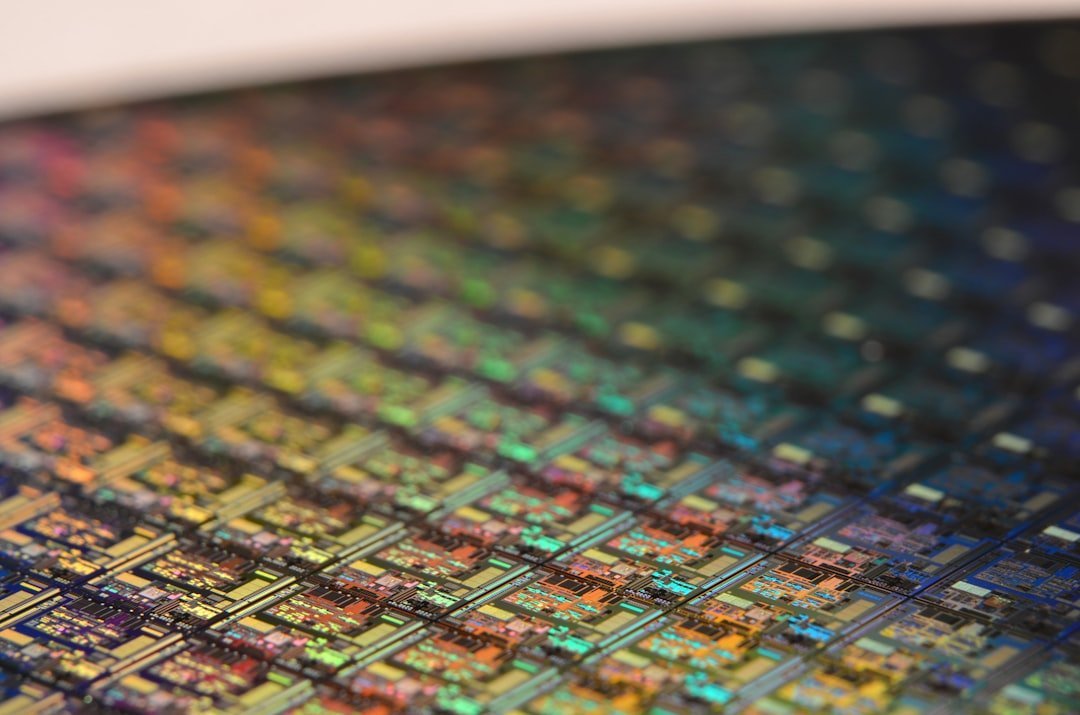
Every CPU starts its life as a small portion of a much larger silicon wafer. That wafer is sliced into many smaller dies, and these dies are then sorted, or “binned,” into different categories based on how they perform. Think of a wafer like a pizza – each slice comes from the same dough, but the slices at the edge bake differently than the ones in the middle.
This natural variation is known as “process deviation,” and it’s unavoidable in the silicon business. No two dies are going to be exactly the same, despite being manufactured with the same process. Semiconductor manufacturing is an imprecise process, sometimes achieving as low as 30% yield, meaning a large proportion of the chips produced on any given wafer don’t even make the cut. The ones that do still vary significantly among themselves.
The Binning Process: Sorting Winners from the Rest

Binning is a process used by semiconductor manufacturers to classify chips based on their performance characteristics. After fabrication, chips are tested and sorted into different categories or “bins” according to their ability to meet specified parameters such as clock speed, power consumption, and thermal performance. This is why two laptops with the same advertised processor can sometimes feel noticeably different under sustained load.
The binning process is essential for CPU makers, and it’s why we have different product tiers. The best silicon that turns out to be the best for any given architecture is used for the higher-end SKUs: the Core Ultra 9s and Ryzen 7s of the world. Defects in manufacturing are not always fatal, and in many cases it is possible to salvage part of a failed batch of integrated circuits by modifying performance characteristics – for example, by reducing the clock frequency or disabling non-critical parts that are defective, and selling those parts at a lower price. So even within a single product tier, the internal quality of the silicon can vary more than most buyers ever realize.
Same Chip, Different Speed: Real Performance Gaps
You would expect all Intel 13600K CPUs to perform the same, but that is not the case. While some can overclock to 6GHz, others might have difficulty reaching 5.5GHz. This is due to the silicon lottery. The same principle applies inside laptop chips, where power and thermal constraints make the variation even harder to control.
Even a Ryzen 7 7800X3D, while not able to overclock in the conventional sense, has a wildly different voltage curve than another person’s 7800X3D, with some chips being able to hold significantly lower voltages while maintaining great performance. For laptop users who aren’t overclocking at all, this still matters. A chip that requires lower voltage to hit the same clock speed runs cooler, sustains higher speeds for longer, and ultimately delivers better real-world performance – all from a unit that looks identical on the spec sheet.
Thermal Throttling: The Cooling Tax on Performance
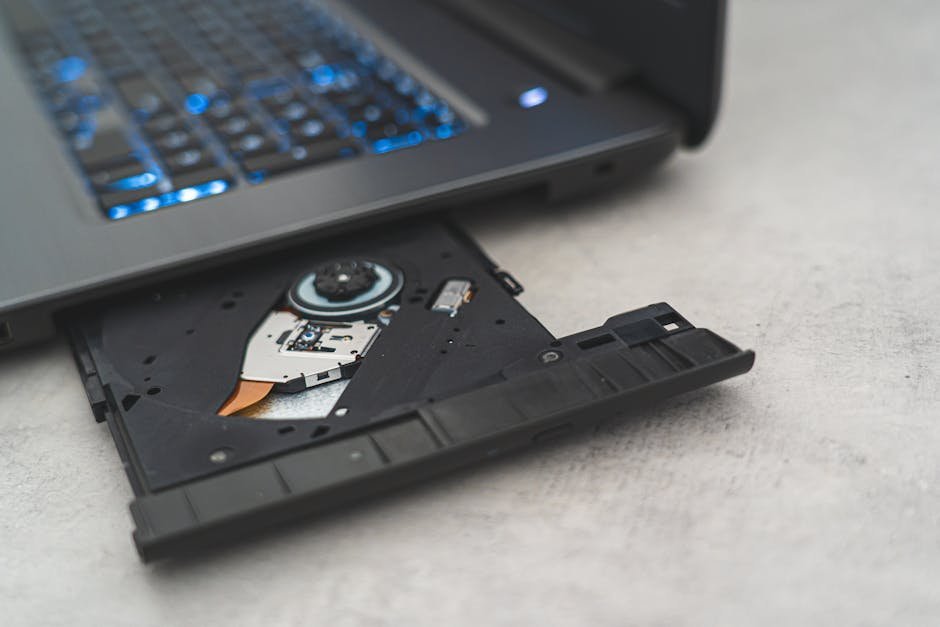
Despite their advertised prowess, many laptops encounter a significant issue: overheating and thermal throttling. Thermal throttling is designed to prevent a laptop’s internal components from overheating. When the CPU temperature reaches a critical level, the system reduces the processor’s speed to lower the heat generation, protecting the hardware from damage. While this is an essential safety feature, it can drastically impact performance, leading to slower processing speeds without any clear indication to the user.
Different laptops may run at different idle temperatures and have different fan curves, which manage how fast the fans spin at what temperature levels. Some laptops have better thermal management than others. There can be differences both between different brands as well as different models. Two laptops with the same chip model but different cooling designs – different heat pipe configurations, different fan sizes, different chassis thickness – can produce benchmark results that differ well beyond what the silicon alone would suggest. The cooling system is, in practice, as important as the chip itself.
Power Limits: The Hidden Throttle That Most Buyers Never See
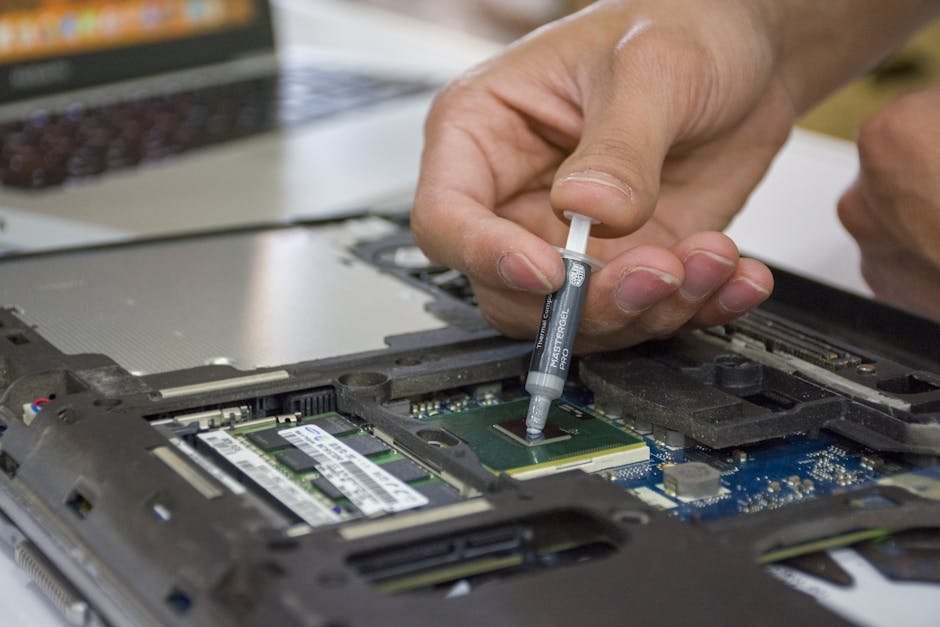
Thermal design power (TDP) is the maximum amount of heat that a computer component can generate and that its cooling system is designed to dissipate during normal operation at a non-turbo clock rate. Laptop manufacturers use this figure as a baseline, but they also set their own power limits that determine how aggressively the chip is allowed to boost – and for how long.
For laptops, manufacturers decide the power and current limits. Any throttling happening there would be completely based on how the OEM designs the laptop. This means a chip rated at 45 watts by the manufacturer could be capped at 28 watts inside a thin laptop chassis, dramatically reducing sustained performance. Exactly how far the processor can go depends on factors such as the Turbo Power Limit, whether the peak frequency is hard coded, the thermals, and the power delivery. Turbo can sometimes be very aggressive, allowing power values 2.5 times above the rated TDP. How a manufacturer configures those limits is a business decision – and it directly shapes the experience every single user has.
Manufacturing Advances and Why Variation Persists
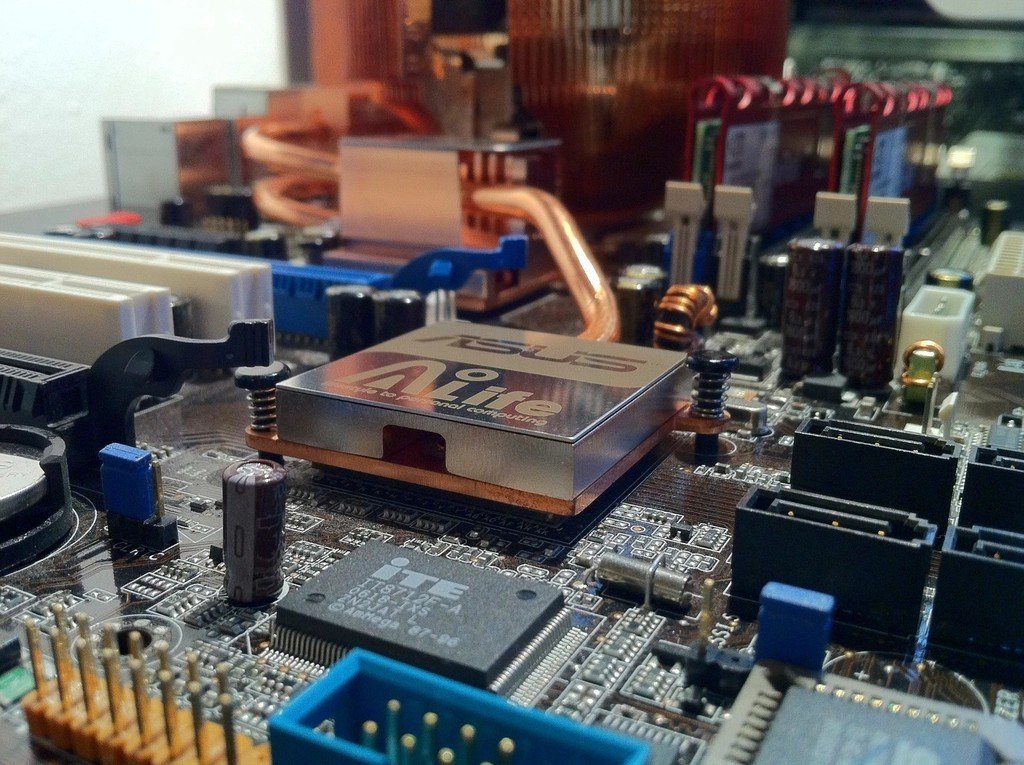
The adoption of extreme ultraviolet (EUV) lithography has allowed chips to be manufactured at nodes as small as 3nm, enhancing performance and power efficiency. Finer process nodes generally produce tighter consistency across a wafer, but they don’t eliminate variation entirely. The physics of working at atomic scales introduces its own unpredictability, and even the most advanced fabrication facilities in the world still operate with natural tolerances.
Foundry and process improvements such as tighter process control, EUV lithography, and improved material uniformity reduce the spread, but the spread never reaches zero. As incredible as chip fabrication plants are, neither they nor the technology and materials used are 100% perfect. There will always be some nano-scale traces of detritus, either within the plant or deep inside the raw silicon and metals used. No matter how hard manufacturers try, they can’t make them totally clean and pure. This is simply the physical reality of building circuits smaller than a virus.
How Buyers Can Make Smarter Decisions

The silicon lottery can’t be entirely avoided, but its impact can be managed. Before buying any laptop above a certain price point, it’s worth spending time with independent benchmark reviews from trusted hardware sites. Look specifically for sustained performance results rather than single-run scores, since thermal behavior only shows up after a few minutes of load. For consistent results, multi-core scores should ideally be averaged across multiple timed runs to represent a worst case after any CPU thermal or power limits are reached. Higher scores are absolutely possible if you run just one single test pass.
It’s highly recommended to research the brand and model you want to buy by watching a couple of trustworthy reviews. Always watch several from different sources to avoid biased ones, and to get a bigger sample of review units. Beyond that, check whether a laptop’s power limits are user-configurable through manufacturer software. Some OEMs allow performance mode switching, which effectively raises the power cap and unlocks more of the chip’s headroom – an easy win that many buyers never discover.
The Role of RAM, Storage, and Software in Perceived Speed

Silicon variation doesn’t operate in isolation. The speed of your RAM and the type of storage installed can either magnify or mask differences in processor performance. A slower chip paired with fast NVMe storage and dual-channel RAM will often feel more responsive in everyday use than a technically superior chip bottlenecked by slower components. These surrounding hardware choices interact constantly with the CPU’s actual output.
Background software is another factor that’s frequently underestimated. Manufacturer-installed utilities, antivirus processes, and system telemetry agents running silently in the background can consume enough CPU and RAM resources to create a perceivable performance gap between two otherwise identical machines. One unit with a clean software environment can benchmark noticeably better than the same model loaded with aggressive vendor bloatware – no silicon differences required.
What “Golden Silicon” Actually Looks Like in Practice
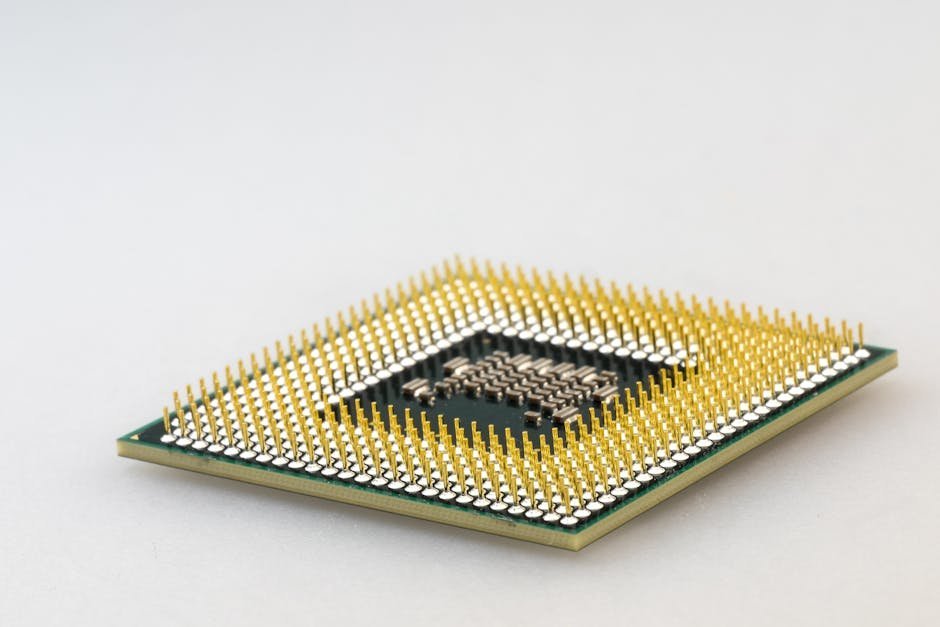
Golden silicon runs cooler and faster at a given voltage – these chips tolerate higher clocks or lower voltages without instability. In practice, a golden chip inside a laptop means the processor maintains its boost frequencies for longer before the thermal limits kick in. It runs at lower temperatures during typical workloads, which also means the fans stay quieter. The experience simply feels smoother and more capable, even though nothing on the label suggests it should be.
If everything is good at stock performance, you can start to test the limits of your silicon by overclocking and undervolting. The level to which it can do both is generally an indicator of the quality of the silicon, and to make the most of any modern chip, a mild undervolt is generally a good idea anyway. Most users will never explore this, but those who do often find that undervolting alone – reducing the voltage fed to the processor without changing clock speeds – can meaningfully improve both thermal behavior and sustained performance on laptops where the chip was running with excessive voltage from the factory.
Conclusion: Luck Is a Factor, But Knowledge Helps

The silicon lottery is real, and it’s worth knowing about – not to generate anxiety, but to sharpen expectations. The laptop market tends to sell performance by spec sheet, where two machines with the same listed processor look identical on paper. The reality is messier and more interesting than that.
Cooling design, power limits, silicon quality, component pairing, and software environment all interact to determine what you actually experience day to day. The good news is that most of these variables can be researched before you buy. Reviews, community benchmarks, and user forums carry a collective body of knowledge that no single spec sheet can match. The lottery exists, but walking in informed is about as close to loading the odds in your favor as you can get.