
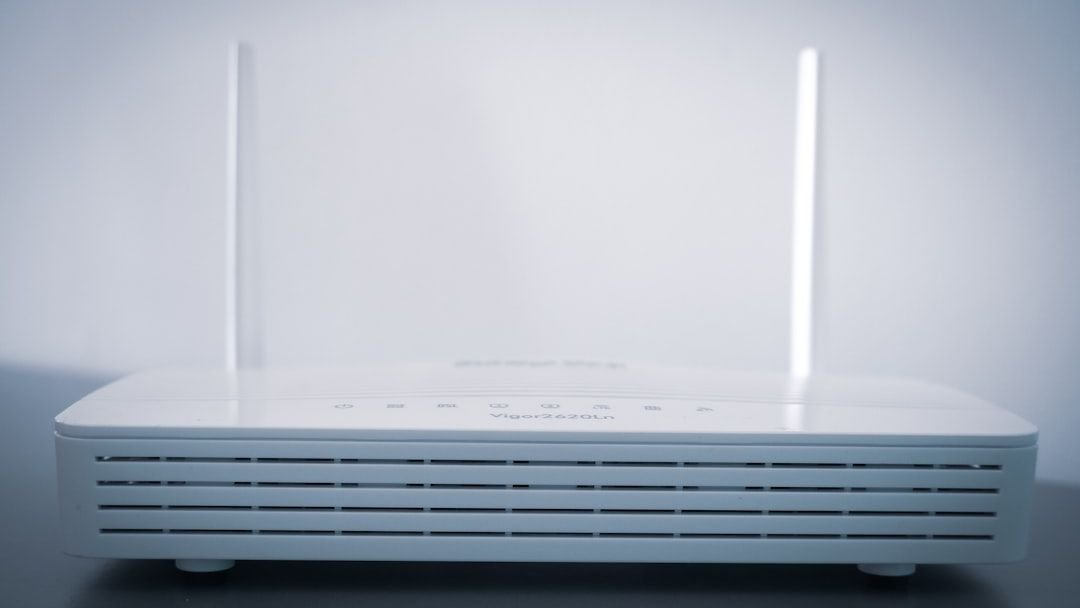

Somewhere along the way, somebody decided that switching off the home router at night was a smart idea. Maybe it started as an energy-saving tip. Maybe it was a parent trying to enforce a bedtime rule. Whatever the origin, the habit spread quietly from household to household, repeated like folk wisdom at dinner tables and in group chats. The thing is, most of the reasons people believe this are built on a foundation of myths.
So what is actually happening inside your router while you sleep, and what does shutting it down really cost you? The answer is more interesting, and frankly more surprising, than you might expect. Let’s dive in.
The Energy-Saving Argument That Barely Holds Up
This is almost always the first reason people give. Saving electricity. It sounds completely reasonable until you look at actual numbers. A typical home broadband router uses between 5 and 20 watts of power, which translates to a daily cost of roughly a few pennies, adding up to somewhere between £10 and £50 per year on your energy bill.
Routers are designed to be left on around the clock and draw very little electricity, with the total annual cost of leaving a router powered on 24/7 coming in at around five dollars. Honestly, that is less than a cup of coffee. Turning it off every single night to save that much is a bit like putting on a sweater to avoid the electricity cost of a single LED bulb.
Another widespread idea is that switching the router off saves a lot on electricity bills, but in reality routers consume very little energy and their design already prioritizes efficiency. The savings are simply too small to justify the disruption it causes to everything else on your network.
Your Router Is Built to Run Forever (Almost)
Routers are designed to be left on, and you are putting unnecessary wear and tear on the device by powering down and rebooting it daily. Constant rebooting can burn out your capacitors and power supplies, thereby shortening the router’s lifespan. Think of it like a car engine. Starting and stopping it over and over, day after day, creates stress that continuous running simply does not.
One popular claim is that turning the router off improves performance, but routers are built for continuous use, and power cycling too often can cause thermal stress and shorten their lifespan. The very act of “protecting” your device by shutting it down may actually be doing the opposite.
Frequent power cycling offers no measurable benefit over a weekly reboot and may shorten the lifespan of cheaper power supplies due to thermal stress. So if anything, keeping it on is the more hardware-friendly choice.
The Security Myth Nobody Wants to Question
Here is one that people feel strongly about. The idea that switching off your router at night keeps hackers out. It feels logical, like locking your front door before bed. Unfortunately, turning off your WiFi at night offers minimal security benefits. Cybercriminals don’t operate on a polite nine-to-five schedule.
A widespread idea says you can prevent hackers by shutting down the network, but while no connection means no access, true protection comes from strong passwords, updates, and proper settings, not just being offline. Real security is proactive, not just reactive. Switching off a router for eight hours while leaving it unprotected the other sixteen is not a security strategy.
Keeping your router firmware updated, using a strong WPA2 or WPA3 password, disabling WPS, and changing default admin credentials will protect you vastly more than any nightly power-down routine. It’s the difference between actually locking the door versus just closing it.
Firmware Updates Happen While You Sleep
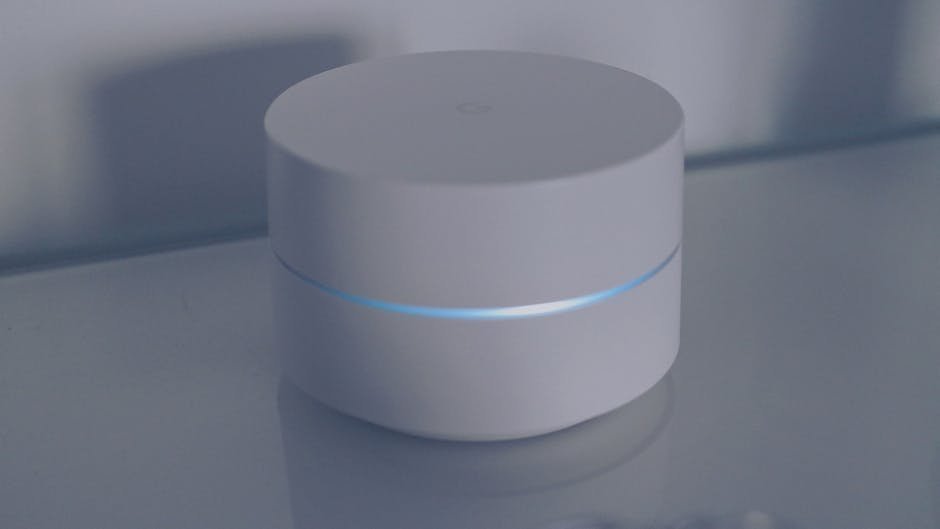
This is one that most people genuinely don’t know about, and it matters quite a lot. Some routers automatically update on a nightly basis. That means every time you unplug your router before bed, you could be interrupting a critical security patch from installing.
If your router is one of those that does regular software updates and schedules them at night, you just turned off your updates. One of the main things that allows hackers to get control of devices is unpatched systems. It is a bit ironic. People shut off the router for security, but in doing so they may be preventing the very updates that keep them secure.
Keeping an eye on your router’s lifecycle and consistently running a routine to update router firmware is non-negotiable because these updates are not mere feature upgrades; they are essential security patches. Manufacturers continuously identify and fix vulnerabilities, and threat actors are equally persistent in exploiting known flaws in older firmware versions. A router kept dark overnight is a router potentially stuck on yesterday’s security.
Your Entire Smart Home Goes Offline
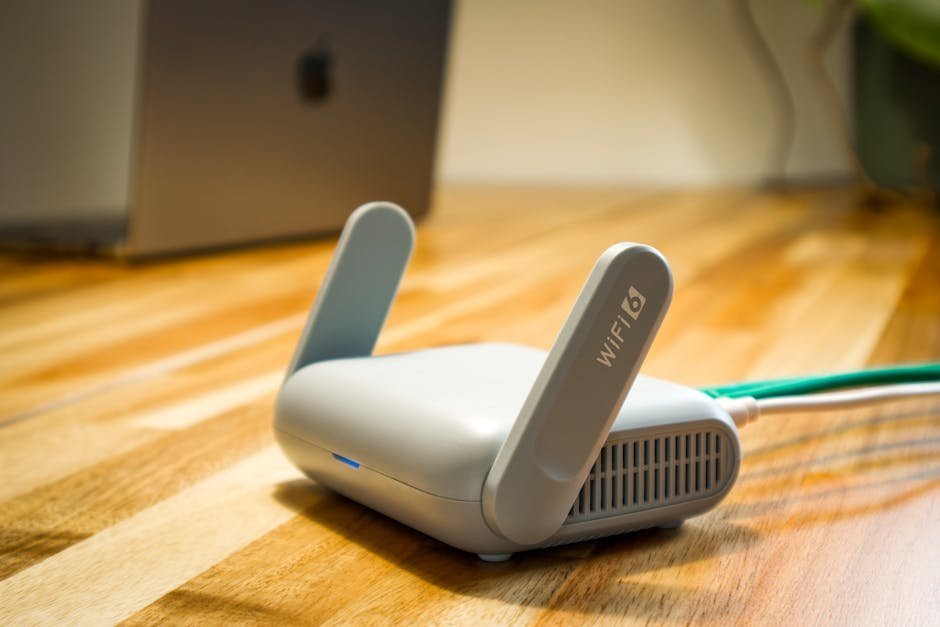
This is where the myth becomes genuinely inconvenient for modern households. As soon as you turn your WiFi off, your smart devices, such as light switches, bulbs, plugs, Amazon Alexa, security cameras, video doorbells and other smart appliances, will not function. If at 3 AM you ask Alexa to turn on the light, be prepared to sit in the dark. The Internet of Things requires WiFi.
The number of connected IoT devices reached 18.5 billion in 2024, representing a 12 percent growth over 2023. These are not hypothetical gadgets. These are real devices inside real homes, and nearly all of them rely on your router staying on. The average US household now uses 21 IoT-connected devices, compared to 15 just two years ago.
Turning off your router at night can cause your smart thermostat to lose schedules, security or doorbell cameras to become inaccessible, and voice assistants to be unable to respond. For most homes in 2026, that is not a minor inconvenience. It is a real disruption.
Your Security Cameras Stop Recording
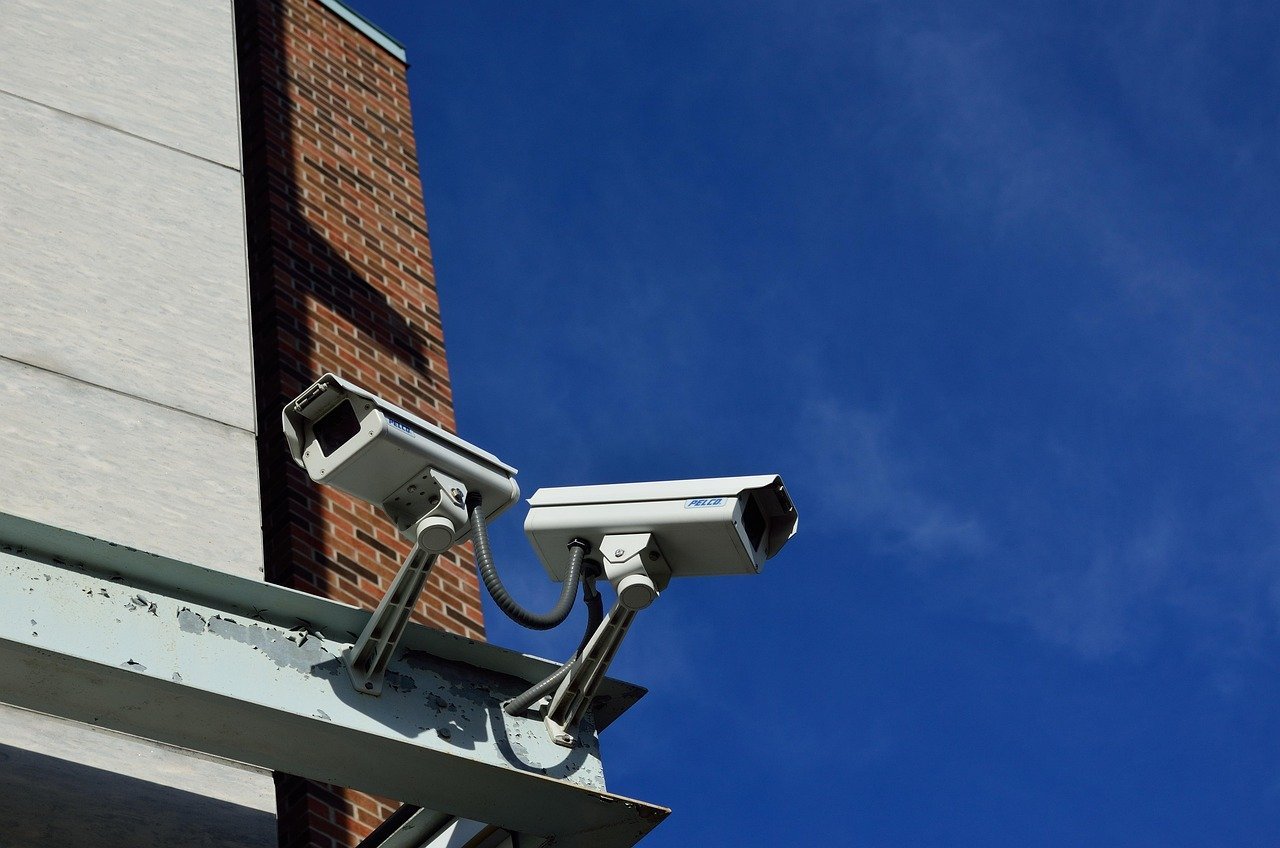
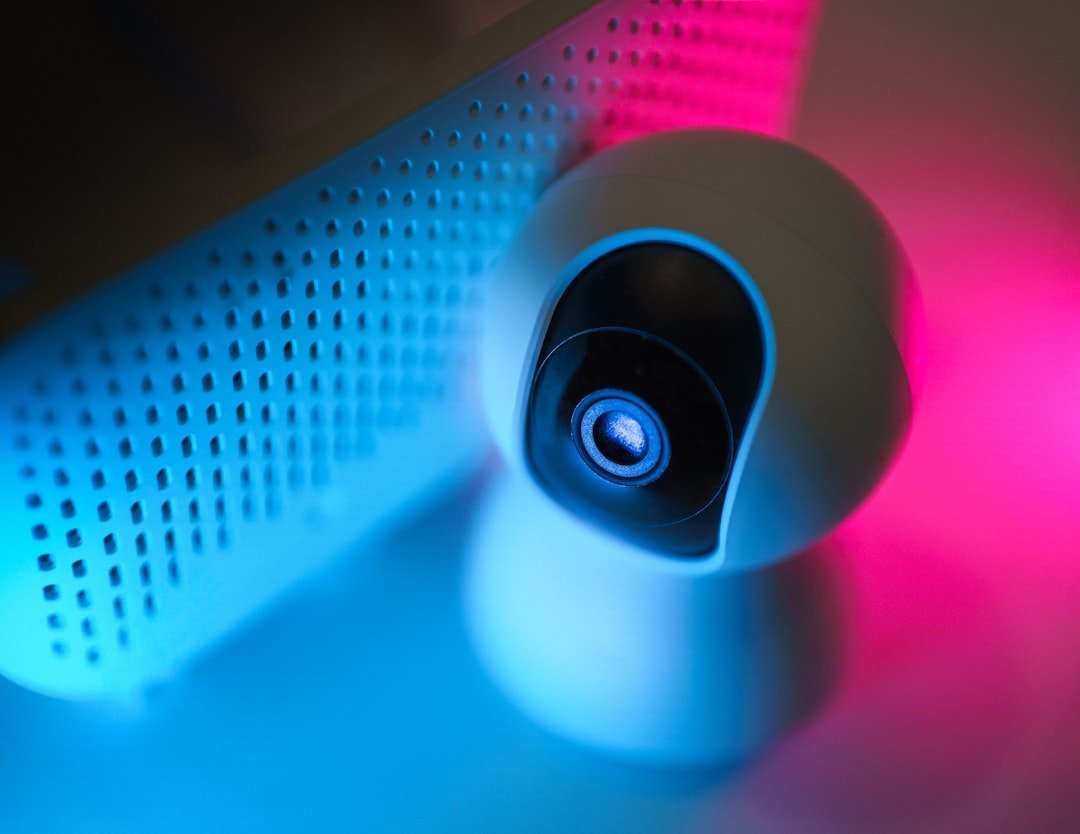
Let’s be real about this one, because it is a significant contradiction. Many people turn off their router at night for security reasons. Many security systems depend on internet access, and disabling your router may deactivate alarms, cameras, or motion detectors, leaving your home less protected. You are making your home less safe in the name of making it more safe.
You should consider what IoT devices are used. If you have smart sensors like fire, smoke, CO2, intrusion sensors, perimeter sensors, cameras and other life or death or house security-related devices, they need WiFi on obviously. A smoke detector that cannot connect, a doorbell camera that goes blind at midnight, these are real consequences of a nightly shutdown.
The security and access control segment dominates the smart home market, owing to rising concerns over safety, theft, and break-ins, prompting consumers to adopt smart home security systems. These solutions include smart cameras, doorbell cameras, motion sensors, smart locks, and alarm systems, offering enhanced monitoring, control, and peace of mind. Cutting the router means cutting all of that off.
Overnight Backups and Updates Get Blocked

Here is something that quietly causes real damage. Your phone, laptop, tablet, and any number of connected devices are likely set to back themselves up during the night, when you are not using them. By turning off the router, you prevent your phone, PC, and whatever other equipment you have from doing automatic updates, backups, and whatever else they might be doing overnight. That might be a very big deal if you have a security issue that results, or if you lose data because you were not doing backups.
Major updates take time and often slow you down and get in the way when using your devices. By leaving your WiFi on overnight, you can schedule updates for the middle of the night when you are asleep. Also, connected devices such as tablets and cell phones can update overnight if they have a connection.
Think of it like having a cleaning crew that only comes at night. If you lock the building before they arrive, you just have to deal with the mess tomorrow. Blocking overnight updates means facing them during the day, right when you’re trying to get things done.
The WiFi Radiation Fear Is Not Supported by Science
This is a sensitive one. Plenty of people are genuinely concerned about WiFi signals affecting their health, especially during sleep. It is worth taking seriously rather than dismissing outright. Research shows that WiFi routers emit radiofrequency waves at levels far below international safety limits. According to the World Health Organization, there is no conclusive evidence that exposure to low-level radiofrequency fields from WiFi causes adverse health effects.
Radiofrequency emissions from a home WiFi router are low-power and well below international safety limits established by the WHO and ICNIRP. Current mainstream scientific consensus shows no established adverse health effects from typical home WiFi exposure. That is a very firm scientific position backed by decades of research.
Scientific studies have found no evidence that WiFi signals are harmful, and you are still exposed to surrounding networks even with your own router off. Your neighbors’ routers don’t pause for your bedtime. Switching off your own device changes almost nothing about the ambient signal environment in most homes.
How Often Should You Actually Reboot?

There is a real difference between a nightly power-off and an occasional, strategic reboot. One is a myth-driven habit. The other is good practice. Generally speaking, rebooting your router once a month is a good idea for most home and small-business routers. Doing this will keep your WiFi network running optimally, maintaining optimal performance by clearing out accumulated memory and resolving minor connectivity issues.
Some routers allow you to schedule a regular reboot through the app or browser interface, letting you schedule a monthly reboot at convenient times, such as at night when everyone is asleep and not using the internet. This is actually the smart approach. Scheduled, infrequent reboots without fully shutting the system down.
A single well-timed reboot per week often suffices to keep things running smoothly. Once a week or once a month is reasonable maintenance. Every single night is simply unnecessary, disruptive, and built on misinformation.
What You Should Actually Do Instead
So if turning off your router at night is mostly a myth, what should you actually do to keep your network healthy and secure? The answer involves action, not avoidance. Research found that only about a third of users had ever changed their WiFi password. Changing your WiFi password is a simple yet fundamental security precaution that takes seconds. Default WiFi passwords are well known, and it would take seconds for a knowledgeable hacker to gain access.
In 2023, over 65 million home routers were found to be vulnerable due to outdated firmware or weak encryption protocols. That is a staggering number, and none of those routers were protected by being switched off at night. They were vulnerable because they were unpatched and poorly configured.
The real checklist looks like this: update your firmware regularly, change your default admin password, use WPA3 encryption if your router supports it, and consider scheduled monthly reboots instead of nightly shutdowns. Keeping the firmware up to date with the latest security patches will prevent cybercriminals from exploiting bugs and vulnerabilities. Investing in protection software which has a VPN will also encrypt and secure internet connections, adding an extra layer of protection. That is the actual path to a secure and healthy home network.
Conclusion

The router reset myth is one of those beliefs that spread because it sounds plausible. Turn things off, let them rest, save energy, stay safe. It feels logical. The problem is that practically none of it holds up once you look at the real evidence. The energy savings are negligible. The security benefits are minimal. The hardware argument works against nightly reboots. Your smart home goes dark. Your cameras stop watching. Your backups fail to run.
Routers are not light switches. They are the backbone of your entire connected home, and in 2026, that home is more connected than ever before. Treating your router like something that needs a break every night is a habit worth breaking.
The better question to ask yourself is not “should I turn this off?” but rather “when did I last update the firmware and change the default password?” That is where the real protection lives. What would you rather have at 3 AM: a sleeping router, or a smart camera that caught the person on your doorstep? Tell us what you think in the comments.