

Your phone is basically a distraction machine in your pocket. It lights up, it buzzes, it chirps, and it pulls your eyes away from whatever actually matters. The scary part? Most of those interruptions are absolutely worthless. A promotional emoji from a food delivery app at 11 AM is not news. It’s noise.
There’s a smarter way to deal with all of this, and it doesn’t mean throwing your phone in a drawer. With the right setup, your device can work like a trained gatekeeper, only letting through what truly deserves your attention. Let’s dive in.
The Scale of the Problem Is Bigger Than You Think
Most people know they get a lot of notifications. Few people realize just how extreme it’s gotten. In the US, smartphone users get about 46 push notifications a day. That’s almost one every 20 minutes during waking hours, which honestly sounds exhausting when you say it out loud.
Based on iPhone data, Gen Zs receive the most notifications, averaging 181 daily alerts, or one every 8 minutes. Think about that. One ping every eight minutes, all day long, every single day. It’s less like a communication tool and more like a slot machine that never pays out.
Turning off push notifications is often suggested as a way to reduce smartphone screen time, stemming from the fact that a higher number of notifications tends to lead to increased screen time and how often people check the screen. The problem, of course, is that going cold turkey isn’t realistic. The goal isn’t silence. It’s signal over noise.
What Notification Overload Actually Does to Your Brain
The instant shifts in attention due to notifications tend to distract people from what they are doing and may affect cognitive performance negatively. It’s not just annoyance. It’s a measurable drag on how well your brain works throughout the day.
Your working memory can only hold approximately 7 plus or minus 2 pieces of information simultaneously. Each notification forces your brain to evaluate its importance while maintaining awareness of your primary task, creating what researchers call “cognitive overhead.” Every single ping is a tiny tax on your mental resources.
Even when a task interruption is brief, such as a quick phone check, returning to one’s primary activity requires additional cognitive effort and time. Switching back to a task may thus result in redundant work, such as reprocessing of information. So that five-second glance at your screen? It actually costs you far more than five seconds.
The Psychological Hook Apps Use to Keep You Hooked
Technology companies deliberately exploit your brain’s reward pathways through variable ratio reinforcement schedules. This same mechanism that makes gambling addictive applies to notification systems, where the unpredictable timing and content of alerts creates powerful psychological dependency. Your brain releases dopamine in anticipation of potentially rewarding information, making each notification feel urgent regardless of its actual importance.
Here’s the thing: apps are not built for your wellbeing. They’re built for engagement. The notification is not a service. It’s a hook designed to pull you back in as often as possible. Recognizing this changes how you think about every single app permission you’ve ever granted.
Around 73% of subscribers and 62% of users consider push notifications to be spammy when they receive too many. Most people already sense the manipulation on some level. They just haven’t built a system to fight back against it yet.
Why Turning Everything Off Is Not the Answer
I know it sounds tempting. Just nuke all notifications and live in peace. But research actually shows this strategy backfires in surprising ways. A collaborative study of Telefónica and Carnegie Mellon University revealed that disabling notifications completely makes people feel more stressed and less productive.
Crucially, studies found socio-emotional drawbacks of the intervention, such as increased anxiety about missing notifications. Going completely dark creates its own kind of anxiety. You end up checking your phone even more compulsively because you no longer trust that important things will reach you.
The constant barrage of notifications can lead to a phenomenon known as notification fatigue, and this isn’t just about being annoyed by frequent dings and buzzes. Alert fatigue can decrease productivity, increase stress, and even lead to significant oversight in critical situations. The real solution is filtering well, not filtering everything.
Understanding the “High-Value Alert” Framework
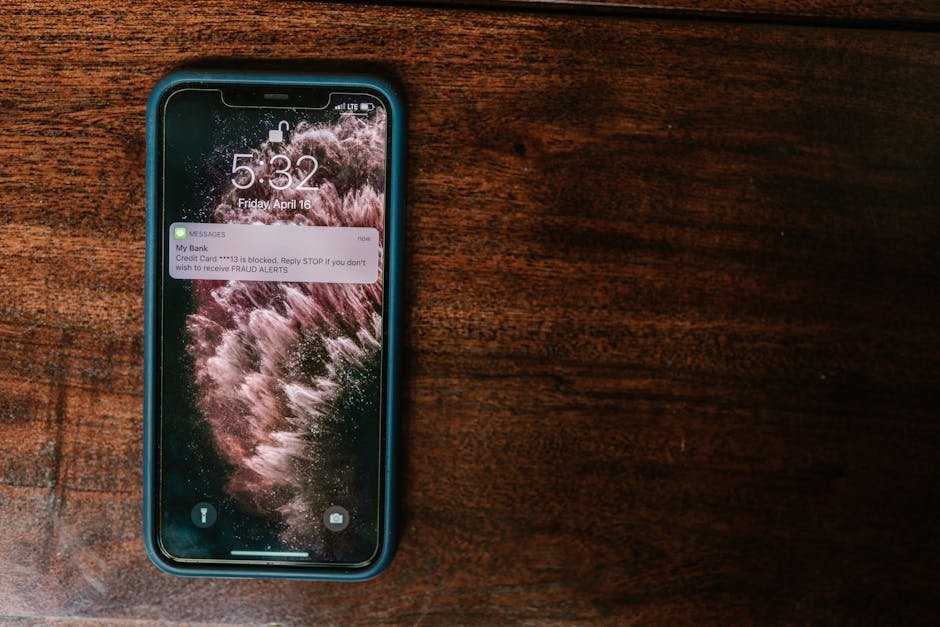
Before touching any settings, you need a mental framework for what actually counts as a high-value notification. Think of it this way: a message from your child’s school, a payment confirmation, a direct call from your boss. These have genuine, time-sensitive stakes. A “We miss you!” from a shopping app does not.
Alerts can be prioritized based on their potential impact, ensuring that critical alerts get the attention they deserve while less urgent notifications are deferred or filtered out. This not only helps in managing alert volume but also in maintaining focus and productivity. It’s honestly not complicated once you have the right lens for it.
Tracking which types of messages genuinely required immediate attention versus those that could have waited for scheduled review helps refine filtering rules and provides objective evidence of the trade-offs between immediate responsiveness and sustained productivity. Start observing your notifications for just one week with this in mind. The patterns you’ll notice will probably surprise you.
Using Focus Mode on iPhone to Ruthlessly Filter Alerts
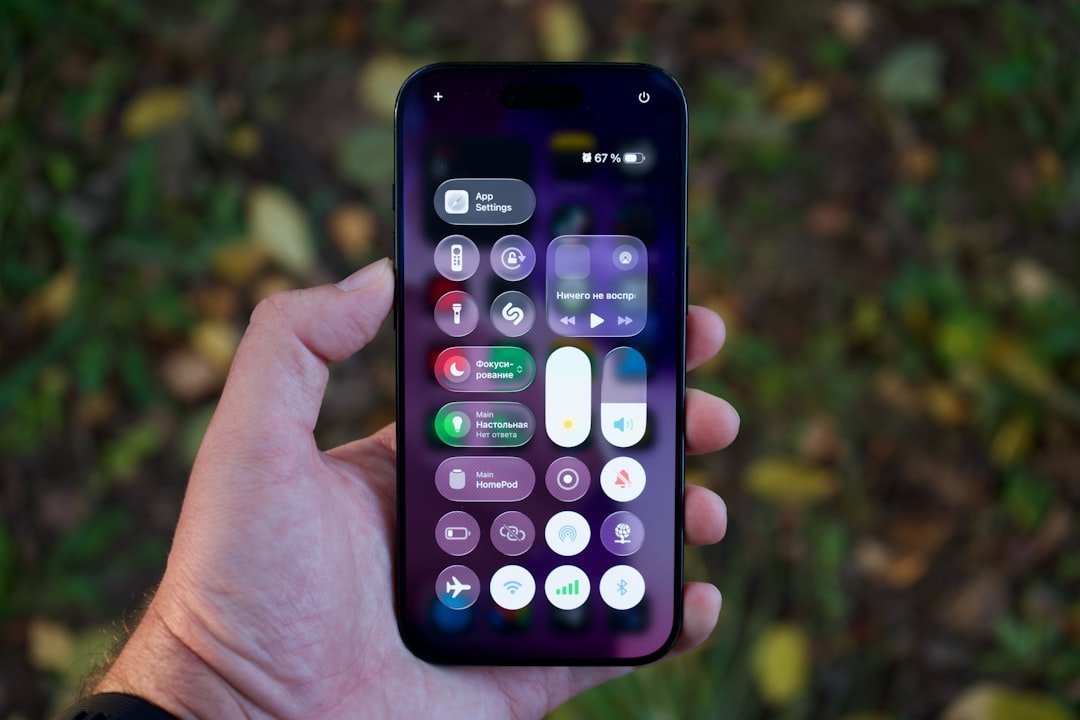
Focus on iPhone works as a customized version of “Do Not Disturb.” While Do Not Disturb keeps your notifications silent, Focus lets you tailor what gets through and when, while also being able to make calls or send texts normally. It’s a much more surgical tool than most people realize.
To set up Focus on iPhone in iOS 18, go to Focus in the Settings menu. You’ll see a list of Focus modes, including Do Not Disturb, Personal, Sleep, and Work. From there you can tailor each one to your specific needs. It takes maybe ten minutes to configure properly, and the payoff is enormous.
If the AI decides something needs immediate attention, like a message from daycare or a time-sensitive reminder, you’ll see it pop up in Notification Center with a “Maybe Important” tag. These alerts are summarized to give you the gist in just a few words, with the aim of protecting you from getting sucked into things that can wait. This AI-assisted layer is genuinely useful for people who worry about missing something real.
Setting Up Android’s Do Not Disturb and Priority System
An often-overlooked way of managing notifications, especially when they become overwhelming, is by using Do Not Disturb or Focus Mode. These tools help you stay focused on your tasks while still allowing important notifications to get through so you can review the rest later.
In the Modes section, you can use a preset Mode created by Google or create your own Focus Mode by tapping “Create your own mode” and selecting Custom. After selecting an icon for your Focus Mode, you can set options like schedules, allowed contacts, and allowed apps. This is especially useful for work-related focus modes where you may only want notifications from apps like Gmail or Slack and specific people.
The “Repeat Callers” option allows calls to go through if they have been received from the same phone number more than once within the last 15 minutes, allowing filtering of normal priority phone calls while allowing emergency or high-priority calls to get through. That one setting alone is a lifesaver for anyone who needs to stay reachable without being constantly pestered.
The Scheduled Review Method: Batching Your Notifications
Here’s a strategy that genuinely changes daily life: instead of reacting to every notification as it arrives, you batch them. Think of it like processing your email in designated windows rather than glancing at it every five minutes. Same concept, same results.
Setting specific times for checking notifications can drastically reduce the risks of alert fatigue. By consolidating alerts into scheduled review periods, you create a routine that helps maintain focus and minimize disruptions during critical work hours. This approach not only streamlines response times but also helps in managing the workload more effectively.
The Notification Summary feature on iOS allows non-critical notifications to be received at a specific time of the day to avoid taking away users’ attention during focus time. Set this to land at, say, 9 AM, 1 PM, and 6 PM. Suddenly your phone stops being a constant interruption and starts being something you check on your terms.
App-Level Pruning: The Notification Audit You Need to Do
Most apps request notification permission the moment you install them, and most people tap “Allow” without thinking twice. That’s how you end up with 46 pings a day from apps you barely remember downloading. It’s time for a full audit.
A significant portion of smartphone users in the United States are proactive in managing the overwhelming number of push notifications they receive. Specifically, around 42% of users take measures such as changing their in-app settings to suit their preferences, and nearly 40% of users opted to disable all notifications related to a specific app. You’re in good company if you decide to get ruthless about this.
If a system repeatedly sends notifications for the same type of event, users become desensitized. Without proper filtering or intelligent event grouping, apps can quickly bombard users with unnecessary alerts. Go into your Settings right now and scroll through every app that has notification access. Ask one simple question for each: “Has this app ever sent me a notification I was genuinely glad I received?” If the answer is no, revoke it.
The Future of Smart Notifications: AI-Powered Filtering
The landscape is shifting fast. Both Apple and Google are increasingly leaning on machine learning to help users filter what matters. Research has highlighted the important role that individual difference plays in users’ perceptions about notifications and suggested that it is crucial for intelligent notification systems to be able to automatically personalize to individual preferences.
Alerts become truly “intelligent” when they are enriched with valuable context and correlated using AI and machine learning. This context enables AI to add smarts by sifting through minor alerts and focusing on significant issues, enabling users to proactively address problems before they affect daily life. We’re moving toward a world where your phone learns what you actually care about, rather than simply passing on everything every app wants to shout at you.
Managing smartphone notifications effectively means finding the balance between staying informed and maintaining your focus. With proper notification management, your phone becomes a helpful tool that respects your time rather than a source of constant distraction. That balance is achievable right now, with the tools already built into your device. It just takes a few deliberate choices to get there.
Conclusion: Your Phone Should Work for You, Not Against You

The smart notification trick isn’t really a trick at all. It’s a mindset shift. Once you accept that your phone is configured by default to maximize app engagement, not your wellbeing, everything changes. You stop passively receiving whatever gets thrown at you and start actively deciding what earns access to your attention.
Start small. Do one audit of your notification permissions today. Set up one Focus mode this week. Schedule one notification digest window. Each small step compounds, and within a month your phone will feel genuinely different to use.
Honestly, the most powerful thing you can do in a hyper-connected world is reclaim your own attention. Your focus is finite and valuable. Don’t hand it out for free to every app that asks for it. What would your day look like if only truly important things could interrupt you? That version of your life is only a few settings away.