


Most people spend the first 20 minutes of every workday doing the same thing. Opening the same apps. Navigating to the same websites. Typing the same greetings. Clicking the same buttons. It sounds almost embarrassing when you say it out loud, but honestly, it’s just what a modern workday looks like for most of us.
Here’s the thing: there is a device sitting on desks across the world that can collapse all of that repetitive friction into a single button press. One tap. Done. It’s called the Stream Deck, made by Elgato, and it might just be the most underrated productivity tool of the decade. Let’s dive in.
What Is a Stream Deck and Why Should You Even Care?
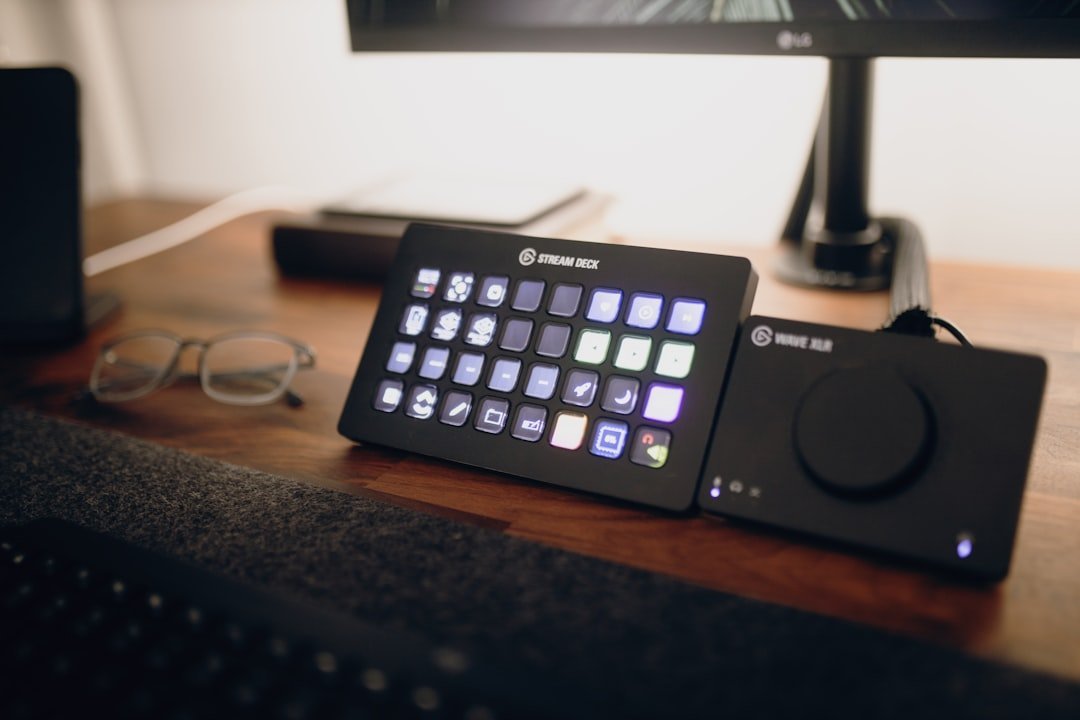
At its core, the Elgato Stream Deck MK.2 is a compact device featuring 15 customizable LCD keys, and each key is a mini-display that you can program to do almost anything imaginable, from launching programs to streamlining complex workflows. Most people associate it with streamers and gamers on Twitch. That is a shame, because its real power is hiding in plain sight.
The Stream Deck is not just a toy for Twitch. It is a powerful, programmable human interface device that can automate the tedious part of so many people’s workflows. Think of it less like a gaming accessory and more like a custom control board built specifically for your job. A cockpit for your computer, basically.
The most satisfied Stream Deck owners, whether it is legit or not, are not streamers. They are actually software engineers, video editors, and system admins who have offloaded their cognitive load to a dedicated console. By moving macros off your keyboard and onto a tactile, visual interface, you eliminate hotkey fatigue and create a truly dynamic workspace.
The Real Cost of a Fragmented Workday

Before you can understand why the Stream Deck method works, you need to feel the weight of the problem it solves. Employees are interrupted every two minutes during core work hours, 275 times a day, by meetings, emails, or chats, according to Microsoft telemetry data from their 2025 Work Trend Index.
A staggering 80% of workers report lacking the time or energy to do their job effectively. That is not a motivation problem. That is a systems problem. Every extra click, every unnecessary menu dig, every forgotten keyboard shortcut chips away at the focus you need to do real work.
Nearly half of employees say their work feels chaotic and fragmented, and global employee engagement fell to 21% in 2024, matching pandemic-era lows, with the decline costing the global economy $438 billion in lost productivity, according to Gallup. If automation tools can claw back even a fraction of that time, the math starts to look very compelling.
The Time Savings Are Bigger Than You Think
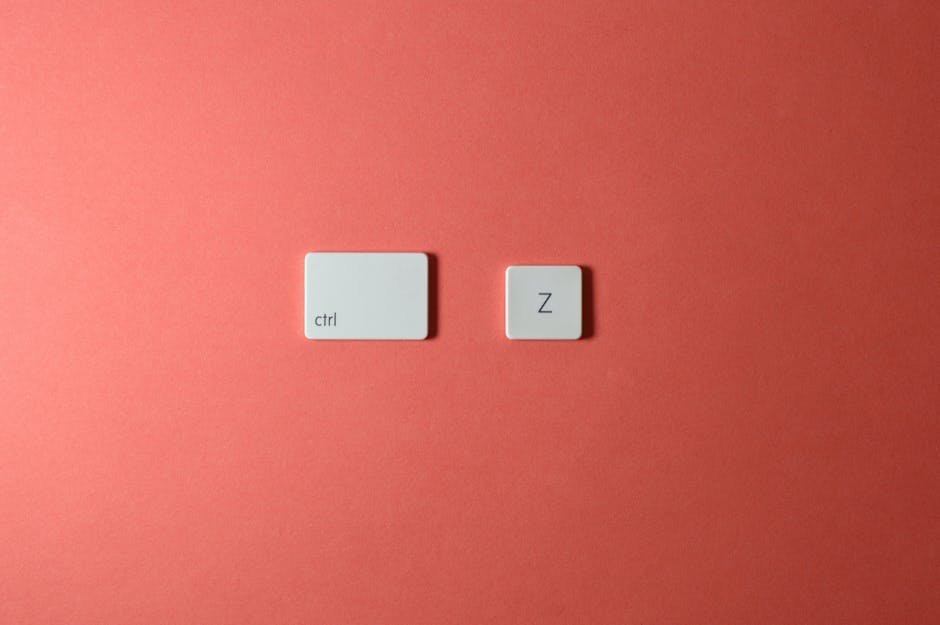
I know it sounds crazy, but the small stuff adds up fast. Most people lose an average of 2 seconds per minute of work by switching back and forth from their mouse instead of using the analogous keyboard shortcut. That sounds trivial. It is not.
By shaving off small amounts of time with each command, users can accumulate substantial time savings throughout the day. Research by Brainscape determined that keyboard shortcuts could save you up to 64 hours each year. Now imagine amplifying that logic with a device that eliminates the need to remember any shortcut at all.
Research found that people can expect to waste about 134 hours, or 17 work days, if they work with the mouse instead of the keyboard. That is almost a full month of work. The Stream Deck method essentially turns the most important shortcuts and sequences into physical, labeled, one-press buttons you never have to hunt for again.
Setting Up Your First Buttons in Under 5 Minutes
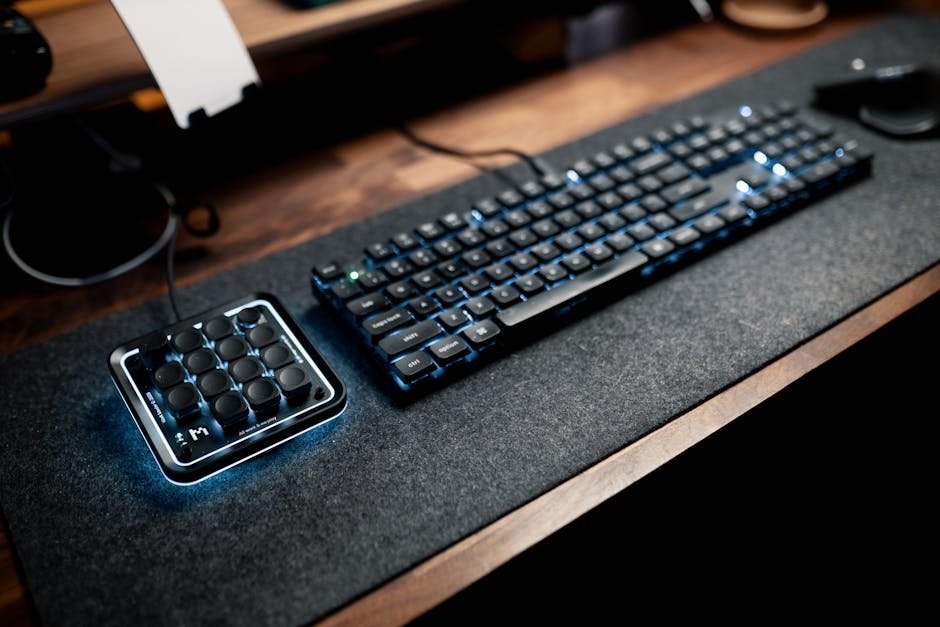
To start, you will need to download the Stream Deck app for Windows or Mac. Once you install it, you will be greeted with a blank Profile with one button. A Profile is a group of buttons that you can define. That is the entire setup process. No coding, no degree required.
Even if you do nothing else with the Stream Deck, the built-in Website, Hotkey, and Open commands are extremely helpful. They can open any URL, send a keyboard shortcut to an app, and open locations on your computer. You can automate a lot with these three commands.
The golden rule here is start small. The advice to start small and add buttons as you find use cases is still the best approach. Do not try to fill every button on day one. Think about the five actions you repeat the most every single morning, and build from there.
Building Your Morning Startup Routine with One Button
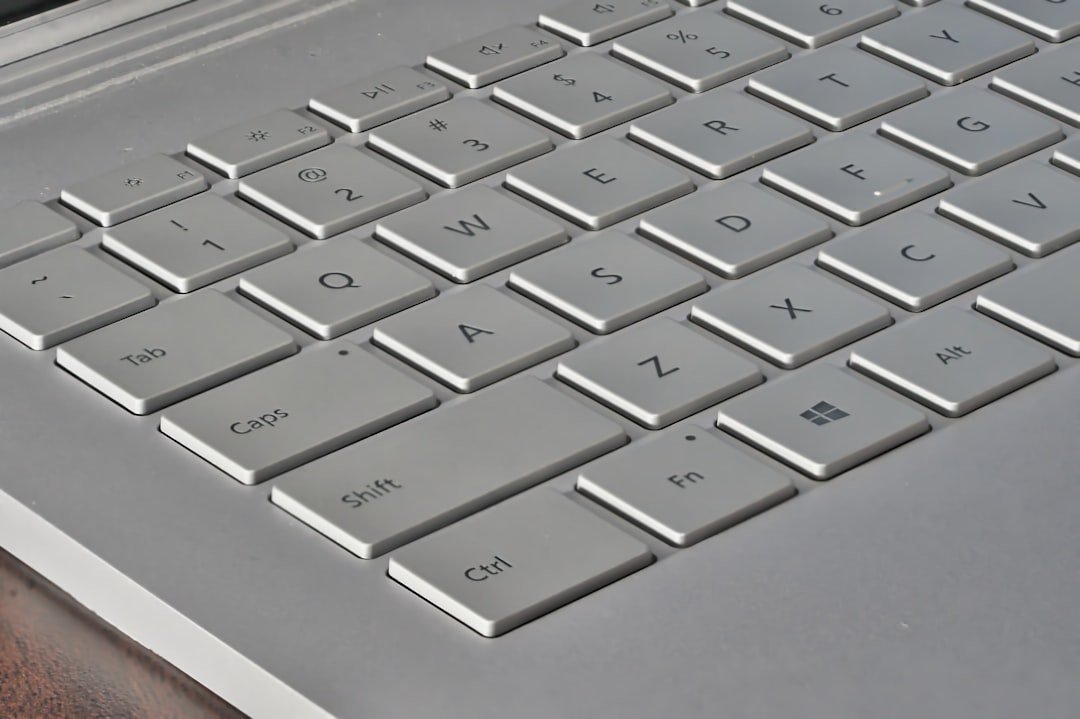
This is where the real magic happens and honestly where most people’s minds get blown the first time they try it. Imagine starting your workday. You open your email client, project management tool, and maybe a music app. With Stream Deck, you can automate this entire process with a single button.
With just a tap of a single button on the Stream Deck, you can open Slack to catch up with messages from colleagues in a different timezone, open Spotify to play an upbeat playlist, and also open the most frequented websites on Chrome automatically. One press. Everything appears.
Common automations include launching specific sets of apps and arranging windows for different work modes, controlling Zoom or Teams, opening predefined browser tabs, triggering keyboard shortcuts in any application, starting Pomodoro timers, and running morning and evening computer routines. Think of it as a “go to work” button that actually works.
Multi-Actions: Chaining Commands Like a Power User

One of the Stream Deck’s best features is multi-actions. You can chain commands to perform tasks like resizing multiple images, sending formatted template emails, or running complex scripts with a single button press. This is the feature that separates casual users from truly automated workdays.
Multi-actions allow users to trigger a sequence of commands with a single key press, such as switching scenes while muting audio and changing overlays simultaneously. This feature streamlines complex transitions and maintains continuity. For regular office workers, the equivalent might be: open your CRM, navigate to a new entry, and load a template, all at once.
Administrative staff can create a “Daily Report” button that automatically opens an Excel template, populates it with today’s data, saves the file, and emails it to their manager, all without manual intervention. That is not a futuristic fantasy. That is something you can configure this afternoon.
Dynamic Profiles That Switch Automatically by App
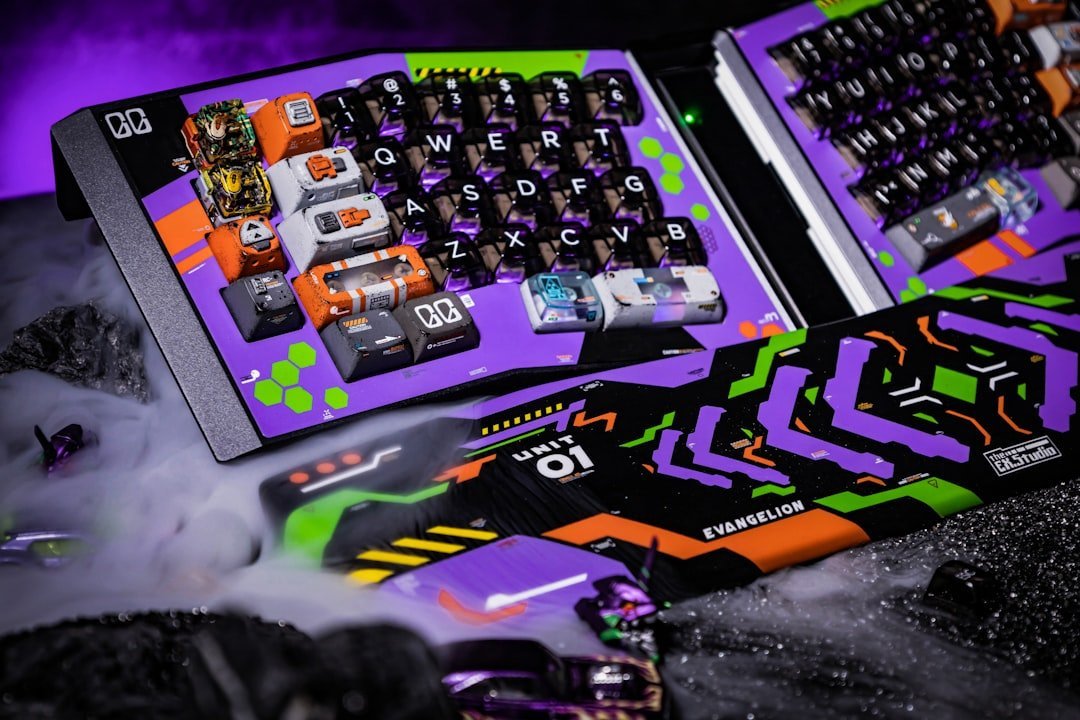
Here is something most people do not know about the Stream Deck. It does not just sit there with static buttons. It actively changes based on what you are doing. A Stream Deck can have contextual awareness with profiles that follow you. You can enable automatic profile switching so that when you click into Photoshop, the deck displays your brush tools. Head over to Teams, and it instantly swaps to unmute and raise-hand buttons.
A Profile could be buttons that you want collected by a certain work context, like “I want my budget report buttons together,” or it could be buttons that you want to display only when a certain app is active, like “I want my Outlook buttons to appear when I am in Outlook.” It sounds simple. In practice, it is transformative.
A Stream Deck profile is a customizable setup that defines the buttons’ functions on the device. Each profile can be tailored to different applications or scenarios, enabling diverse usage without reprogramming each button every time. It is like having a different control panel for every job you do throughout the day.
Expanding Power with Plugins from the Stream Deck Store
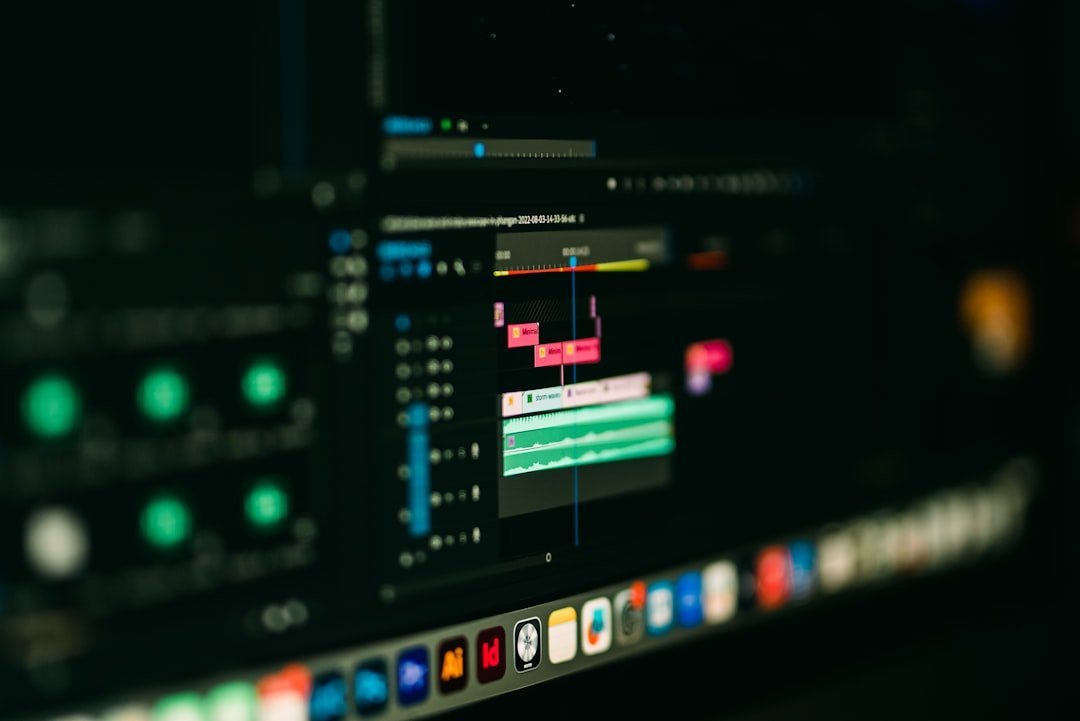
The true potential of the Stream Deck lies in its extensive library of plugins. These plugins provide ready-made integrations with countless popular apps and services, expanding the possibilities far beyond the core functionality. The plugin ecosystem is genuinely massive and keeps growing.
Communication and collaboration plugins connect to Zoom, PowerPoint, Keynote, and even Apple Mail for direct actions from your Stream Deck. Developer tools streamline development workflows with plugins for popular code editors, task management software, and collaboration platforms like Jira and GitHub.
The IFTTT plugin opens up a world of potential by connecting to hundreds of web services and devices. Pair that with something like Keyboard Maestro on Mac or AutoHotkey on Windows, and the Stream Deck becomes essentially a physical trigger for any automation your computer is capable of running. Its superpowers are amplified when paired with productivity and automation apps like Keyboard Maestro, TextExpander, and Moom.
Who Is Actually Using This and What Are the Results?

The market data tells a clear story about where this is all heading. The global Stream Deck market size reached $430 million in 2024, and the market is projected to grow at a rate of 13.2% per year, reaching an estimated $1.18 billion by 2033. That is not hobbyist money. That is professional adoption at scale.
94% of companies perform repetitive, time-consuming tasks, yet automation has improved jobs for 90% of knowledge workers and productivity for 66% of them. The Stream Deck method is simply a physical, accessible, on-desk version of that same automation principle, without needing a developer to set it up.
Testing the device to automate repetitive tasks and streamline a workflow has, in many users’ experience, exceeded expectations to become the productivity companion they did not know they needed. Real users across industries, from video editors to system administrators to writers, report genuine time savings that accumulate fast over a working week.
How to Think About Your Setup Going Forward

Let’s be real: there is no single “perfect” Stream Deck layout. The best setup is the one tailored to your actual workflow, your actual repetitive annoyances, your actual daily routine. If there is any process in your workday which feels long-winded and complicated, then you can simplify it using a macro key on your Stream Deck. The Stream Deck is the first piece of hardware that adapts to your software rather than forcing you to adapt to it.
You can turn on a “Do Not Disturb” Focus mode for one hour with a single button, which is useful when you need to focus for some time and do not want to accidentally disable notifications for the whole day. Small wins like this quietly protect your deep work hours from the interruption flood that Microsoft’s research has so thoroughly documented.
It is hard to say for sure how many hours per week the average person would save with a well-configured Stream Deck setup, since every workflow is different. It may not sound very convincing at first, but users report saving a surprising amount of time every day once these repetitive tasks are taken care of. Start with five buttons. Add five more next week. In a month, you will look back at your old way of working the same way you look back at a flip phone.
Conclusion

The Stream Deck method is not about buying a gadget. It is about making a deliberate decision to stop paying the hidden tax of repetitive, mindless computer work. 68% of employees have too much work to handle daily, creating burnout and inefficiency that automation could eliminate. A physical panel of labeled buttons sitting next to your keyboard is a surprisingly simple antidote to that.
The best part is that it genuinely takes under five minutes to get your first few buttons configured and working. The intimidating part is not the setup. It is stopping to actually think about which parts of your day deserve to be automated. That reflection alone is valuable, Stream Deck or not.
So here is the question worth sitting with: how many minutes did you waste yesterday doing the exact same things you did the day before? What would you do with that time back?