


There’s a quiet assumption most people make when they save a file to the cloud: that it’s safe, managed, and essentially out of their hands in a good way. Convenience tends to win that argument. The reality, though, is a bit more complicated. Data stored across remote servers exists under the legal reach of whoever operates that infrastructure, in the jurisdiction where those servers physically sit, and increasingly, in the crosshairs of attackers who have figured out exactly where to look.
Digital sovereignty isn’t just a government concern or a corporate compliance checkbox. It’s a practical question that touches everyone who stores work documents, personal records, creative projects, or financial information online. Physical drives are not a silver bullet, but they offer something the cloud can’t fully replicate: your data, under your control, disconnected from the internet when you want it to be.
The Cost of a Breach Is No Longer Abstract

According to IBM Security’s annual Cost of a Data Breach Report, the global average cost of a data breach reached $4.45 million in 2023, an all-time high and a 15% increase over the previous three years. By 2024, that number had climbed further. IBM’s 2024 report found the average global breach cost reached $4.88 million, a significant jump and the biggest single-year increase since the pandemic.
According to the 2023 IBM report, breached organizations were more likely to pass incident costs onto consumers than to increase their own security spending. So while the headline figures describe corporate losses, ordinary people end up absorbing much of the fallout. For individuals, those costs arrive as identity theft, leaked private files, or lost access to data they assumed was safely stored elsewhere.
Cloud Adoption Has Expanded the Attack Surface
More data in the cloud means more exposure. Most organizations now distribute data across multiple environments, including on-premises repositories, private clouds, and public clouds, yet many have incomplete or out-of-date data inventories, which delays efforts to discover what has been breached and raises the overall cost of an incident.
The abuse of cloud-based tools for data exfiltration, observed throughout 2024, is expected to continue as threat actors exploit organizations’ increasing reliance on cloud infrastructure. This means the convenience that made cloud storage so appealing is being actively turned into a vulnerability. Attackers no longer need to break into a physical location. They just need a misconfigured bucket, a weak credential, or an unsecured API.
Ransomware Is Evolving and Targeting Cloud Systems Specifically

Global ransomware attacks increased by 11% in 2024, reaching 5,414 total disclosed incidents. The scale matters, but so does the direction. Aside from ransomware targeting cloud services directly, threat actors are increasingly using cloud services to exfiltrate the data they intend to ransom.
Statista reports that in 2023, roughly seven in ten global cyberattacks were ransomware, with over 317 million attempts recorded, and the total amount of money received by ransomware actors reached $1.1 billion, an increase of roughly 140% from the year prior. These aren’t distant statistics. Attackers have increasingly adopted double and even triple extortion tactics, where they not only encrypt data but also threaten to leak sensitive information or launch follow-up attacks.
Air-Gapped Storage Breaks the Attack Chain

Air-gapped backups are stored in a way that completely severs their connection to the rest of the infrastructure, and they represent one of the most basic protections against modern ransomware that can now find and affect backups alongside original files. A physical drive that is unplugged from the network simply cannot be reached remotely. That’s the entire point.
An immutable or air-gapped copy is essential in modern environments because ransomware increasingly targets backups directly. If a backup is connected to your network, it can be compromised. By ensuring at least one copy is unreachable or unchangeable, recovery remains possible even in the worst-case scenario. For individuals and small organizations, a straightforward external SSD stored offline achieves exactly that protection without requiring enterprise-level infrastructure.
The 3-2-1 Rule Still Stands, and It Requires a Physical Copy
The 3-2-1 backup rule advises having three copies of data, stored on two different types of media, with one copy kept offsite to ensure recoverability in the event of a disaster or system failure. This principle has been endorsed for years by organizations including the National Institute of Standards and Technology and remains one of the most cited frameworks in data protection. The recommendation for using the 3-2-1 rule, along with air gapping as its extension, is included in multiple well-known compliance frameworks, including HIPAA, GDPR, PCI, and NIST.
In recent years, the classic 3-2-1 approach has been expanded into the 3-2-1-1 and even 3-2-1-1-0 backup rule in response to the evolving cyberthreat landscape and tightening data compliance requirements such as NIS2 and NIST standards. The key addition is immutability. Immutable backups cannot be altered, encrypted, or deleted even by an administrator with full system access, which matters because modern ransomware specifically targets backup infrastructure, and if attackers can encrypt or delete backups, the victim has no choice but to pay the ransom.
Data Sovereignty Laws Are Reshaping Who Controls Your Files

Data sovereignty laws, which mandate that data generated within a country must be stored and regulated in compliance with local laws, have become increasingly prevalent. Countries such as EU member states, China, Russia, India, and Brazil have enacted stringent regulations, often requiring companies to localize data storage and adhere to specific compliance frameworks, reflecting growing concerns about security and the potential for foreign governments or corporations to exploit data.
In October 2025, the European Commission published its Cloud Sovereignty Framework, defining eight sovereignty objectives for EU institutions procuring cloud services. The U.S. CLOUD Act authorizes American authorities to compel disclosure of data held by U.S.-based providers regardless of where that data is physically stored, a reach that directly conflicts with other nations’ sovereignty efforts and has become a catalyst for sovereign cloud initiatives worldwide. For individuals, this legal complexity isn’t theoretical. It shapes who can access your data and under what conditions, without your knowledge.
Physical Storage Has Become More Accessible Than Ever

The cost argument for cloud-only storage has weakened considerably over the past decade. External hard drives and solid-state drives have dropped dramatically in price per terabyte, making reliable physical storage practical for individuals, freelancers, and small businesses alike. A modern portable SSD offering several terabytes of capacity is now within reach at price points that would have been unthinkable ten years ago.
Hardware-based storage also allows for direct control over encryption and access in ways that cloud accounts don’t always provide. According to Sophos’s 2024 survey, organizations that used backups to recover from ransomware incurred a median recovery cost of $750,000, compared to a $3 million average ransom demand. For individuals, the math is even more straightforward. A physical backup drive that holds your most important files costs far less than the stress, disruption, and potential data loss of a ransomware incident or a cloud provider outage.
What to Prioritize When Moving Data to a Physical Drive
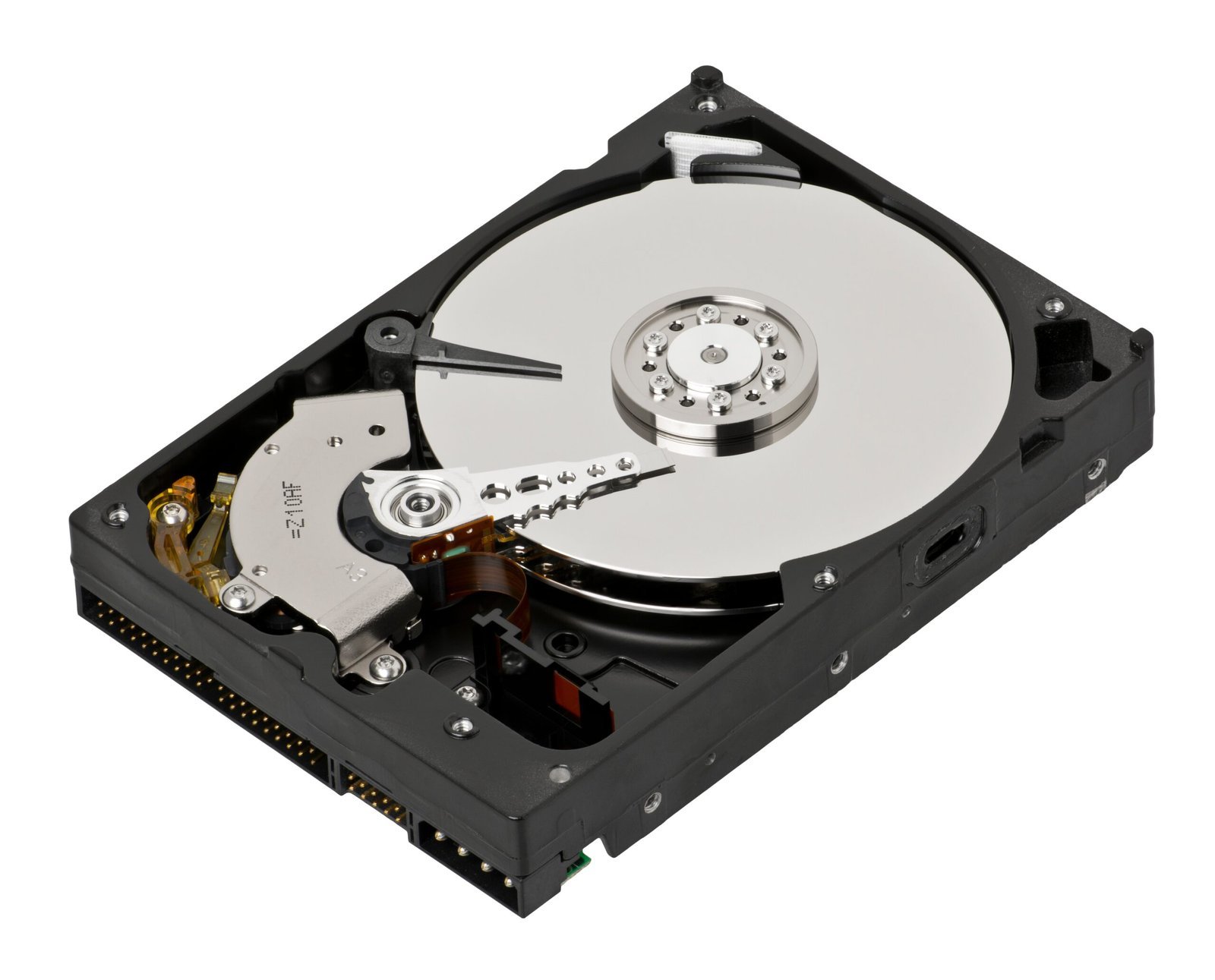
Not everything needs to be migrated at once. Start with the data that would be genuinely difficult or impossible to recreate: financial records, legal documents, original creative work, personal photographs, and business-critical files. Not all data requires the highest level of backup protection. The practical approach is to identify the most critical files that, if compromised, could impact your operations or security, then separate and prioritize their protection within the 3-2-1 strategy.
Storing a backup offsite provides a final layer of security, and this copy should ideally be air-gapped, meaning it’s not connected to the internet or your network, preventing it from being compromised remotely. Regular rotation of your backup, connecting the drive only during scheduled backup windows and then unplugging it, adds an additional layer without requiring any technical expertise. The discipline is simple. The protection it offers is substantial.
Conclusion

The cloud isn’t going away, and there’s no good reason to abandon it entirely. It offers genuine convenience for collaboration, accessibility, and redundancy. The problem is treating it as the only place your important data lives. When something goes wrong, whether that’s a ransomware attack, a provider outage, a misconfigured permission, or a legal access request from a foreign authority, having a physical copy that no external party can reach is simply one of the most sensible things you can do.
Digital sovereignty, at its most personal level, isn’t a political concept. It’s just the quiet confidence of knowing that your most important files sit on a drive in your possession, offline, waiting to be useful exactly when you need them. That kind of resilience doesn’t require a legal team or a cybersecurity budget. It requires a drive, a habit, and a bit of attention to what actually matters.