
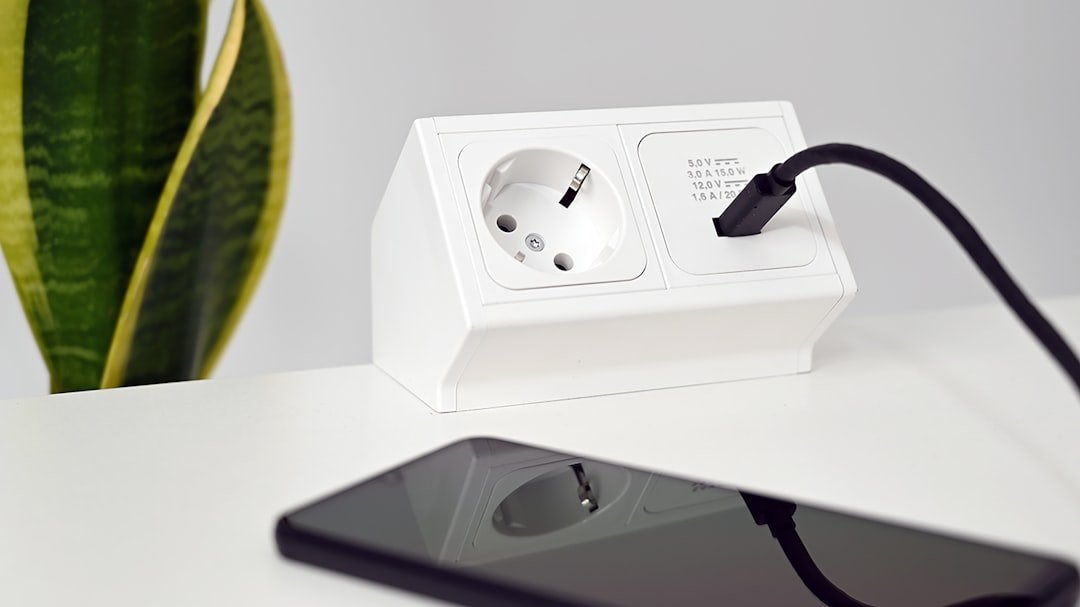

What “Vampire Power” Actually Means
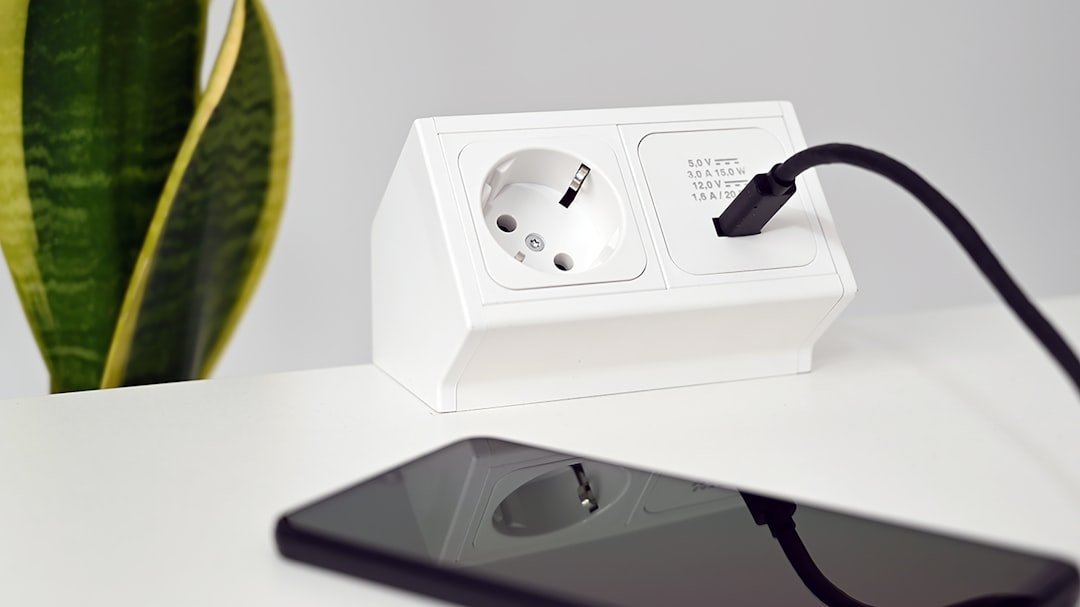
Vampire power refers to the electricity that devices consume while energized but not in any use. Vampire devices still consume a small amount of power despite not being in use, and such power is a complete waste. The term itself is well established in both consumer energy research and engineering literature.
According to the Lawrence Berkeley National Laboratory, vampire power, also known as idle load or standby loss, accounts for roughly five to ten percent of household energy use. Based on 2023 electrical consumption and rates, that means the average customer is paying at least $70 and up to $220 annually for power they are not actually using.
Research from the International Energy Agency shows that standby power accounts for approximately two percent of electricity consumption in OECD countries, contributing nearly one percent to their total carbon emissions. When you multiply a single USB device across millions of laptops left untended overnight, the numbers start to add up quickly.
How USB Ports Stay Powered After Shutdown
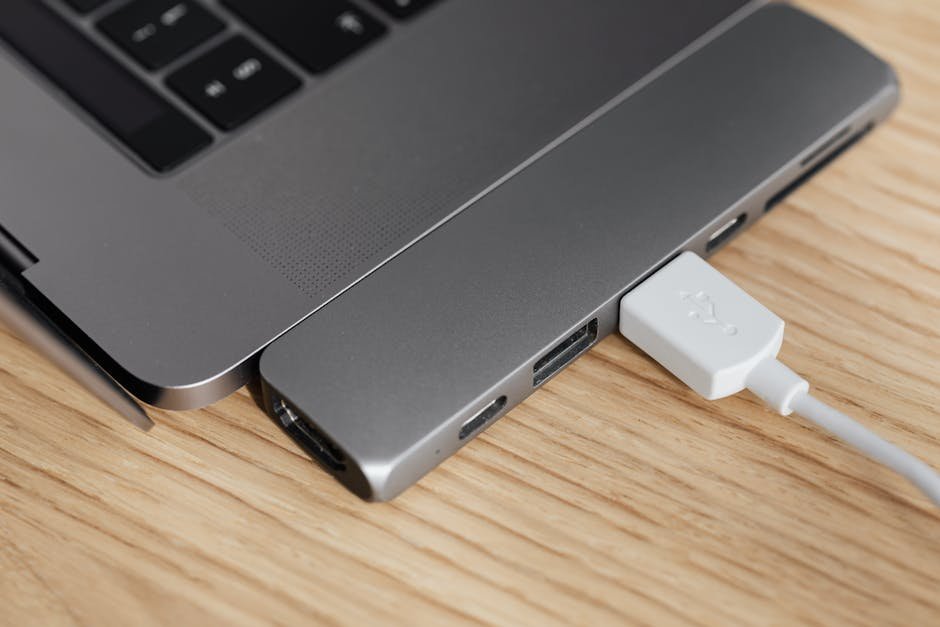
Most modern laptops keep at least part of their internal power rail alive when “off,” so some USB ports remain powered. This is intentional behavior, not a defect; it supports features and circuitry that require standby current.
When a laptop is turned off, it may still maintain some power to specific components like USB ports or the network card. This low power consumption often occurs due to “Wake-on-USB” or “Wake-on-LAN” functions that allow devices to turn on the laptop remotely. If these features are enabled in the BIOS, they will draw power even when the laptop is not actively in use.
Vendors advertise “USB charging” ports that supply 5 volts while the laptop is off so phones and peripherals can charge. That requires a small continuous draw. Many users enable this feature on purpose without realizing it also works in reverse.
The Devices Most Likely to Be the Culprit
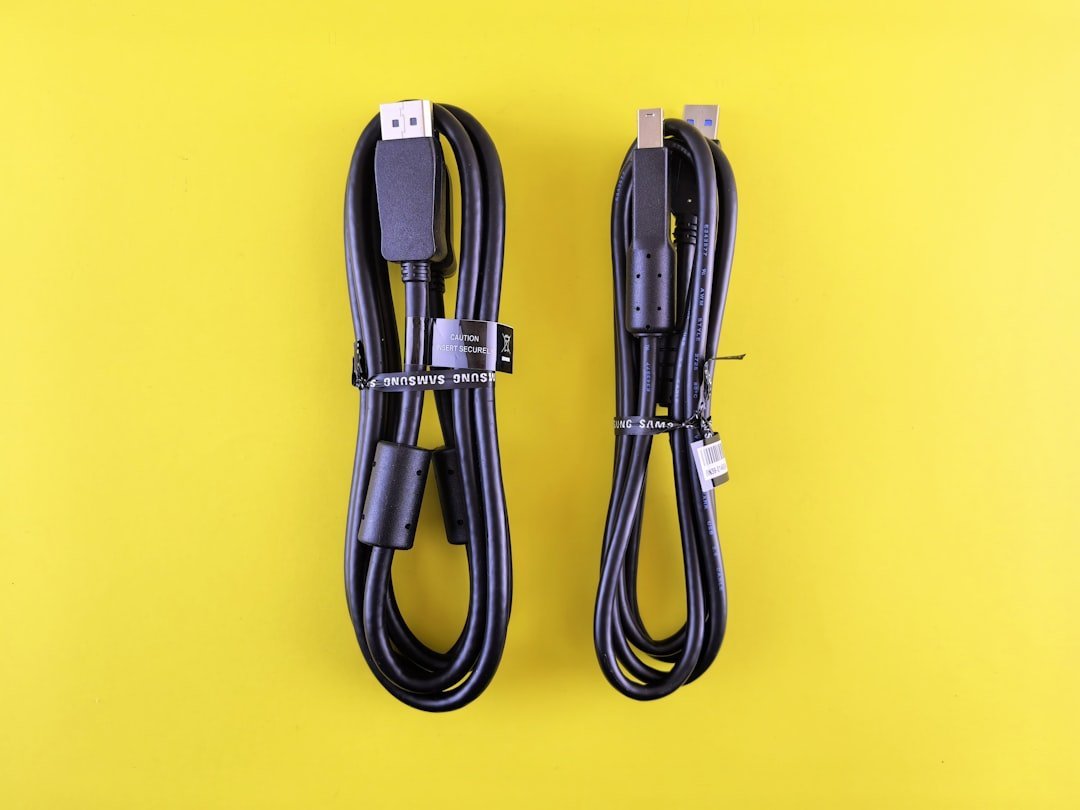
Peripherals connected to a laptop can cause battery drain when the laptop is turned off. Devices like USB drives, external mice, or keyboards can draw power from the laptop if left connected. The USB specification allows for certain devices to remain powered even when the laptop is off.
Wireless mouse receivers, USB drives, and external keyboards may draw minimal power even when the laptop is off. These are probably the most common offenders, precisely because they are the devices people never think to unplug.
If left connected to a PC, a USB-C hub continues to draw power after the PC is shut down or put in hibernate mode, even when no devices are attached to the hub. The more devices attached, the more the power drain. USB hubs are a particularly sneaky source of this problem because they’re often forgotten.
How Much Power Is Actually Being Drained
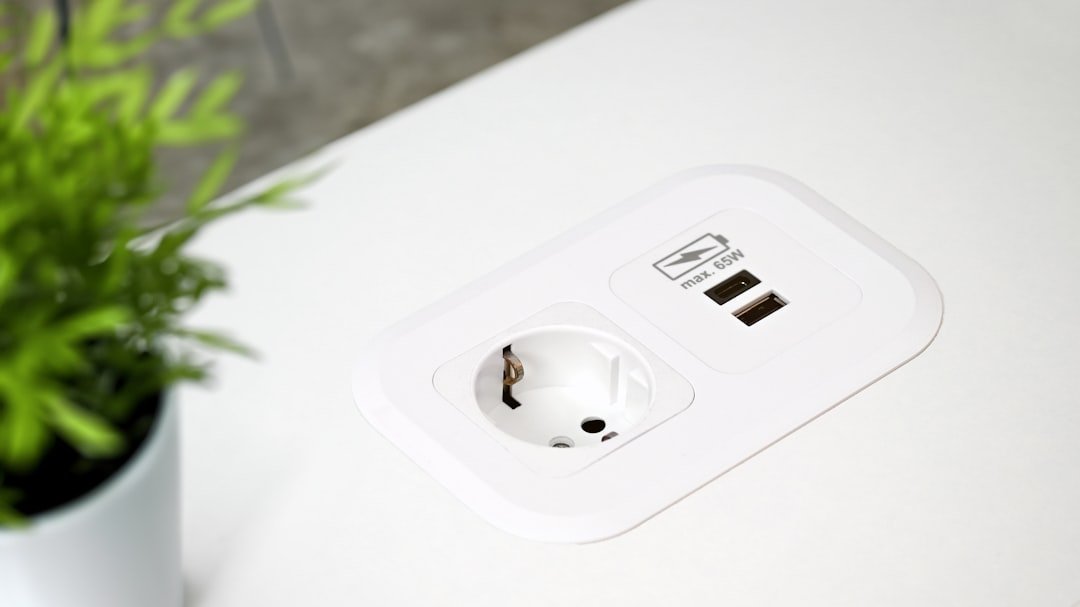
The phantom power drawn from USB ports is about 0.05 watts when nothing is plugged in. By comparison, a 60-watt light bulb will use 60 watts of electricity, so a USB outlet uses very little power on its own. That sounds harmless, but that’s only the port itself with no device attached.
On a laptop with “USB charging when asleep” enabled, the laptop supplies voltage in sleep, drawing extra battery power even when no device is connected; measured idle draw can be tens of milliamps from the battery. The numbers climb once you add an active device to the equation.
Each watt of continuous standby consumes about 9 kilowatt-hours of electricity per year. Over a full year of nightly drain, even a modest USB draw from a connected device starts to represent a meaningful reduction in overall battery health and charge longevity.
The Role of BIOS Settings in the Problem
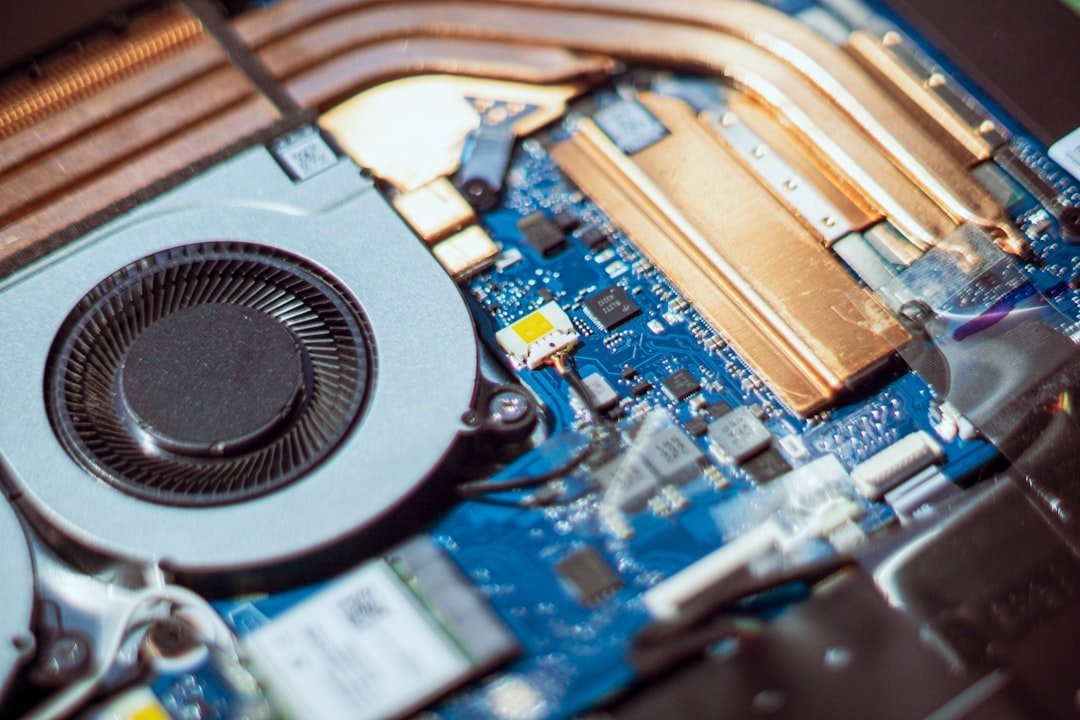
Several underlying causes contribute to battery drain related to BIOS settings. When a laptop is turned off, it may still maintain some power to specific components like USB ports or the network card. This low power consumption often occurs due to “Wake-on-USB” or “Wake-on-LAN” functions that allow devices to turn on the laptop remotely. If these features are enabled in the BIOS, they will draw power even when the laptop is not actively in use.
For example, if a user has a wireless mouse plugged in with Wake-on-USB enabled, the laptop’s USB controller continuously draws power, even while the laptop is off. This illustrates how certain BIOS settings and connected devices can cause battery drain despite the laptop being powered down.
Some systems enforce USB power behavior at the firmware or chipset level. BIOS or UEFI settings may override Windows configuration entirely. Options related to USB power saving, ErP, Modern Standby, or platform sleep states may all be factors.
What Windows’ USB Selective Suspend Feature Does
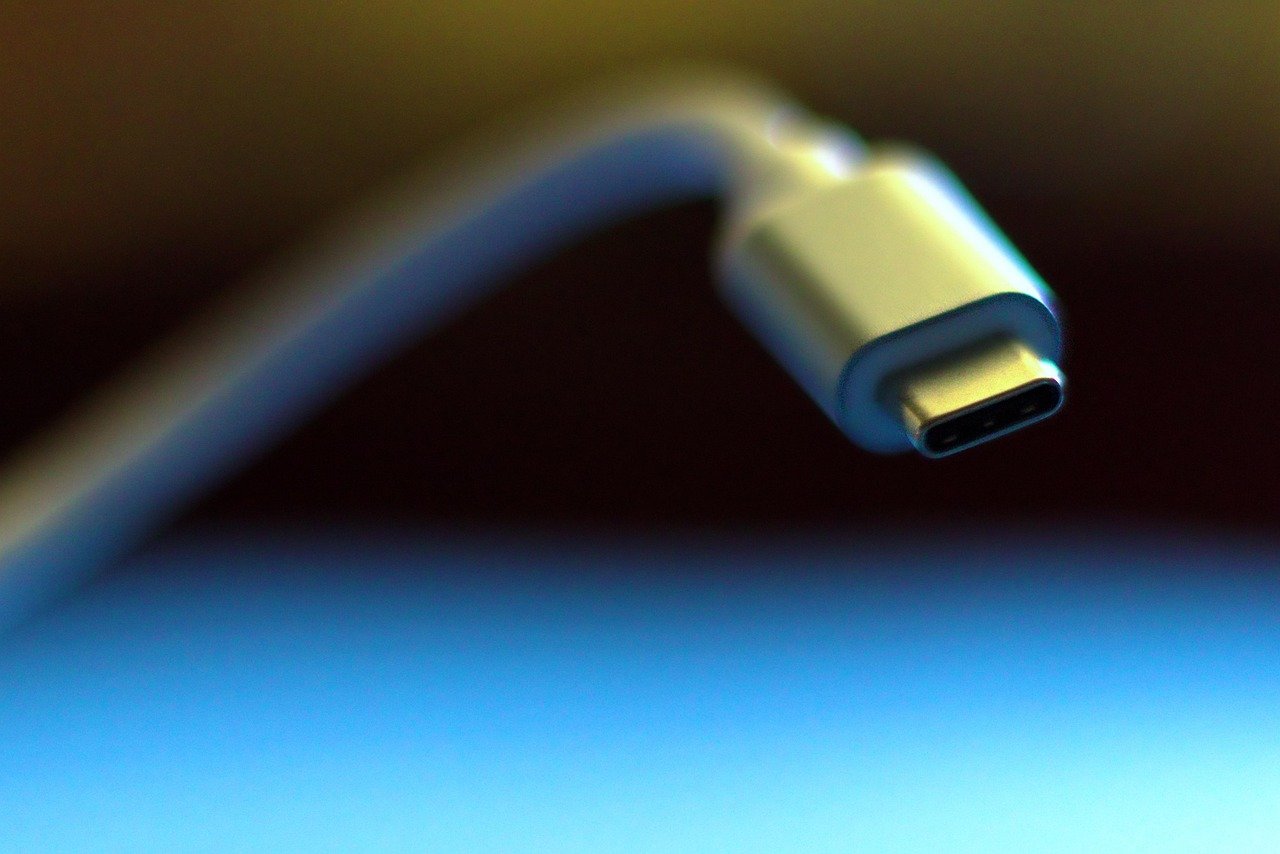
The USB selective suspend feature allows the hub driver to suspend an individual port without affecting the operation of the other ports on the hub. This functionality is useful in portable computers as it helps conserve battery power.
Any device that isn’t selectively suspended might prevent the USB host controller from disabling its transfer schedule, which resides in system memory. Direct memory access transfers by the host controller to the scheduler can prevent the system’s processors from entering deeper sleep states. In plain terms, one stubborn USB device can prevent your entire system from fully resting.
USB selective suspend is a power management feature in Windows 10 and Windows 11 that sets individual USB ports to a low-power state, or a suspended state, without affecting other USB ports located on the same hub. It’s enabled by default, but it doesn’t always work as intended with every device.
Gaming Laptops and High-Performance Machines Are Worse

Laptops with outdated firmware or inefficient power management features can experience more battery drain while off. For instance, gaming laptops may have components that draw power even in sleep or shutdown modes. Their hardware is simply designed for performance first, and power efficiency is often a secondary concern.
USB devices like pendrives and card readers are often overlooked. Sometimes these may drain a laptop’s battery even though the computer is in an idle state. Windows may even generate a warning message in the Event Viewer: “USB device draining system power when system is idle.”
Many gaming laptop users report this issue and never connect it to the mouse or headset receiver left plugged into the USB port. The hardware keeps that port alive, and the device keeps drawing from it, all through the night.
The EU’s Response and the One Watt Initiative

In 2010, the European Union released a guideline on Energy Related Products, which states that every electronic device should have below 1 watt of power consumption in standby mode. In 2013, this limit was further reduced to 0.5 watts. This was a meaningful regulatory step, though compliance varies significantly across devices and manufacturers.
Many countries adopting the One Watt Initiative now require new devices to use no more than 1 watt starting in 2010 and 0.5 watts in 2013. Although the power needed for functions such as displays, indicators, and remote control functions is relatively small, the large number of such devices and their continuous plugging in resulted in energy usage of 8 to 22 percent of all appliance consumption in different countries before the One Watt regulations.
Setting the ErP Ready option in BIOS to Enable (S4+S5) helps enforce EU energy efficiency standards and cuts off standby power to connected USB devices when the computer is fully off. Most users have never seen this setting, let alone adjusted it.
How to Actually Stop the Drain

You can disable power delivery to all USB ports while the PC is off by enabling “Deep Power Saving Mode.” Once this feature is activated, the system will consume less power in S4/S5 states while turned off, and as a result, the system can only be turned on by the power button or RTC alarm. It’s a trade-off between convenience and battery preservation.
Standby power consumption of some computers can be reduced by turning off components that use power in standby mode. Disabling Wake-on-LAN, “wake on modem,” “wake on keyboard,” or “wake on USB” may reduce power when in standby. Unused features may be disabled in the computer’s BIOS setup to save power.
A study by the National Renewable Energy Laboratory highlighted that disabling unused USB ports could save multiple watt-hours of energy. The simplest fix, of course, remains just unplugging the device before shutting down. No BIOS menus required.
The Bigger Picture: Small Draws, Real Consequences

Devices that remain energized, even in standby mode, keep internal components warm. Over time, this can increase the likelihood of overheating, especially in older or poorly maintained appliances. Reducing standby power by unplugging unused devices or using smart plugs minimizes the number of appliances drawing power unnecessarily, helping reduce the risk of electrical fires caused by overheating or faults.
Lawrence Berkeley National Laboratory estimates that standby power is responsible for about one percent of global carbon emissions, equivalent to the tailpipes of roughly 15 million gas-powered cars. USB vampire draw is just one thread in that larger fabric, but it’s one that individual users can actually control.
A one to two percent overnight battery drop is considered normal. Anything above five to ten percent indicates a configuration or hardware issue. If your laptop regularly wakes up noticeably drained, a USB device left plugged in is among the first things worth checking.
The fix rarely requires an engineer. Unplugging a mouse receiver before bed, or spending five minutes in your BIOS disabling Wake-on-USB, is genuinely enough in most cases. The technology works the way it was designed to. It just wasn’t designed with your battery’s overnight peace of mind as the top priority.