
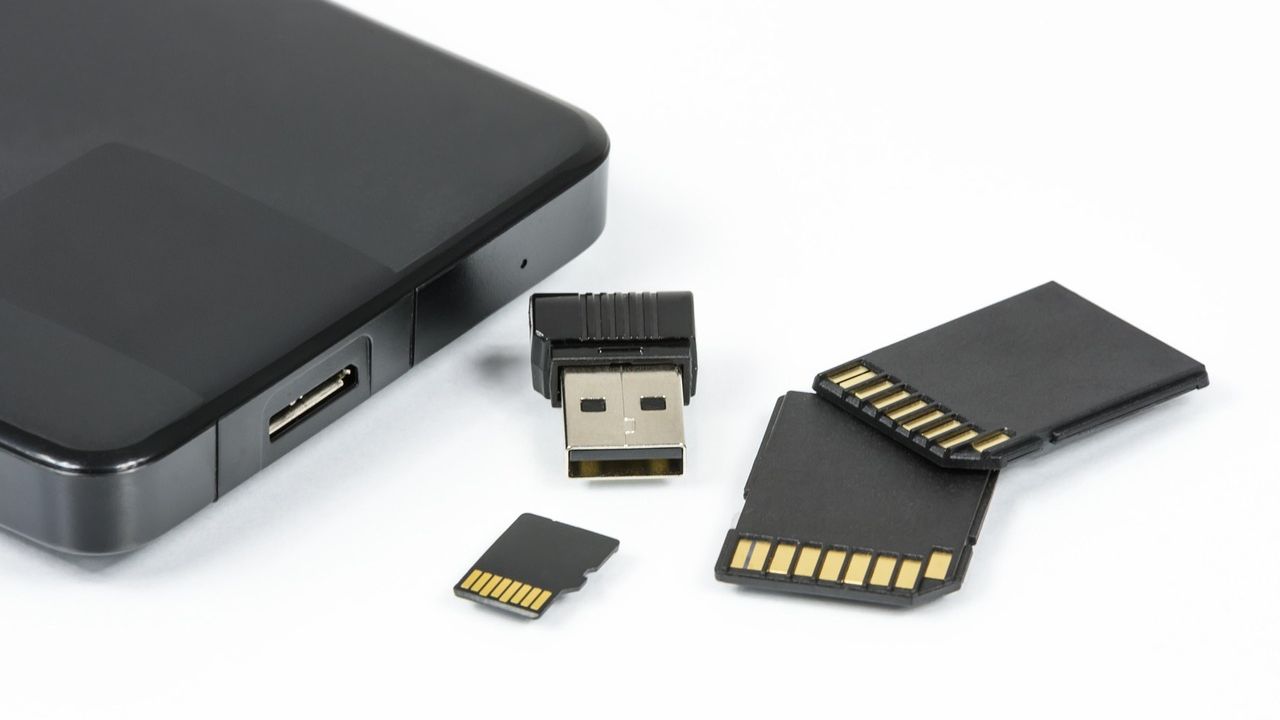

Most people assume that hitting “format” on a drive is like pressing a reset button. The files disappear from view, the drive looks empty, and the job seems done. With a traditional spinning hard disk, that assumption is at least partially reasonable. With a modern SSD, it’s a lot more complicated than that, and the gap between what you think happened and what actually happened at the hardware level can be surprisingly wide.
This is the story of why deleted data on SSDs tends to linger far longer than expected, what the internal architecture of flash storage actually does when you try to remove something, and what you can realistically do about it.
How NAND Flash Memory Actually Stores Your Data
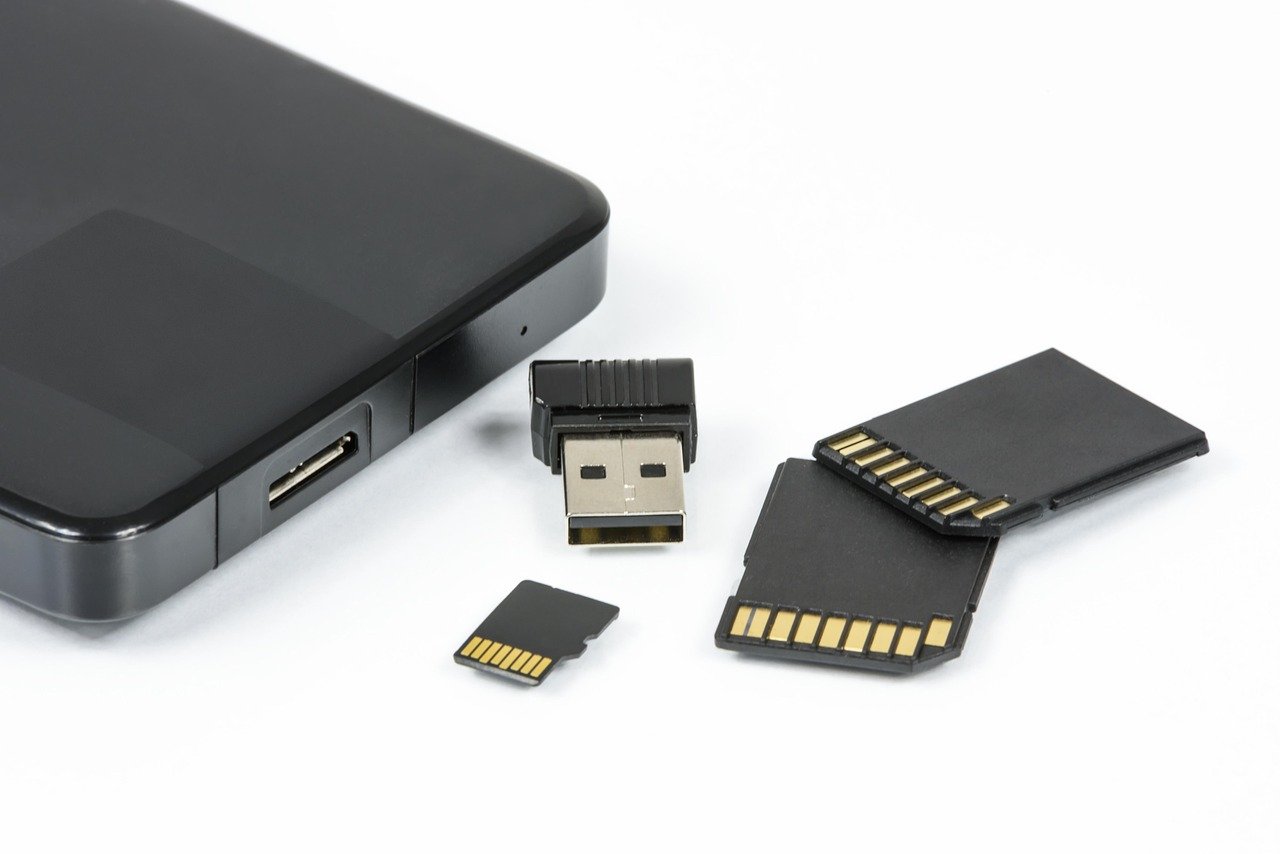
SSDs don’t behave like traditional hard drives at the most fundamental level. When you boot up a PC that runs on a solid state drive, what you see on your computer looks the same as what you’d see on a hard disk drive, but the way NAND flash memory devices store data is very, very different on a fundamental level.
Flash memory chips are constructed using either NOR or NAND logic gate architectures. Invented in the 1980s, NAND flash is designed for block-based access, operating more like a disk drive and making it ideal for mass storage. Every bit of your data, from a text document to a video file, is stored as electrical charges trapped inside tiny memory cells arranged in massive grids.
NAND comes in several flavors: SLC (Single-Level Cell), MLC (Multi-Level Cell), TLC (Triple-Level Cell), and QLC (Quad-Level Cell), along with modern 3D NAND configurations. Each architecture stores bits differently and presents unique challenges. The physical reality of how these cells hold data is exactly why removing it reliably is so much harder than it sounds.
The Wear Leveling Problem: Your Drive Is Deliberately Unpredictable
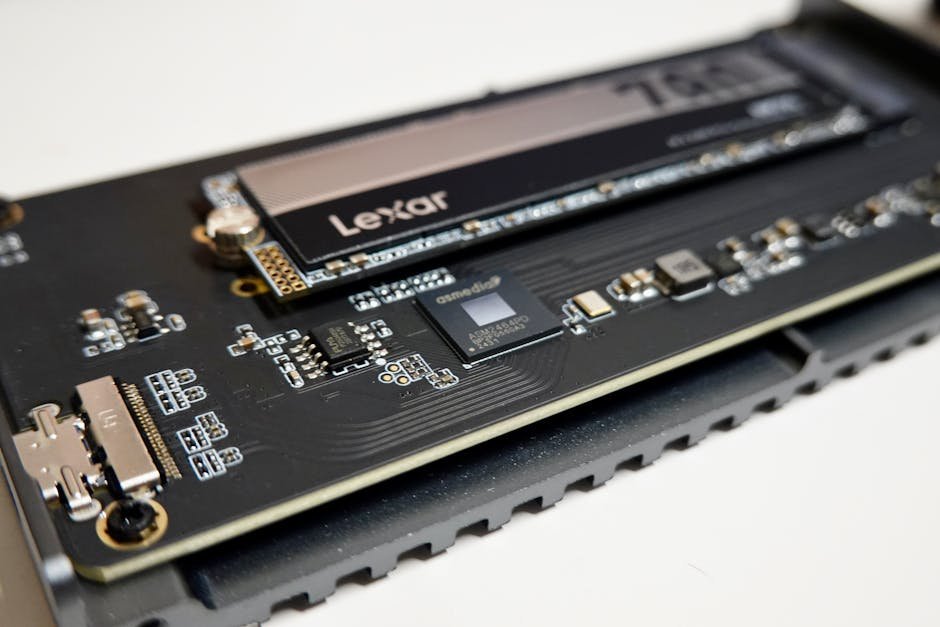
In SSDs and USB drives, erasing and re-writing the same block can wear it out. Each block can only be erased and rewritten a limited number of times. To counteract this, SSDs try to make sure that the amount of times each block has been erased and rewritten is about the same, so that the drive will last as long as possible.
Wear leveling continuously redistributes data across physical blocks to ensure even usage, leaving behind stale data in previously written locations. This is the core mechanical reason why formatting doesn’t do what you think it does. The drive is quietly shuffling data around to protect its own lifespan, and that reshuffling leaves traces of old content scattered in physical locations that the file system no longer maps to anything visible.
With wear leveling always enabled, the persistence of deleted data is always in question. The deleted data can stay on the media either partially or wholly and is dependent on various factors like the file system used on the media, capacity, manufacturer, software-level TRIM functionality, and also on the type of the operating system used. So even two identical-looking formats on two different drives may yield completely different outcomes when it comes to data persistence.
What “Deleted” Really Means on an SSD
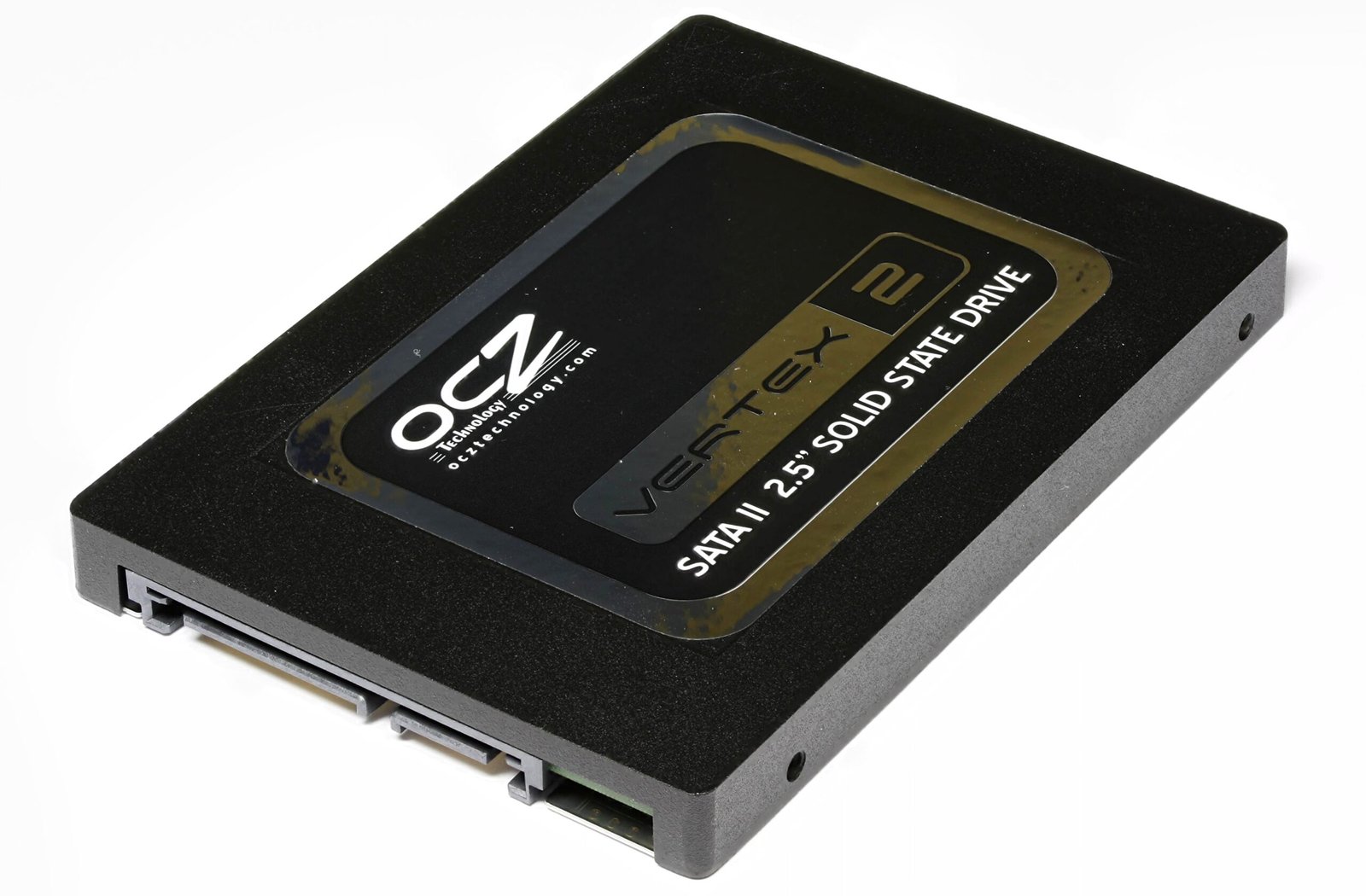
Despite what it seems, when you move a file into your computer’s trash folder and empty the trash, the file is not completely erased. Computers normally don’t “delete” files. When you move a file to the trash, your computer makes the file invisible and allows the space it took up to be overwritten by something else sometime in the future.
Sometimes instead of erasing and writing the block a file was originally stored on, the drive will leave that block alone, mark it as invalid, and write the modified file to a different block. This is like leaving the page in a book unchanged, writing the modified file on a different page, and just updating the book’s table of contents to point to the new page. All of this occurs at a low level in the electronics of the disk, so the operating system doesn’t even realize it happened.
Garbage collection reclaims invalid blocks asynchronously, meaning that deleted data may persist physically for an indeterminate period. This is the “zombie” part of the equation. The file is dead in the eyes of your operating system, but its physical remains are still sitting in the silicon, waiting to be overwritten, which may or may not happen on any predictable schedule.
The TRIM Command: Helpful for Performance, Not for Privacy
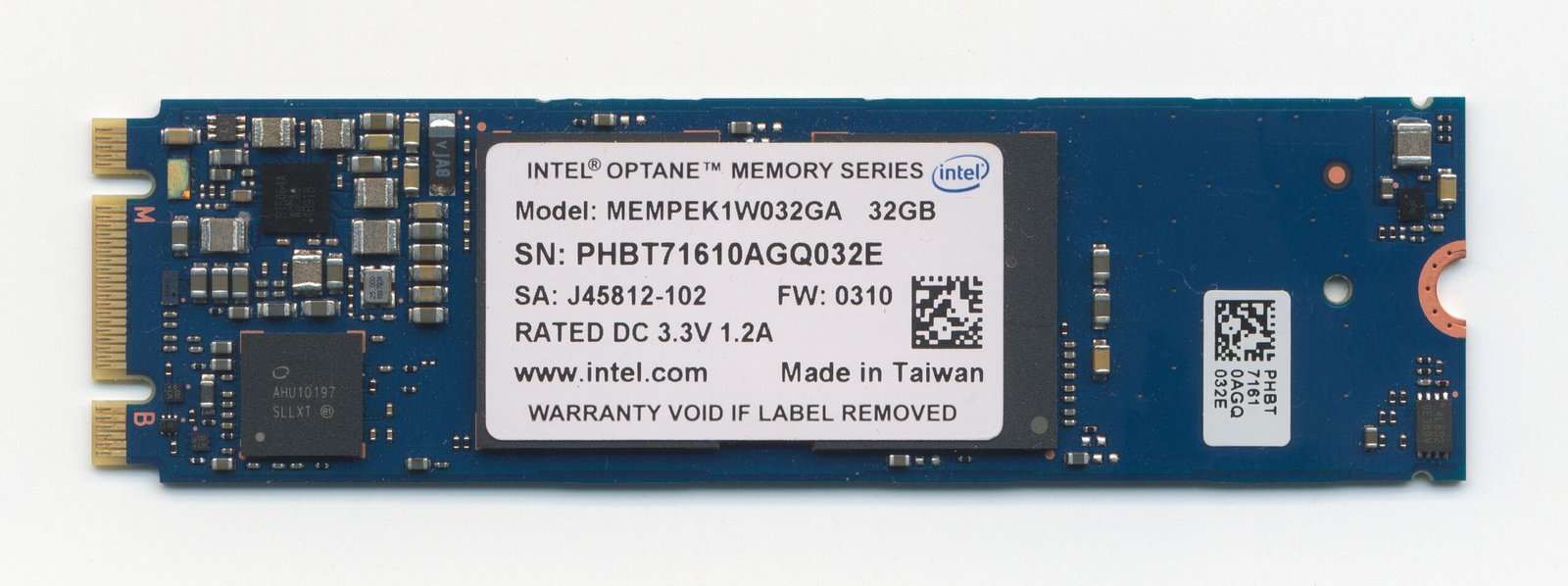
TRIM is a performance optimization feature, not a security tool, and it does not provide secure data erasure. When you delete a file on an SSD with TRIM enabled, the operating system sends a TRIM command to the drive informing it that certain storage blocks are no longer needed. The drive then schedules those blocks for erasure during idle time, which improves future write performance.
However, TRIM operates on the controller’s schedule, not immediately on deletion, and it does not guarantee that all traces of the data are removed, particularly from over-provisioned areas. TRIM also only functions when the SSD is connected through a primary SATA or NVMe channel – when connected via USB, as is common when testing a secondhand drive, TRIM is disabled entirely and deleted data remains fully intact.
That last point catches many people off guard. Plug a drive into a USB enclosure to check what’s recoverable before selling it, and you’ve just disabled the very mechanism that would have cleaned things up. The drive becomes a time capsule of everything you wanted gone.
The Hidden Storage Problem: Over-Provisioning and Inaccessible Space
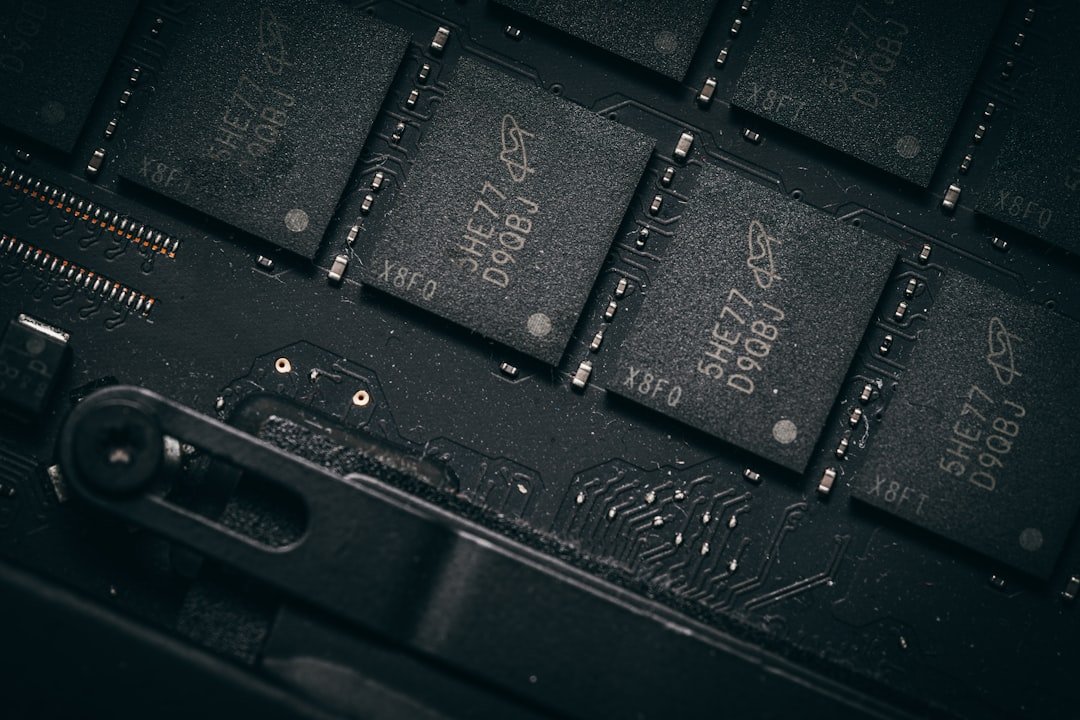
Over-provisioning reserves roughly seven to twenty-eight percent of total flash capacity as controller-only scratch space, typically invisible to the host system and standard acquisition tools. The resulting data remanence forms a latent storage layer composed of obsolete, unmapped, or logically deleted content. This volatile region can be exploited for covert storage or may inadvertently retain sensitive information well beyond its logical deletion.
Three core SSD functions – wear leveling, garbage collection with TRIM, and over-provisioning – collectively create a storage substrate that is transient, non-deterministic, and partially inaccessible to traditional forensic tools. For a regular user, this means there’s a chunk of your drive that your operating system can never even see, let alone clean. It exists purely at the controller level.
Wear leveling, garbage collection, and over-provisioning undermine guarantees of complete erasure, increasing the risk of residual data leakage. These mechanisms can retain sensitive data fragments beyond user control, complicating secure deletion and data privacy. It’s a layered problem, and each layer adds another reason why a standard format falls short.
What the Forensics Community Has Found
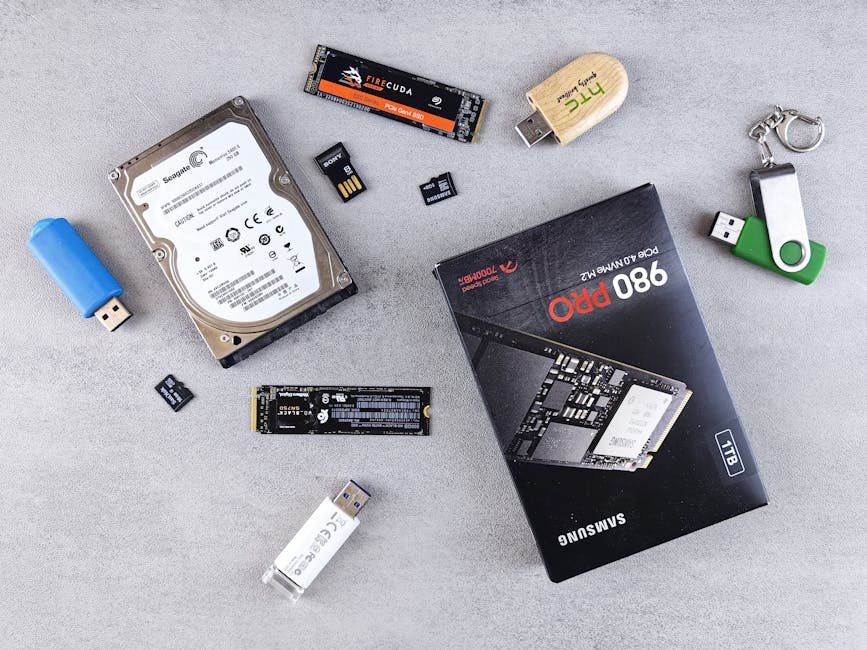
Experimental findings established the fact that wear leveling in solid-state media can obfuscate digital evidence, and a conventional assumption regarding the behavior of storage media is no more valid. In plain terms, the rules that applied to hard drives for decades don’t carry over to SSDs, and that surprises investigators and everyday users alike.
Research has found that zero percent of files are recovered when the TRIM function is enabled, but one hundred percent of files can be recovered if the TRIM function is disabled. That’s a stark difference, and it illustrates how much TRIM status alone determines whether a drive is cleanable through ordinary use. It also shows that data recovery from an SSD isn’t always impossible – it depends heavily on the drive’s specific configuration and history.
SSD evidence integrity varies substantially between sixty and seventy-six percent under certain conditions, illustrating the fragility of evidence under these conditions. This autonomous behavior fundamentally undermines the forensic principles of repeatability and integrity, as a truly static and verifiable evidence state is often unattainable. For forensic investigators, this is a serious complication. For regular users trying to protect their own privacy, it’s a quiet but real risk.
Why Formatting Doesn’t Reach Every Corner of the Drive
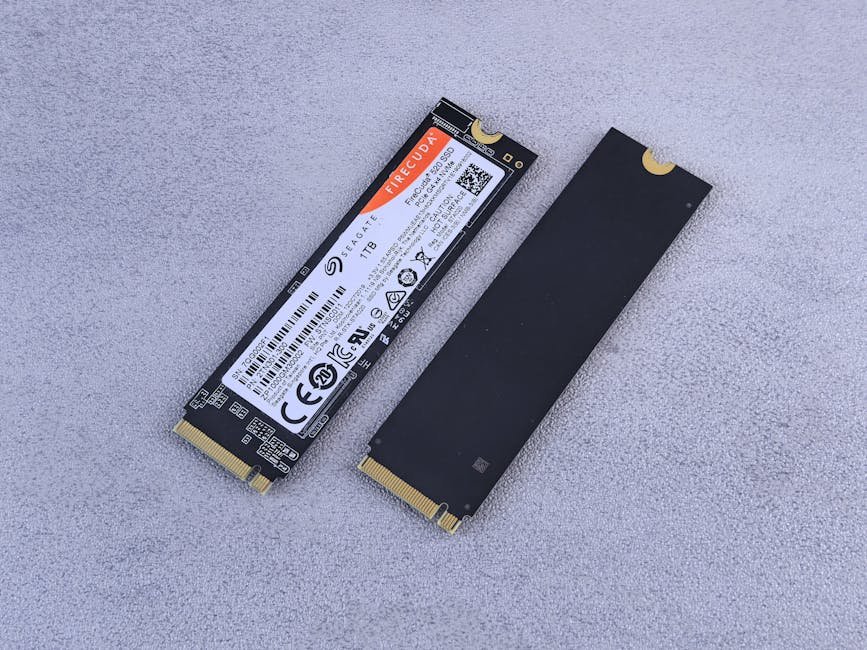
A standard quick format, whether on Windows or macOS, does something much simpler than most users realize. It rewrites the file system’s index table and marks all space as available. It doesn’t instruct the NAND cells to erase their contents. The data is still physically present until something else overwrites those exact physical blocks, which may never happen uniformly across the entire drive.
Unfortunately, due to the way SSDs, USB flash drives, and SD cards work, it is difficult, if not impossible, to securely delete both individual files and free space where some operating systems may leave parts of files. A full format is somewhat better than a quick format, but it still faces the same underlying architecture problem. The controller can redirect writes anywhere it chooses, and it won’t necessarily touch every physical block in sequence.
For SSDs, wear leveling and over-provisioning mean traditional overwrite methods may not touch all physical locations. You can run ten full formats back to back and still have fragments of old data sitting in over-provisioned space or in cells that the wear-leveling algorithm simply decided not to overwrite during that particular cycle. This is where the “ten-plus formats” problem comes from – it’s not a failure of effort, it’s a structural limitation.
The Encryption Advantage: Why Self-Encrypting Drives Change Things
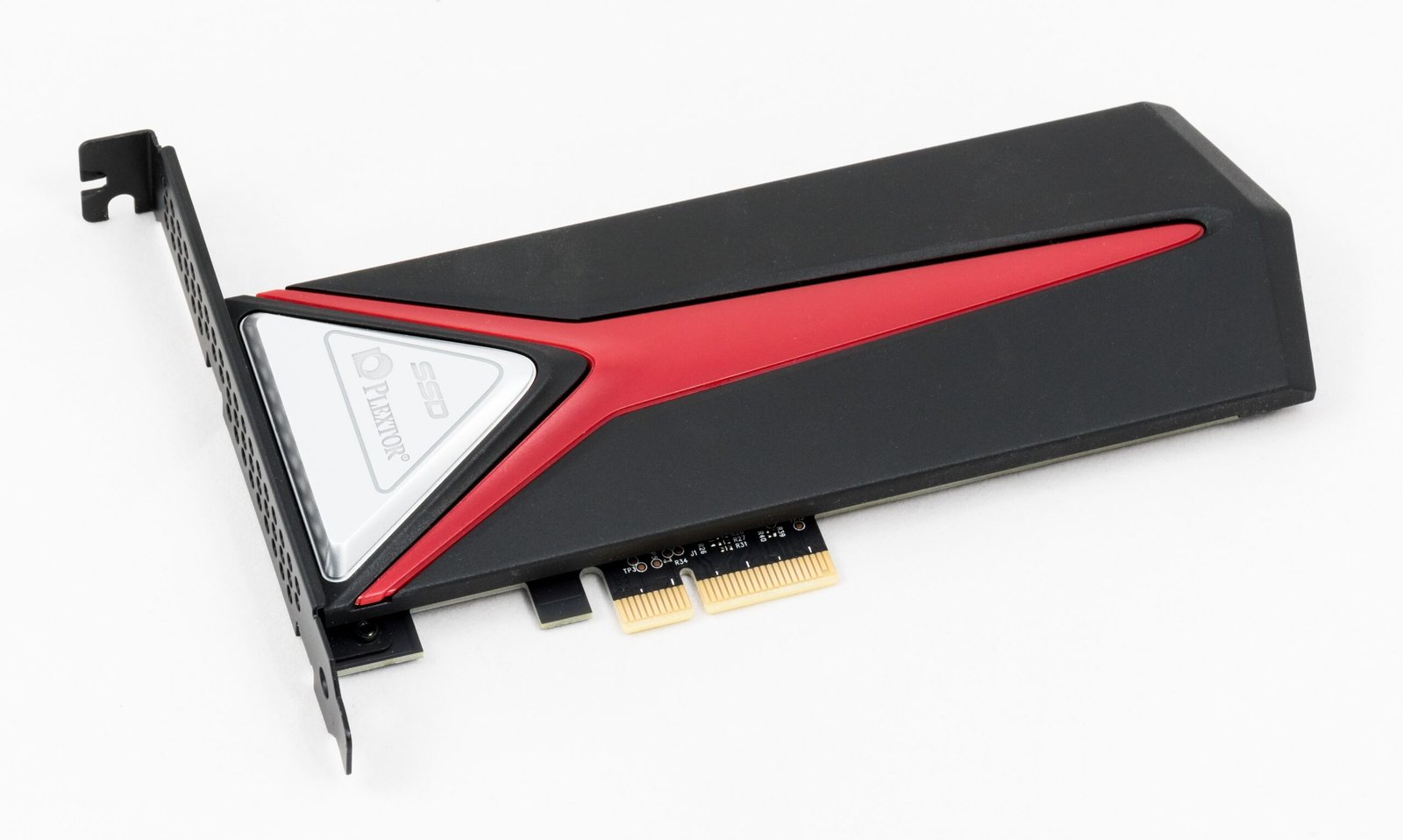
On self-encrypting SSDs, the encryption key can be changed or erased, which leaves all the encrypted data indecipherable and unrecoverable. This is a fundamentally different approach to erasure. Instead of trying to overwrite every physical cell, which is inherently difficult given the architecture discussed above, you simply destroy the key that makes the data readable in the first place.
When used on an encrypted SSD, crypto erase is very effective. By deleting or overwriting the encryption key, it instantly renders all data inaccessible. Because only the key is targeted, the process is quick and minimizes drive wear compared to multi-pass overwrites. That’s why standards such as NIST SP 800-88 Rev. 1 recognize it as a valid method of secure erasure.
The critical caveat is that it only works correctly if encryption was active from the moment the drive was first used. If the drive was not encrypted from day one, there may be unencrypted data fragments present that the cryptographic erase cannot reach. Encryption has to be a starting condition, not an afterthought applied just before disposal.
What You Can Actually Do: Real Methods That Work
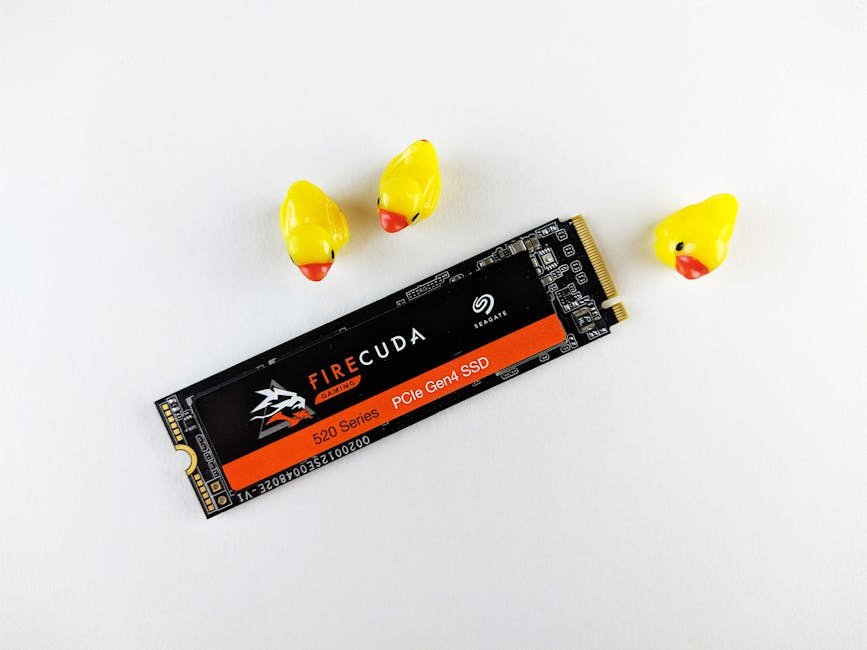
SSDs support built-in secure erase commands, like ATA Secure Erase or NVMe Format, that wipe all cells at once at the hardware level. These are fundamentally different from anything an operating system’s format dialog can issue. They speak directly to the controller’s firmware and instruct it to reset the NAND cells themselves, not just the file index sitting on top of them.
NVMe drives need a different approach than SATA SSDs because they use a different command set. While SATA relies on ATA Secure Erase, NVMe drives use built-in commands like NVMe Format and NVMe Sanitize that are designed specifically for their high-speed, parallel architecture. These commands can wipe the entire drive efficiently, often by destroying the encryption key or issuing a controller-level erase, which ensures your data is unrecoverable without putting unnecessary wear on the SSD.
Firmware-level commands – ATA Secure Erase for SATA, NVMe Sanitize for NVMe – should be used instead of software-based overwriting. Manufacturer tools from Samsung, WD, Crucial, Kingston, and Intel are the easiest way to secure erase most consumer SSDs. Self-encrypting drives can use crypto erase, which destroys the encryption key in under a second. Most major SSD vendors provide these tools free of charge, and running one before selling or disposing of a drive takes only a few minutes.
When Even That Isn’t Enough: The Physical Destruction Option
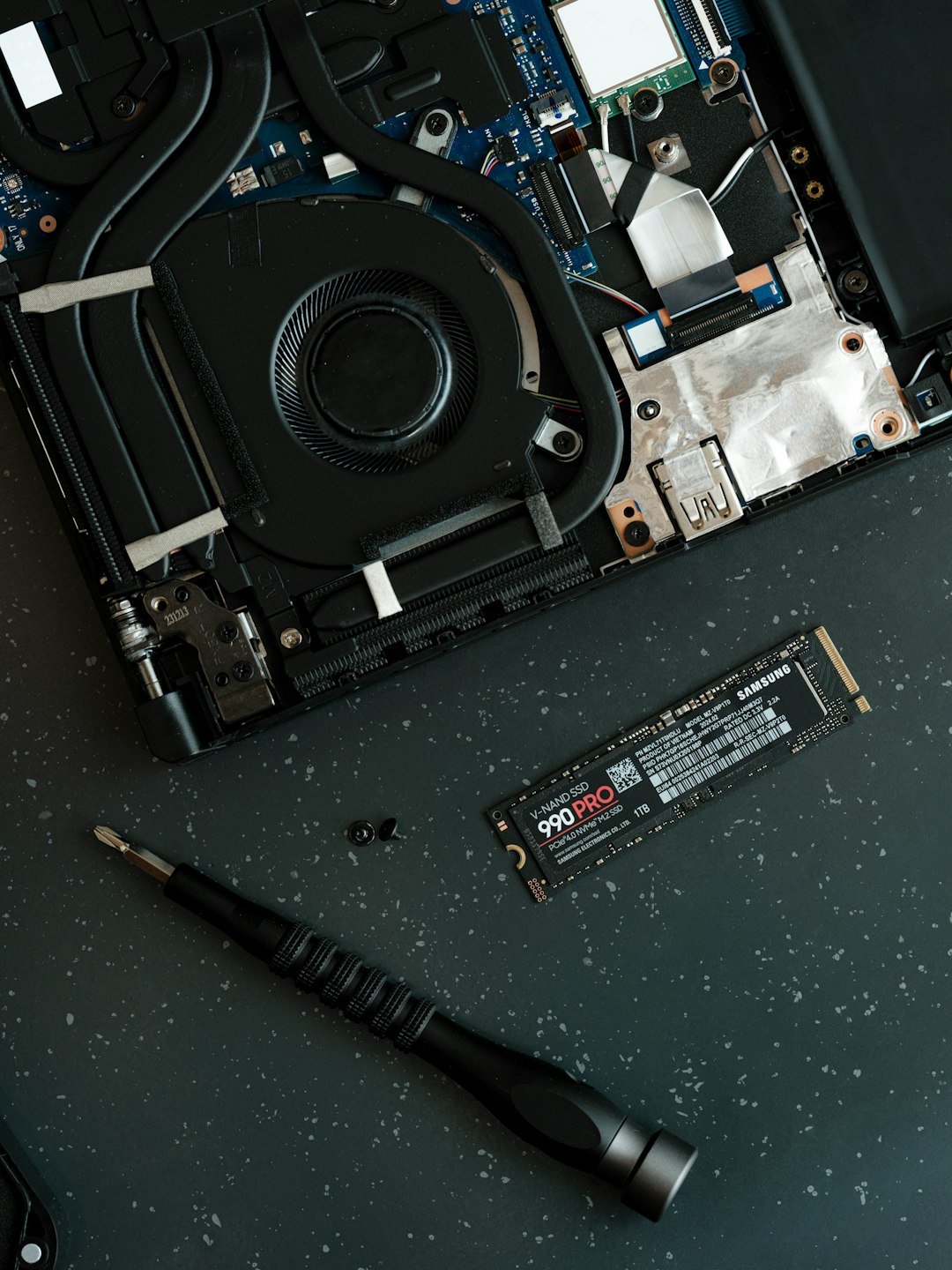
For situations where no residual risk is acceptable, hardware commands alone may not satisfy the strictest standards. Products are available that destroy SSD media through smelting or shredding. This is the only method of SSD sanitization approved by the United States Department of Defense and the National Security Agency.
The DOD/NSA standard for smelting SSDs requires a licensed furnace rated at 1,600 degrees Celsius. The DOD/NSA standard for shredding SSD media requires that fragments be reduced to less than 2 mm in edge length using an NSA/CSS evaluated shredder. For a home user retiring a personal laptop, that level of destruction is obviously overkill. For anyone handling healthcare records, financial data, or government materials, it’s the standard of record.
In 2025, trends increasingly favor firmware-based sanitization and cryptographic erase for modern SSDs and self-encrypting drives. Physical destruction remains the backstop when the highest assurance is required. For everyone else, the practical takeaway is that the right tool for the job exists and is usually free – you just have to know to use it.