


What “Permanently Disabled” Actually Means at the Silicon Level
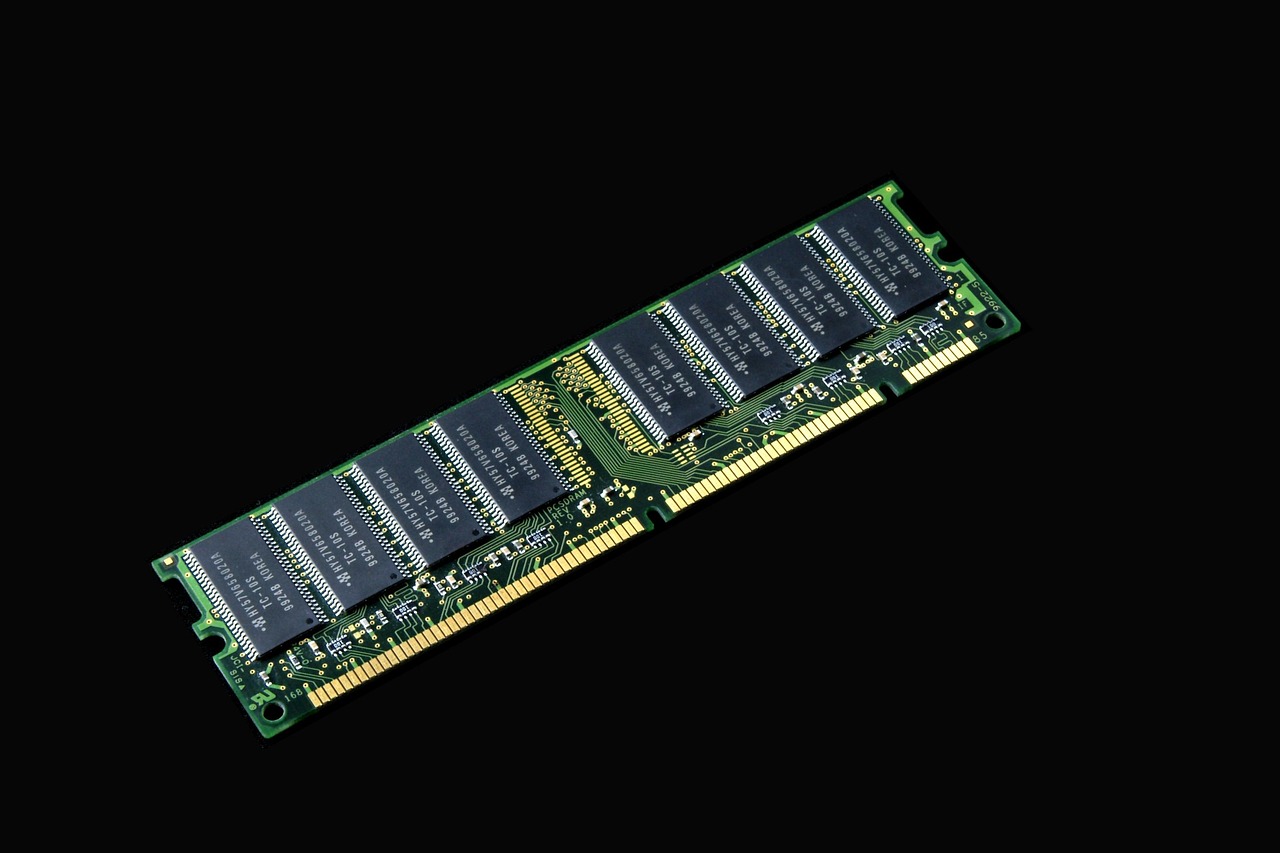
When we say a processor has been “permanently” changed, we’re talking about one-time-programmable fuses built directly into the chip die. The bits responsible for turning features off are one-time-programmable and are made like fuses, where “programming” is done by passing enough current through the thin traces representing the bits to burn them out. Once that current passes through, the physical structure is gone.
There is no software patch, no BIOS update, and no reflashing procedure that can reverse a blown fuse. Once a CPU is locked, there is no current way to reverse it. This is the foundational reality behind any discussion of permanent processor modification triggered through BIOS-level decisions.
AMD Platform Secure Boot: The Fuse That Binds a CPU to One Vendor
Modern AMD chips such as EPYC, Ryzen, and Threadrippers can feature what is called Platform Secure Boot, which leverages a hardware-based root of trust via the AMD Secure Processor. This platform verifies BIOS firmware before booting to ensure compatibility between CPU and motherboard.
AMD processors are shipped unlocked from the factory and can initially be used with any OEM’s motherboard. But once they are used with a motherboard with PSB enabled, the security fuses will be set, and from that point on, that processor can only be used with motherboards that use the same code signing key.
AMD PSB utilizes one-time programmable fuses within the processor to vendor-lock the CPU. These fuses are blown by Lenovo, for example, during the PSB initiation process, aligning with the cryptographic signing of the system’s BIOS. The process happens automatically, often without any user interaction.
The First Boot Trigger: How PSB Fires Without Warning
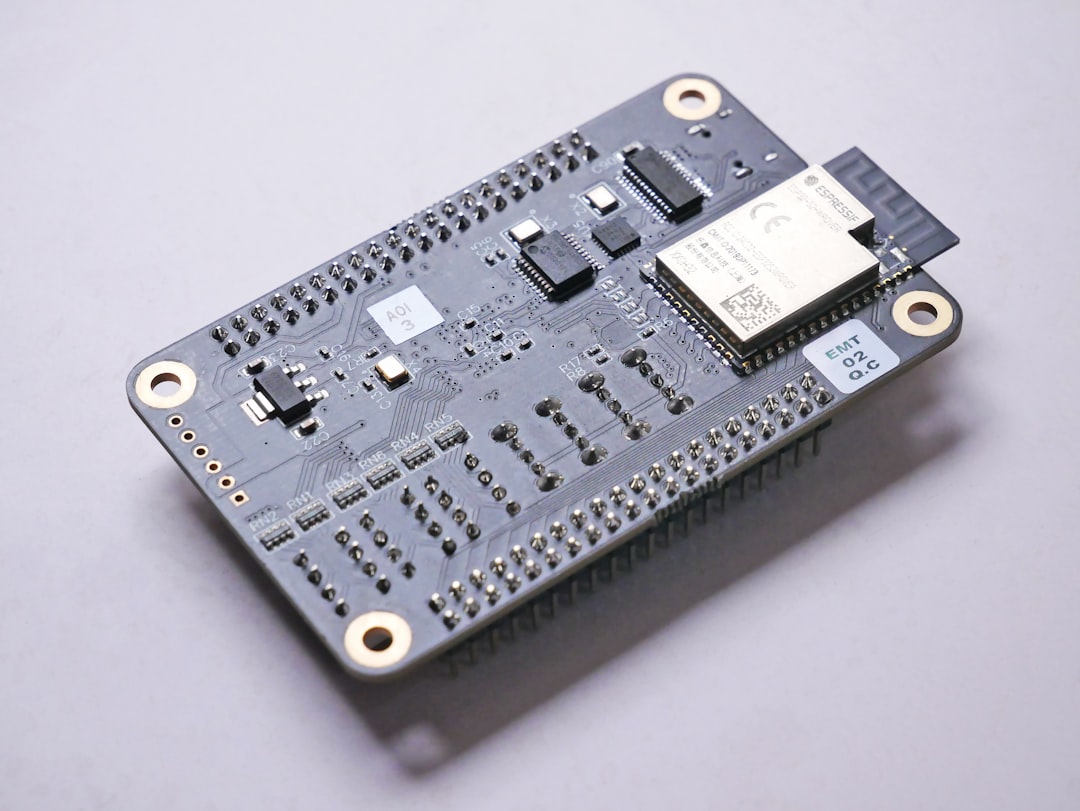
If the BIOS was compiled with the PSB feature enabled, the fusing process occurs automatically when the system boots for the first time. The user doesn’t need to press a button, confirm a prompt, or approve anything. The fuse blows the first time power flows through the board.
Many users receive no disclosure that PSB is enabled, nor that the lock can be reversed. For anyone buying a prebuilt system, this is especially significant. The CPU inside may already be permanently tied to that OEM’s ecosystem before it ever leaves the factory floor.
Intel’s Version: Boot Guard and the Field Programmable Fuses
Intel has its own parallel mechanism. Intel provides comparable functionality through Intel Boot Guard, implemented via fuses programmed in the platform controller hub and enforced through the Intel Management Engine subsystem. Boot Guard prevents unapproved firmware from booting, ensuring the BIOS is signed to an OEM’s public key locked to the PCH hardware.
When the OEM receives the CPU, the Intel Management Engine is still in “Manufacturing Mode” and runs a special part of the firmware that will copy the OEM Public Key Hash and Boot Guard Profile Configuration policy values from its flash ROM into the CPU’s field-programmable fuses, so that they are permanent and unchangeable. It then sets a fuse to indicate that it has exited from manufacturing mode so that this portion of the firmware will not run again.
The key difference between AMD’s PSB and Intel’s Boot Guard is that the root of trust lives in the chipset rather than the CPU itself, as with AMD’s solution. This distinction matters when thinking about CPU portability and upgrades.
The Overclocking Fuse on Threadripper 7000: A Different Kind of Permanent Change

In late 2023, a different kind of irreversible fuse made headlines. The high-end Ryzen Threadripper 7000 series released by AMD in November 2023 is reportedly equipped with a fuse that blows when overclocking mode is enabled. This caught the enthusiast community off guard.
AMD has built “fuses” into certain Threadripper 7000 Series processors that permanently “blow” when the processor gets overclocked. When the fuse blows, nothing bad happens to the processor, it still works as normal, but send it back to collect on a warranty, and AMD knows you’ve been overclocking it.
Threadripper 7000 Series processors do contain a fuse that is blown when overclocking is enabled. To be clear, blowing this fuse does not void your warranty. Still, the fuse is blown permanently regardless. It also appears that some motherboards throw up a warning when a Threadripper processor blows its fuse, a message that sometimes makes claims about invalidated warranties that don’t fit with AMD’s actual policies.
The PSB Security Risk: When the “Kill Switch” Can Be Weaponized

Beyond manufacturer lock-in, the PSB fuse system carries a lesser-known security implication. The PSB can also be permanently disabled by setting the PSB enable bit to 0 and the customer key lock to 1. This would enable an attacker to leave the system vulnerable indefinitely, and is similar to what was discovered for Intel BootGuard.
These issues would allow an attacker that has obtained a foothold on the OS, in combination with a SPI flash write primitive, to install firmware implants on the system. A fuse mechanism designed to protect the platform can, under the wrong conditions, become a vector for locking in persistent malware at the firmware level.
The Vendor Lock Problem in the Secondhand Market
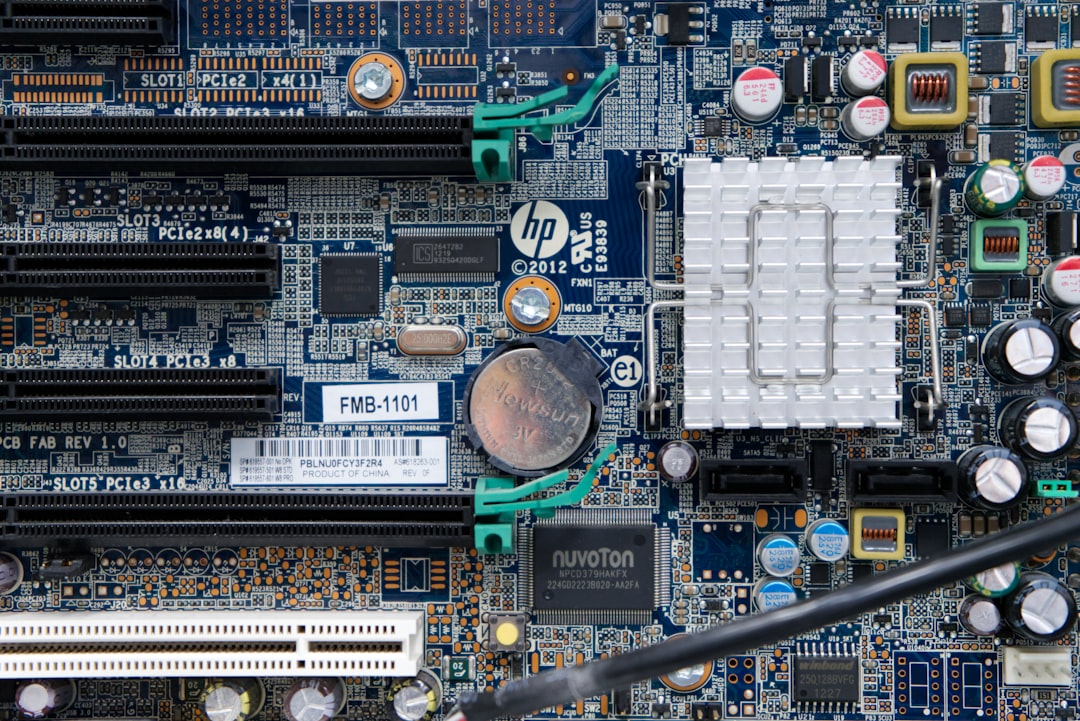
If a CPU is vendor-locked to Dell, that processor will only work on Dell systems with Dell motherboards, and swapping it to a Gigabyte system will mean that system will not boot. For anyone purchasing used enterprise hardware, this is a growing concern that few buyers are warned about at the point of sale.
Vendor-locked processors lose portability, as users cannot move CPUs to third-party motherboards for infrastructure upgrades. These CPUs will lose resale value and contribute to e-waste, as they cannot be reused with other manufacturers as the market shifts in systems preference. The environmental argument here is real and increasingly difficult to dismiss.
In general, enthusiast and DIY boards will not have PSB, as fusing the CPU renders it permanently bound to the board. That’s a meaningful distinction if you’re building your own system versus buying prebuilt from a major OEM.
How BIOS Voltage Settings Can Damage a CPU Without Fuses
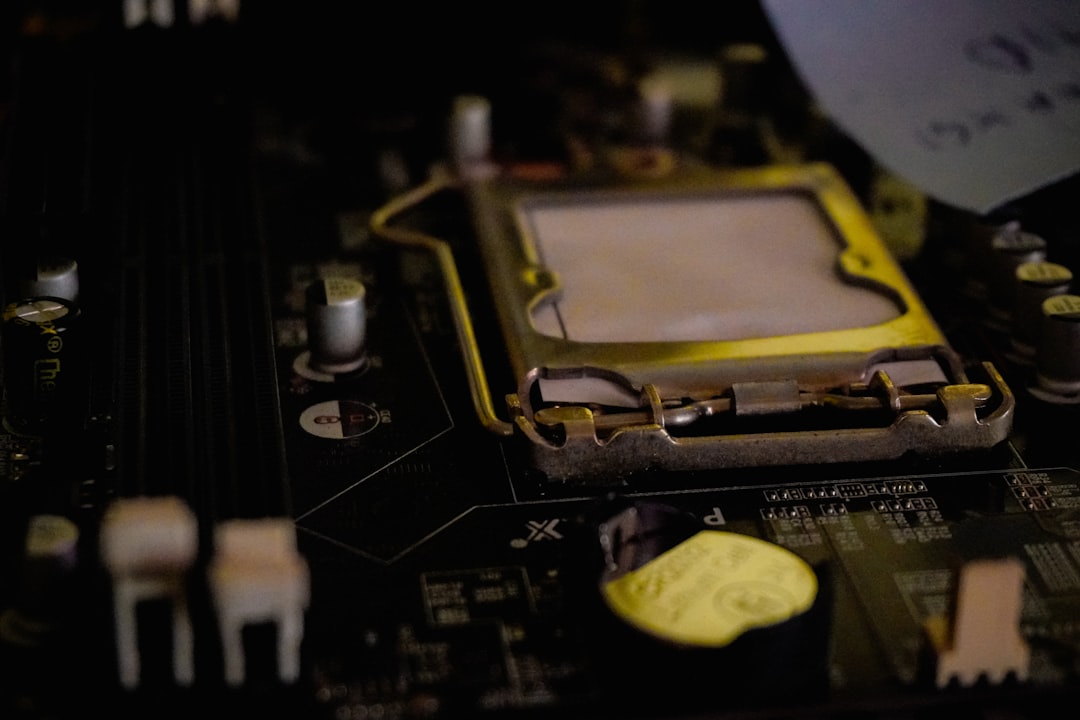
Fuses aren’t the only path to permanent processor damage rooted in BIOS settings. Voltage misconfiguration is a more immediate and more common risk. AMD issued a statement surrounding burnout issues some users experienced with their Ryzen 7000X3D processors. The problem, reported in multiple Reddit subforums, included some Ryzen 7000X3D CPUs burning out part of the chip and damaging the AM5 socket in the process.
AMD confirmed it had root-caused the issue and distributed a new AGESA that puts measures in place on certain power rails on AM5 motherboards to prevent the CPU from operating beyond its specification limits, including a cap on SoC voltage at 1.3V. Before that fix, the wrong BIOS settings could destroy the chip entirely, with no recovery possible.
Why BIOS Updates Matter More Than Most Users Think
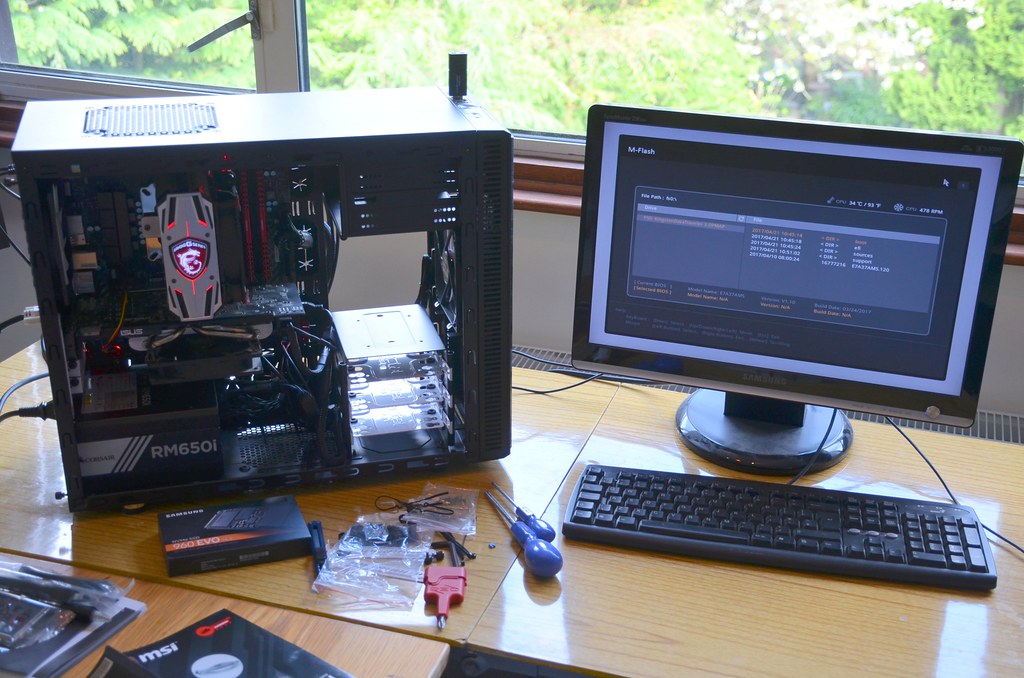
Most users don’t bother with a BIOS update if the PC posts or until something’s broken, but these updates have an important purpose. Besides unlocking additional performance, some updates patch critical security vulnerabilities and resolve hardware shortcomings.
ASUS released updates for multiple Z-series and B-series SKUs to address user concerns around MultiCore Enhancement settings that would occasionally over-volt CPUs. It is extremely important, now more than ever, to ensure your motherboard can communicate effectively with your CPU and give you a chance to use the newest features designed for performance and stability.
What You Can and Cannot Control

The standard BIOS settings most users interact with, core counts, C-states, power limits, are generally reversible. There are methods to turn off specific E-cores through per-core control settings, and saving and restarting applies the changes. These kinds of adjustments won’t permanently alter the hardware.
The true “kill switch” territory sits deeper: PSB fuses, Boot Guard provisioning, and overclocking indicator fuses are all beyond the reach of a standard CMOS reset. As a technology, PSB has considerable security benefits by rooting trust in physical one-time fuses inside the CPU itself. However, computer vendors fuse the processors to their own secret keys, making it impossible for the user to replace them. If the vendor stops updating your firmware or adds hostile features, you’re out of luck.
You can’t replace the system firmware with anything that doesn’t have a valid signature, which effectively means you’re locked into firmware the vendor chooses to sign. This prevents replacing the system firmware with either a replacement implementation such as Coreboot or a modified version of the original implementation.
Conclusion: The BIOS Is No Longer Just a Settings Screen

The BIOS has quietly evolved from a simple configuration tool into a gatekeeping layer with the power to permanently alter the hardware beneath it. For most everyday users, none of these mechanisms will ever surface. For enthusiasts, IT professionals, or anyone buying used hardware from enterprise environments, understanding what fuses may already be blown, or what the first boot might silently trigger, is becoming essential knowledge.
The real lesson isn’t fear. It’s awareness. Knowing that your CPU can carry an irreversible hardware state, set by a BIOS decision before you ever touched the machine, changes how thoughtfully you should approach prebuilt purchases, secondhand processors, and even aggressive BIOS voltage tweaks. Permanent, in computing, is starting to mean exactly what it says.