


What Is the BIOS and Why Does It Matter for Security?

The BIOS, or Basic Input/Output System, acts as a crucial bridge between a computer’s hardware and software. It runs before your operating system, before your antivirus, before anything you deliberately installed. Whatever happens at this level happens with essentially no oversight from the tools most users rely on.
The Unified Extensible Firmware Interface, or UEFI, is the modern replacement for legacy BIOS, and it initializes hardware components and launches the operating system during the boot process. Despite the name change, most people still loosely refer to this layer as “the BIOS,” and the security concerns travel with both terms.
Firmware remains on the device even after reboots or OS reinstalls, making it harder to detect and remove threats. Firmware also operates at a lower level than most software, often with higher privileges, allowing attackers to bypass traditional security controls. That combination of persistence and privilege is precisely what makes this layer so consequential.
The Intel Management Engine: A Computer Inside Your Computer
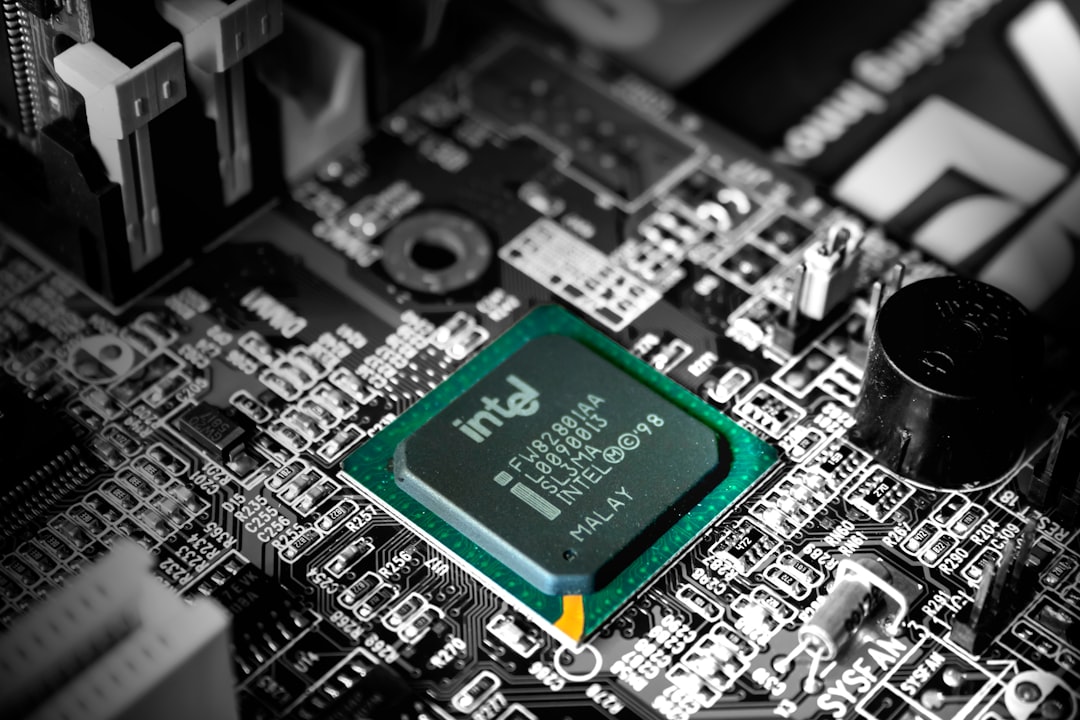
The Intel Management Engine is a separate computer embedded in every Intel processor made since 2008. It has its own CPU, its own memory, and runs its own operating system. It boots before your computer’s main CPU and keeps running even when your computer is “off.”
It has direct access to your system memory and, on many systems, direct access to your network. That means the ME can theoretically send and receive data completely independent of whatever you’re doing – or not doing – on your main operating system.
The Intel Management Engine is designed to help manage and regulate a system including its processor. Some of its functions include power management, Active Management Technology, Serial over LAN, and Intel Platform Trust Technology. Legitimate uses exist, but the architecture creates a surface area that many security researchers find deeply uncomfortable.
The HAP Bit: The Actual Hidden “Kill Switch”
In 2017, security researchers at Positive Technologies discovered something unexpected in Intel’s firmware: a hidden “kill switch” labeled HAP, standing for High Assurance Platform. Intel had built a way to disable most of the Management Engine. The discovery sent ripples through the security community because it revealed a control mechanism that had never been publicly documented.
Researchers discovered a hidden bit in the firmware code, which when set to “1” disables the ME after booting up the main CPU. The bit is called “reserve_hap” and is described in the code as “High Assurance Platform (HAP) enable.” The HAP is a program by the NSA that lays out a series of rules that vendors should invariably stick to, in order to be approved for secure computing applications.
The bit was reportedly added at the request of the NSA for PCs running in highly secure environments. Intel confirmed the kill switch, saying that the modifications were made at the request of equipment manufacturers in support of their customer’s evaluation of the US government’s “High Assurance Platform” program. In other words, this switch was built for intelligence agencies, not ordinary consumers.
How the Kill Switch Actually Works

The disable method is a kill switch for the ME which leaves it in a hanging or stopped state and allows for graceful ME shutdown. For ME version 11 or greater, the HAP bit is used. Anything lower than ME version 11 uses the AltMeDisable bit.
Once the initial boot-up module completes, the ME will either enter a “parked” state if the HAP bit is respected, or try to load the remaining modules if not. In the former case, the ME is cleanly disabled. In the latter case, the signature check fails and the ME effectively crashes. Either way, it is out of action from that point.
The HAP method provides the most security: remote access and other high-privileged features cannot be used. While this method does provide the most security, other “safer” ME features are also disabled. It’s a trade-off, and one that most average users won’t need to make. But for those working with sensitive data, the option matters.
The Gigabyte Backdoor: A Real-World Example Affecting Millions
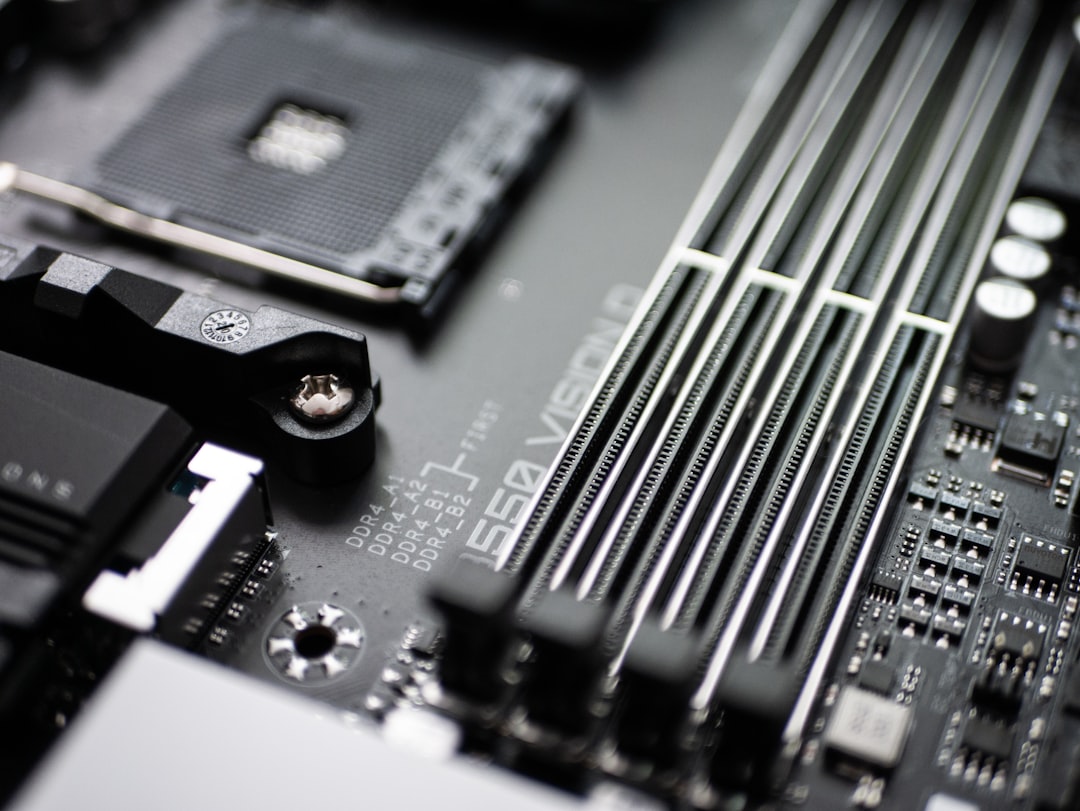
The issue discovered by Eclypsium was that over 200 of Gigabyte’s motherboards had a previously undisclosed firmware backdoor. Gigabyte put that backdoor in the motherboard in order to make it easier for them to update the firmware on the boards. However, Eclypsium said that Gigabyte didn’t do enough to secure that backdoor, meaning hackers could drop malicious software through that firmware backdoor.
The Windows executable is embedded into UEFI firmware and written to disk by firmware as part of the system boot process, a technique commonly used by UEFI implants and backdoors. What made this particularly alarming was that it happened silently, during normal startup, without any user prompt.
The whole process takes place during the Windows startup process, where the Gigabyte updater, without any input from the user, can go off and download and then execute payloads from different locations on the internet. One of those locations was on an insecure HTTP address, making it easily compromised by a so-called machine-in-the-middle attack. The fix, when it came, required explicit BIOS updates from Gigabyte’s support pages.
UEFI Rootkits: When Firmware Becomes Malware
LoJax became the first UEFI rootkit discovered in the wild, used by the Russian APT group Fancy Bear. It was able to infect the UEFI firmware of systems, allowing attackers to maintain control even after the operating system was wiped and reinstalled. That last detail is the one that should stop anyone cold: reinstalling your OS does nothing.
MoonBounce was an advanced UEFI firmware rootkit discovered in early 2022, capable of hiding in SPI flash memory, making it extremely difficult to detect. Once embedded, MoonBounce could control the boot process and load malicious payloads before the OS even started. Its ability to survive firmware updates made it particularly difficult to eradicate.
In 2018, UEFI rootkits were exotic weapons in nation-state toolkits. In 2023, they were being sold to cybercriminals for $5,000. In 2024, they hit Linux for the first time. In 2025, a single vulnerability exposed nearly every UEFI system manufactured in the past decade. The democratization of these tools is the real story.
CVE-2024-7344: The Vulnerability That Shook Secure Boot

The vulnerability, assigned the CVE identifier CVE-2024-7344, resides in a UEFI application signed by Microsoft’s “Microsoft Corporation UEFI CA 2011” third-party UEFI certificate. The significance here is that the application carrying the flaw was legitimately signed, meaning normal verification couldn’t catch it.
Successful exploitation of the flaw can lead to the execution of untrusted code during system boot, thereby enabling attackers to deploy malicious UEFI bootkits on machines that have Secure Boot enabled, irrespective of the operating system installed. Secure Boot, the feature most users assume protects them, was rendered ineffective.
Code executed in this early boot phase can persist on the system, potentially loading malicious kernel extensions that survive both reboots and OS reinstallation. Additionally, it may evade detection by OS-based and endpoint detection and response security measures. Microsoft revoked the vulnerable binaries in January 2025, but only systems that received and applied the update benefit from the fix.
How to Check Your Own System for Risky Settings

Inspect and disable the “APP Center Download and Install” feature in UEFI/BIOS Setup on Gigabyte systems and set a BIOS password to deter malicious changes. This is the most direct action Gigabyte board owners can take right now, and it takes only a few minutes inside the BIOS settings menu.
If you can’t modify the firmware, at minimum disable AMT in your BIOS settings. Look for Intel Management Engine or Intel AMT Configuration. Disabling it won’t stop ME from running, but it will prevent network-based attacks on the AMT interface. It’s an imperfect solution, but a meaningful one for most home users.
Secure Boot is a UEFI security feature that helps protect against unauthorized modifications to the boot process. It verifies the digital signatures of boot software and firmware during startup. Verify in your BIOS that Secure Boot is enabled, and check that your system has received the latest BIOS updates from your manufacturer’s official support page.
Who Is Actually at Risk and How Serious Is It?

Eclypsium stated that it doesn’t currently believe there has been an active exploit of the Gigabyte vulnerability, but that “an active widespread backdoor that is difficult to remove poses a supply chain risk for organizations with Gigabyte systems.” The risk is real even when active exploitation hasn’t been confirmed, precisely because of how difficult these threats are to remove once deployed.
Backdoors hidden within UEFI or other firmware can be hard to remove. Even if the backdoor executable is removed, the firmware will simply drop it again the next time the system boots up. That persistence is what elevates firmware threats above almost every other category of malware.
In 2024 and 2025, the landscape of firmware security shifted dramatically. Advanced threat actors are no longer just looking for sloppy SMM configurations; they are exploiting the core supply chain and structural design flaws in the UEFI specification itself. The threat has moved well beyond targeting only high-profile government networks.
What You Can Actually Do About It
Keeping your BIOS or firmware updated is one of the most important ways to secure it. Manufacturers release updates that address security vulnerabilities and improve system stability. Check your device manufacturer’s website periodically for BIOS updates, and only download firmware updates directly from official sources to avoid tampered files.
Some manufacturers ship systems with the HAP bit set or provide tools to enable it. This is the same mechanism the NSA uses. It disables ME after hardware initialization, leaving the system functional but with ME dormant. For users who want to go further, vendors like System76 and Purism ship laptops with ME disabled by default through this exact method.
If the chipset is configured correctly and Secure Boot is enabled, the firmware is reasonably secure. To perform a hardware-based attack, attackers exploit a vulnerable firmware or a misconfigured machine to deploy a rootkit, which allows attackers to gain a foothold on the machine. Configuration matters as much as hardware. Checking three things, Secure Boot status, BIOS password protection, and whether any manufacturer-specific remote download features are enabled, takes under ten minutes and meaningfully reduces exposure.
The BIOS layer is no longer a niche concern for hardware engineers. It’s where some of the most durable and invisible threats now live. The good news is that awareness itself is a form of protection: knowing where to look, what to disable, and when to update puts the average user miles ahead of where most systems sit by default.