


Most people assume their internet provider simply delivers web pages and stays out of the way. That assumption is wrong, and the gap between perception and reality is worth understanding. Every time you visit a website, your home router quietly sends a request to a server that logs exactly where you went, when you went there, and how often. That server almost certainly belongs to your ISP.
The fix is real, it’s free, and it lives inside your router’s settings page. It takes roughly five seconds to change once you know where to look.
Your ISP Knows More About You Than You Think

Many internet service providers collect and share far more data about their customers than many consumers may expect, including access to all of their internet traffic and real-time location data, while failing to offer consumers meaningful choices about how this data can be used. That’s not speculation from a privacy blog. It comes directly from a Federal Trade Commission staff report examining the practices of the six largest US broadband providers.
The FTC report identified several troubling data collection practices among several of the ISPs, including that they combine data across product lines, combine personal, app usage, and web browsing data to target ads, place consumers into sensitive categories such as by race and sexual orientation, and share real-time location data with third parties. The scope of that data collection is broader than most subscribers realize.
Many ISPs in the study also collect and combine other highly sensitive data, including browsing information, TV viewing history, contents of email and search, data from connected devices, location information, and data about race and ethnicity.
The DNS Setting at the Center of It All
DNS servers are like the internet’s phonebook, translating domain names like google.com into IP addresses. Every website visit begins with this lookup. Most people never change it, so it goes straight to their ISP’s servers by default.
Every time you type a URL, your device quietly translates it into a specific IP address to connect to. All that happens behind the scenes in milliseconds and on all devices on your network. Unless you’ve manually changed settings, a record of every DNS query lands directly on your ISP’s servers.
In the end, DNS traffic is a product for ISPs. That’s why they remain silent, because you’re generating DNS traffic for free every day and sending it straight to their servers. Changing this single setting redirects that traffic away from your ISP to a resolver that doesn’t monetize it.
What ISPs Actually Do With That Data

ISPs don’t typically trade in raw data due to legal and reputational risks. They aggregate and distill it into insights that are anonymized enough to be legal yet personal enough to be profitable. They create consumer profiles, not unlike how a bookstore might recommend books based on past purchases, but with a potentially far greater impact on privacy.
Many ISPs have been documented selling anonymized browsing data to data brokers, data aggregators, advertisers, and other third parties. The researchers demonstrated that the so-called anonymized data is still re-identifiable. The word “anonymized” offers less protection than it implies.
You may have agreed implicitly to a privacy policy that allows your network provider to build a profile of your browsing habits and sell that data to marketers, and you may have done so without ever reading the fine print with a critical eye. Most people haven’t.
The Legal Landscape That Made This Possible

In 2017, the FCC’s broadband privacy rules were repealed. These rules would have required ISPs to get your consent before selling your data. That rollback opened the door to the data economy that ISPs operate in today.
In the USA, ISPs have the added option to sell DNS data to marketing companies. There is no comprehensive federal privacy law that currently stops them. Individual states have moved to fill that gap unevenly, which means protections vary depending on where you live.
While some states have implemented data privacy laws, many Americans still lack comprehensive protections in the absence of federal privacy laws. Until that changes at the national level, the burden falls on individual users to protect themselves.
How DNS Hijacking Works Against You

Has it ever happened to you that mistyping a URL redirected you to a search page full of sponsored links and suggested searches? That’s DNS hijacking, where your ISP intercepts a failed DNS lookup and points your browser to a page full of ads instead of showing a proper error. It’s a quiet but profitable tactic.
Your internet provider can, and probably already does, use techniques like Deep Packet Inspection and Transparent DNS Hijacking to see which websites you’re visiting and what you do online. These aren’t theoretical risks. They’re active, deployed systems running right now on standard home broadband connections.
When DNS requests leak, your ISP can see every website you visit and log your entire browsing history. Your Netflix binges, your Google searches, your banking logins, everything can be recorded and stored by your internet provider. The ISP can then sell this data to advertisers or share it with government agencies when requested.
The Router Setting That Changes Everything
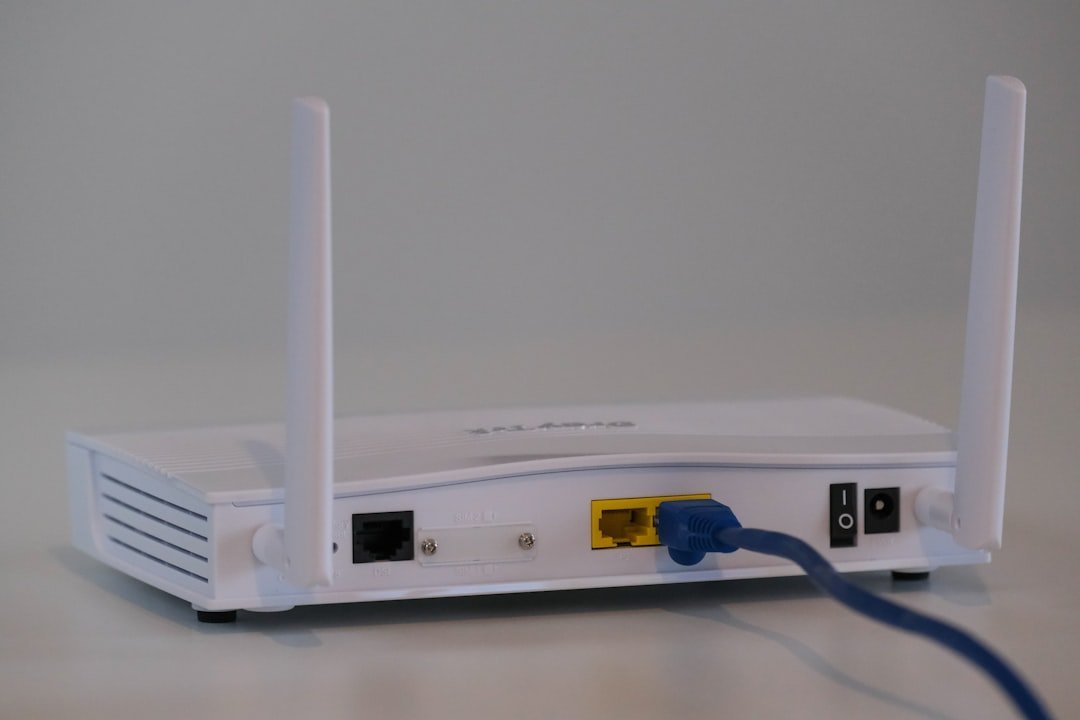
You aren’t stuck with ISPs’ DNS addresses forever. Switching to a public DNS service provider from your router’s interface barely takes a couple of minutes. The best part is that those DNS service options are excellent and completely free.
Changing the DNS settings on your router is the most effective way to apply the changes to all devices connected to your network. However, the exact steps vary depending on your router’s manufacturer and model. The general process is to access your router’s settings by opening a web browser and entering your router’s IP address in the address bar. This is usually 192.168.1.1 or 192.168.0.1.
Changing DNS on your router applies to every device on your network automatically. That means your phone, laptop, smart TV, and any other connected device all benefit from the change in one step, without touching each device individually.
Which Privacy-Focused DNS Resolver to Choose

Cloudflare’s 1.1.1.1 and 1.0.0.1 offer a fast public DNS service and maintain a strict no-logging policy. It’s consistently ranked among the fastest resolvers globally and is widely regarded as a trustworthy option for home users.
For privacy-focused DNS usage, Quad9’s service at 9.9.9.9 automatically blocks malicious domains and is run by a non-profit organization. That said, it is a little slower than the other two due to filtering and blocking. For households that want an added security layer on top of privacy, Quad9 is a solid choice.
Using Google’s Public DNS at 8.8.8.8 and 8.8.4.4 is quite reliable and fast. But you’re sharing your online behavior data with Google rather than your ISP, so it’s worth keeping that in mind. Switching DNS resolvers shifts who can see your traffic. It doesn’t make traffic invisible.
Encrypted DNS: The Extra Layer That Really Locks It Down

Traditionally, DNS requests are sent in plaintext, meaning that anyone monitoring your internet traffic, such as your internet service provider, government agencies, or cybercriminals, can see what websites you’re visiting. This lack of encryption makes DNS a privacy vulnerability.
The two primary standards, DNS-over-HTTPS (DoH) and DNS-over-TLS (DoT), prevent ISPs, network administrators, and attackers from seeing or modifying which websites users visit. Pairing a privacy-focused DNS resolver with one of these encryption protocols significantly raises the bar.
Google reports that over 35% of Chrome DNS queries now use encrypted DNS protocols, while Mozilla Firefox enables DNS-over-HTTPS by default for all U.S. users. Adoption is growing fast, and most modern routers and browsers now support these protocols natively.
What Encrypted DNS Can and Cannot Do

The common advice of using a VPN might not be the privacy silver bullet you’d expect for home browsing. Yes, a VPN effectively masks your DNS queries and IPs from your ISP, but it simply shifts that visibility to the VPN provider. It changes who might profit from your data, not whether your data is profitable.
DoH only encrypts the DNS query itself. The destination IP address in packet headers can still expose which servers you are talking to. DoH will only hide your queries from ISPs, not from the DoH providers themselves. Knowing the limits of any tool is as important as knowing what it does well.
Pairing encrypted DNS with other tactics like HTTPS and the emerging encrypted client hello (ECH) minimizes metadata leakage even further. Yet despite these improvements, privacy isn’t an absolute state; it’s about reducing rather than eliminating exposure.
How to Verify the Change Actually Worked

You should test immediately at ipleak.net or dnsleaktest.com, because you won’t know you’re leaking without checking. These free tools show you exactly which DNS server your device is actually using, confirming whether the router change took effect across your whole network.
Cloudflare keeps minimal logs and wipes query data within 24 hours. While it improves privacy compared to default ISP DNS, some metadata is still processed. No DNS resolver is a perfect black box, so choosing one with a published, audited privacy policy matters.
Compliance offers some relief, but depending on government action alone may not provide adequate protection. Active steps, such as choosing a security and privacy-centric DNS service, strengthen your safeguards and reduce the risk of having personal habits turned into profit.
The Bigger Picture on Home Network Privacy

HTTPS encryption protects the content of your communications, but not the metadata, which is often enough to build detailed profiles. Some routers, especially ISP-provided ones, can perform Deep Packet Inspection, analyzing the content of your traffic, not just metadata. The DNS change addresses a significant slice of that exposure, but it works best as part of a broader awareness.
You can further reduce ISP data collection by using a browser that has more robust built-in privacy features. Look for a browser that blocks trackers or routes traffic through multiple layers of encryption and relays, hiding both user identity and location. Firefox and Tor are examples of browsers that come with more robust security features.
The router DNS change is the easiest starting point, but it’s worth thinking of it as the first step rather than the only one. Privacy online is less about a single switch and more about stacking sensible habits on top of each other over time. One change in a browser address bar, five seconds of effort, and your ISP loses its most direct window into your daily digital life. That’s a reasonable trade.