

Your phone bill arrives and there it is – a data overage charge you can’t explain. You barely streamed anything. You weren’t on video calls all day. Yet somehow, gigabytes vanished into thin air. Sound familiar? The culprit is almost certainly something tech people call a “ghost app” – a background process running silently while your screen sits dark and your phone rests on the nightstand.
This problem is far more common than most people realize, and it is getting worse. The apps on your phone are designed to stay alive even when you think you’ve closed them. Understanding how this works, and knowing exactly where to look, could save you money and protect something even more valuable than data: your privacy. Let’s dive in.
Your Phone Is Working While You Sleep

Here’s the thing most people never think about: your smartphone doesn’t stop communicating with the internet just because you put it down. Just because you close an app doesn’t mean it stops running. Most apps keep running quietly in the background, sending and receiving data without you even noticing. It’s a bit like leaving all the lights on in your house when you go to bed – except the house is on the internet, and strangers can see through the windows.
Background data, also called background app refresh, is the use of mobile data by apps when they’re not in active use. If you allow background data usage, apps will constantly update themselves in the background with the newest information and content. Think of it like a restaurant kitchen that never closes. The food keeps getting prepped whether or not a customer walks through the door.
The Sandvine Global Internet Phenomena Report for 2024 analyzed the impact of internet applications on network performance and user experience, revealing that video content dominates traffic while also highlighting the increasing complexity of applications and the significance of upstream traffic. In plain terms, your phone is uploading and downloading constantly, even when you’re asleep.
The Cybernews Experiment That Should Alarm You
Want a real wake-up call? A research team at Cybernews ran a controlled experiment that revealed how aggressive background processes truly are. During a three-day experiment, when the Cybernews team installed the 100 top free apps from the Play Store on a factory-reset Android phone, the phone contacted various servers 6,296 times – every 37 seconds on average. A staggering 2,323 queries were sent during the last 24 hours when the phone was not used at all.
During the whole experiment, TikTok managed to use 317MB of data while running in the background. Facebook used 73MB, Meta App Manager used 41MB, Temu sent 22.16MB. These are not insignificant numbers. That is nearly half a gigabyte of data consumed by a single app you never even opened.
The experiment showed that the phone connected to Russian IP addresses at least 39 times. TikTok surpassed two of the Big Tech trio with at least 717 queries, representing over 30% of the phone’s background connections. Honestly, that should stop anyone mid-scroll.
Social Media Apps Are the Biggest Offenders
Let’s be real: social media apps are designed to keep you engaged, and that design extends far beyond your screen time. Some apps, like social media platforms and news apps, are constantly refreshing in the background to fetch the latest updates. This continuous activity keeps your phone’s processor and network connections active, consuming bandwidth even when you’re not using the app.
A recent study reveals the most data-hungry apps of 2025, showing social media giants like Meta’s Facebook and Instagram collect vast amounts of “linked” personal data, with 156 data points each. That number is staggering. 156 individual data points, collected persistently, often in the background. Trailing closely behind is Threads, Meta’s newer social platform, which is not far off with 154 data points. All three of these applications fall under the umbrella of Meta.
The biggest battery and data drainers are social media apps, including Facebook, Instagram, LinkedIn, Snapchat, YouTube, and WhatsApp. They are all in the top 20, and all allow 11 features to run in the background. It’s essentially a relay race of data consumption, with each app passing the baton in the background without your knowledge.
The Privacy Threat Goes Beyond Your Data Bill
The background data problem is not just about money. In April 2026, the FBI issued a stark public warning through its Internet Crime Complaint Center. The announcement highlights how certain apps may collect and share extensive user data with foreign governments under national security laws. According to the FBI, apps developed or maintained by companies in high-risk foreign locations are subject to those countries’ laws, which may require them to turn over user data to their governments. That data can include contacts, locations, and photos, which may be stored on overseas servers and accessed without the user’s knowledge.
Users should be aware of what user data these apps request access to upon download. When access is permitted by the user, the app can persistently collect data and users’ private information throughout the device, not just within the app or while the app is active. That last part is what people miss. The data collection doesn’t stay inside the app’s sandbox.
Permission abuse is a serious threat. Apps often request excessive permissions, such as access to contacts or the microphone, which can lead to data compromise – even if you don’t use the app yourself but are on someone else’s contact list. Think about that for a second. You don’t even need to download the app yourself to have your data exposed.
Cloud Services, App Stores, and the Silent Syncing Problem
Social media apps get most of the attention, but they are far from the only offenders. Cloud storage apps can be just as aggressive. Google Drive, Dropbox, and iCloud automatically sync files and photos. Large uploads such as videos or high-resolution images can quickly drain your data allowance. If you are on a capped mobile plan, background apps can quietly push you past your limit before you realize it.
The Google Play Store itself might be the culprit when apps have been consuming more data than expected. If you have many apps downloaded from the Play Store, it will periodically check for updates and download them in the background. This is something almost nobody realizes. Your app store isn’t just a place to download apps – it keeps working in the background indefinitely.
Frequent background refresh from several apps adds up quickly. A cloud storage app backing up photos or a messaging app syncing chat history may use hundreds of megabytes daily. These invisible updates contribute significantly to overage charges on limited data plans, especially when auto-updates are enabled over cellular networks.
Your Battery Is Also Paying the Price
If you’ve been frustrated by a phone that never seems to hold its charge, background processes are likely part of the explanation. Data usage and battery drain often go hand in hand. Apps that frequently communicate with servers require power to transmit and receive data. When multiple apps refresh in the background, battery life can drop noticeably.
Every background data request requires the device to stay semi-awake, engage processors, and activate antennas. This continuous, passive operation reduces battery endurance even when the screen is off. A GreenSmartphones study found that uncontrolled background data activity can reduce daily battery life by roughly 10% to 25%, depending on the number of active background apps and sync intervals. That can translate to a couple of hours of lost battery life every single day.
Too many apps refreshing at the same time can slow down Android devices or Apple products, causing other tasks like streaming or messaging to lag. It’s a snowball effect. More ghost apps mean a slower, hotter, and less responsive device overall.
How to Find Which App Is the Ghost
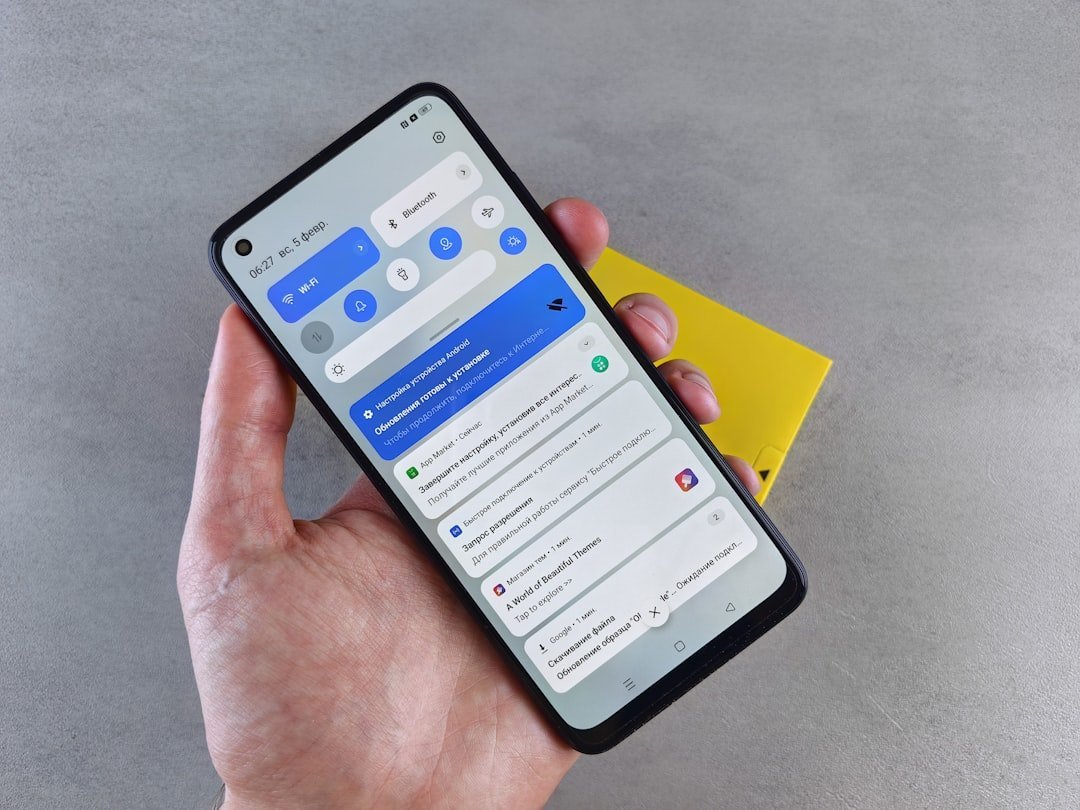
The good news is that both major mobile platforms give you tools to catch the culprit. On iPhone, the path is relatively straightforward. On iOS, visit Settings, then Cellular, and look at the data usage for each app. Pay attention to apps with high “Background Activity” like Google Maps, which are using data without your direct input.
Android phones allow you to see both foreground and background data usage by app. In the settings menu, you can review data consumption and restrict background access for specific apps that do not need constant connectivity. This separation between foreground and background data is incredibly revealing. Often the background column is far larger than the foreground column for apps you rarely consciously use.
If you suspect hidden apps on your Android phone, go to your Settings menu and tap Apps and notifications, then tap “See all apps” or “Show system apps” to view the complete list of applications. Try sorting the apps list by “Last used” to check if there are any unfamiliar apps. Something that hasn’t been opened in weeks but is consuming data daily is a ghost app by definition.
The Fix: Turning Off Background App Refresh
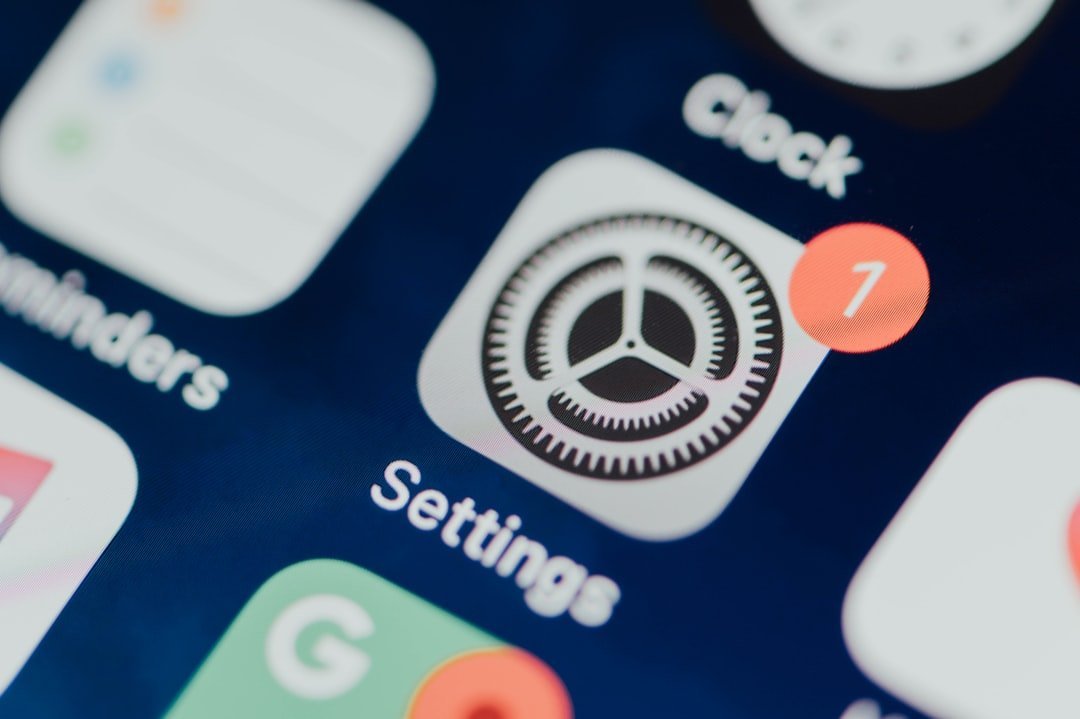
Once you’ve found the problem, the solution is actually simple. It doesn’t cost a penny and takes under three minutes. To disable Background App Refresh for all apps on iPhone, go to Settings, then General, then Background App Refresh, and toggle the switch to Off. You can also disable it for individual apps by going to that same menu and tapping the name of the specific app you want to change.
Further customization is possible on iPhones, because you can restrict background app refresh to Wi-Fi only, meaning you won’t use any mobile data to keep apps refreshed in the background. This is an underused option that is honestly brilliant for anyone on a limited cellular plan. Your apps still refresh at home. They just don’t eat your mobile data doing it.
On Android, go to Settings, then Network and Internet, then Data Saver. Toggle on Use Data Saver to stop all apps from using background data when those apps aren’t in use. Restricting background data typically does not mean restricting push notifications. If you turn off background data for an app, you should still get notifications. So you won’t miss important messages. You’ll just stop the invisible data drain.
Apps That Deserve Special Scrutiny
Some apps are particularly notorious and deserve a second look before you give them unlimited background access. Snapchat constantly updates your location and shares it with friends. The app refreshes the map, loads everyone’s stories, and downloads snaps from your friends all day long – even when you’re not actively using it.
Netflix introduced a feature that downloads recommended shows to your device automatically. That sounds helpful until you realize it does this over cellular data if you haven’t disabled it. I think most people have no idea that happens. You can wake up and find your data half gone because Netflix pre-loaded a show you might never watch.
AI assistants are also significant data collectors. Amazon Alexa leads with 115 linked data points, though Google Assistant is more restrained at 56. LinkedIn gathers a significant 124 data points in the background. On the financial side, PayPal logs 72 data points, while the buy-now-pay-later service Klarna collects 69. The apps you trust most with your professional and financial life are some of the most active background collectors.
The Bigger Picture: Protecting Your Data in 2026
The ghost app problem is not going away. If anything, it is intensifying as apps grow more complex and data collection becomes more central to business models. As of September 2024, around 13.5% of paid iOS apps admitted collecting data from users. In comparison, approximately half of free-to-download iOS apps reported they collect private data from users worldwide. The math is grim. Nearly every free app you install is, in some form, collecting and transmitting your information.
The FBI has pointed to warning signs that an app may be collecting more data than expected, including unusual battery drain, spikes in data usage, or unauthorized account activity after installation. The bureau urged users to limit unnecessary data sharing, download apps only from official app stores, and regularly review permissions granted to mobile platforms. These are not paranoid suggestions. These are federal-level recommendations issued in 2026.
Every unused app is another potential data source. If you haven’t opened it in months, remove it. It’s a simple principle. A phone with fewer apps running in the background is faster, cheaper to run, and vastly more private. Think of it like cleaning out the attic. You don’t notice the clutter day to day, but once it’s gone, everything feels lighter.
Your phone has been working a second job behind your back. Now you know exactly where to look, what to turn off, and which apps have been quietly draining your data month after month. The question is: how many ghost apps will you find on your device when you actually check?